My Favorite Smart Glasses Apps for Android or iPhone
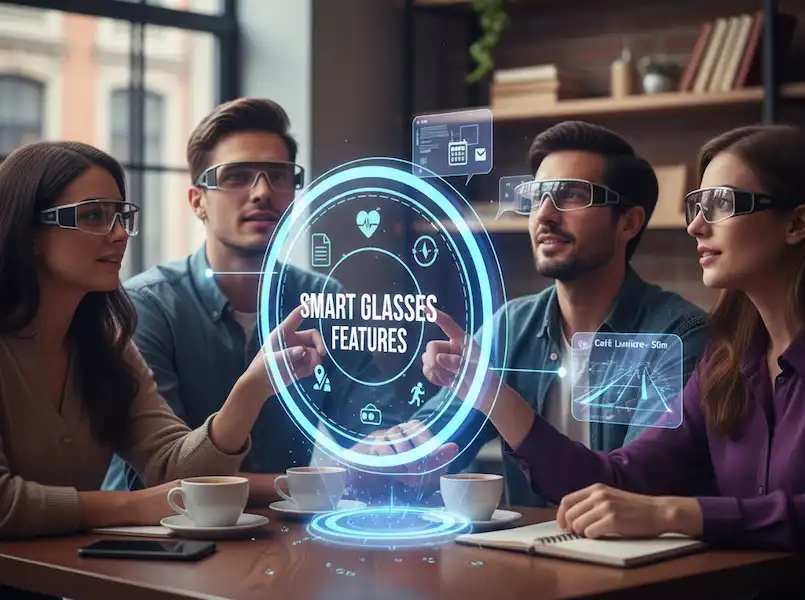
If you’re anything like me, you’ve probably been bitten by the smart glasses bug. I mean, who wouldn’t want a little extra screen real estate right in front of their eyes, without having to pull out a phone? It’s like living in a sci-fi movie, but, you know, now.
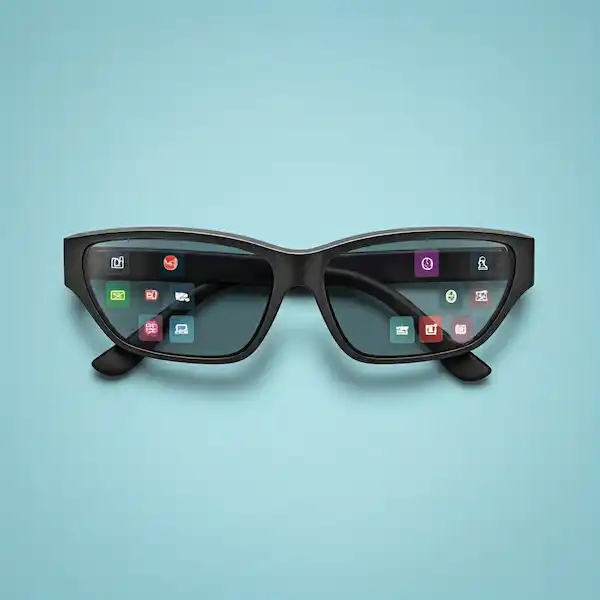
I’ve been tinkering with various smart glasses for a while now, from the early, clunky prototypes to the sleek, almost-normal-looking models we have today. And let me tell you, the hardware is only half the battle. The real magic happens with the apps! They’re what transform a cool gadget into an indispensable tool.
Over my journey, I’ve tried countless apps, some amazing, some… well, let’s just say they’re still in beta. But through all that trial and error, I’ve found a few gems that have truly elevated my smart glasses experience, whether I’m rocking an Android device or tethered to my iPhone. So, grab a coffee, get comfy, and let’s dive into my personal favorites!
The Productivity Powerhouses
Let’s be honest, one of the biggest draws of smart glasses for me is the potential for increased productivity. Being able to access information hands-free while I’m doing something else? Game changer!
For the Note-Takers and Idea Generators:
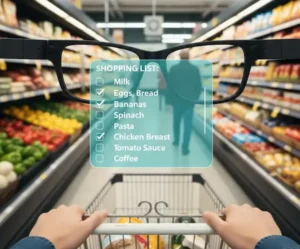
- Google Keep (Android & iOS): This is my absolute go-to for quick notes. I’m constantly having ideas pop into my head – usually at the most inconvenient times. With smart glasses, I can just quickly dictate a note into Keep without fumbling for my phone. It’s incredibly handy when I’m cooking and want to remember a recipe tweak, or out on a walk and a blog post idea strikes. The ability to see my shopping list projected subtly while I’m in the grocery store? Pure genius.
- Evernote (Android & iOS): For more in-depth note-taking and organizing, Evernote is fantastic. I use it for research, saving articles, and project planning. While dictating longer notes can be a bit more cumbersome on smart glasses, having quick access to my organized notebooks is invaluable. Imagine being at a conference, seeing a speaker’s slide, and instantly being able to pull up related notes you took earlier – without looking down at your phone. That’s the power!
For the Email Warriors and Schedulers:
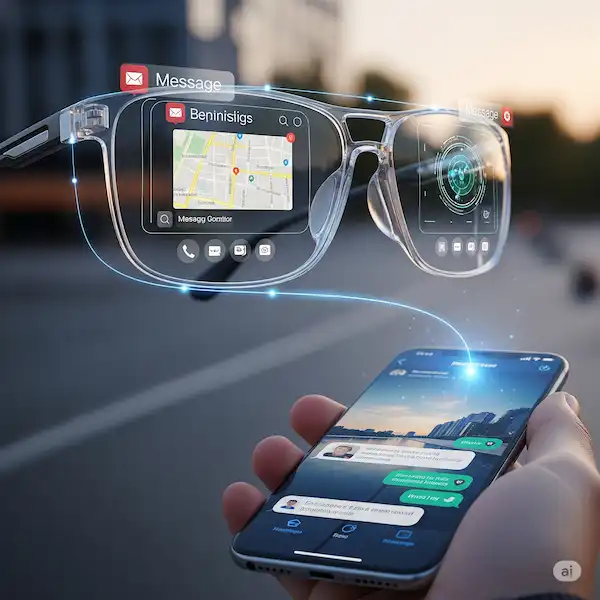
- Outlook/Gmail (Android & iOS): While I don’t recommend trying to write long emails on your smart glasses, getting notifications and quickly glancing at urgent messages is super helpful. I’ve found myself in meetings where I can subtly check if an important email came through without being rude by pulling out my phone. It’s about triage – quickly seeing what needs immediate attention and what can wait.
- Google Calendar/Apple Calendar (Android & iOS): Never miss an appointment again! Having my schedule subtly displayed or getting event reminders right in my line of sight has saved me from countless “Oh no, I forgot about that!” moments. It’s especially useful when I’m rushing between tasks and need a quick mental refresh of what’s next.
The Entertainment & Information Hub
Beyond productivity, smart glasses are a fantastic way to consume media and information in a whole new way using these Smart Glasses Apps.
For the Information Junkies:
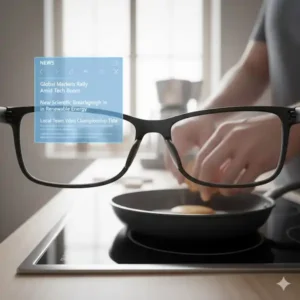
- News Apps (Various – e.g., Google News, Apple News, BBC News): Getting headlines and quick summaries delivered directly to my glasses is a game-changer for staying informed without constantly pulling out my phone. I can be making breakfast and get a quick rundown of the day’s top stories, all hands-free. It’s like having a personal news ticker right in front of you.
- Weather Apps: Simple, but incredibly useful. A quick glance and I know if I need to grab an umbrella or an extra layer. No more standing at the door debating the temperature.
For the Music Lovers and Podcast Aficionados:
- Spotify/Apple Music (Android & iOS): While many smart glasses have integrated audio, connecting them to your favorite music streaming Smart Glasses Apps means your entire library is at your command. I love being able to change tracks, adjust volume, or even switch playlists with a simple voice command or discreet gesture. It’s truly seamless, especially when I’m out for a run or cycling.
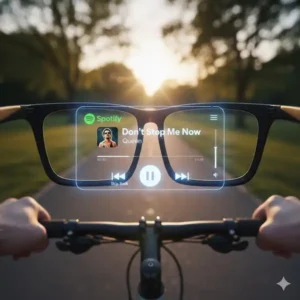
- Podcast Smart Glasses Apps (e.g., Pocket Casts, Apple Podcasts): Similar to music, having podcasts easily accessible is fantastic. I often put on a podcast while doing chores around the house or commuting, and the hands-free control via smart glasses is super convenient.
The Navigation & Exploration Aids
This is where smart glasses really start to shine in a practical, everyday Smart Glasses Apps.
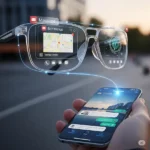
- Google Maps/Apple Maps (Android & iOS): This is, without a doubt, one of my most used features. Walking directions projected directly onto my view of the world? It’s like having a personal guide. No more holding my phone up, looking lost, or bumping into lamp posts while trying to follow directions. I’ve used this extensively while exploring new cities, and it makes the experience so much more immersive and less stressful. Driving directions are also great, keeping my eyes on the road.
The “Cool Factor” and Augmented Reality (AR) Gems
This category is where the future truly starts to peek through. While dedicated AR Smart Glasses Apps are still a bit nascent for many consumer smart glasses, the potential is immense.
- Translators (e.g., Google Translate): Imagine looking at a sign in a foreign language and seeing the translation instantly pop up in your view. I’ve had limited but fascinating experiences with this, and it feels like something straight out of Star Trek. While still developing, this kind of on-the-fly translation will be a game-changer for travelers.
- Object Recognition/Information Overlays: Some glasses are starting to experiment with apps that can identify objects you’re looking at and provide information. Think about looking at a landmark and getting historical facts, or gazing at a plant and learning its name. This is still early days, but the potential for learning and discovery is mind-boggling.
Compatibility Corner: Android vs. iPhone
One of the most common questions I get is about compatibility. Do Android users get a better experience? What about iPhone users?
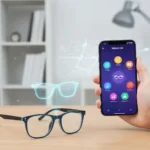
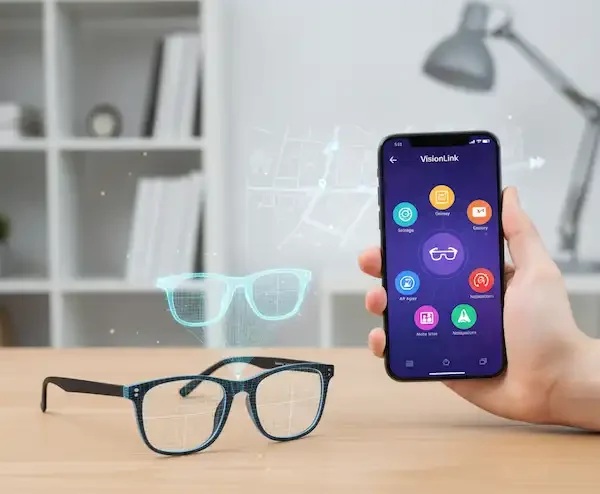
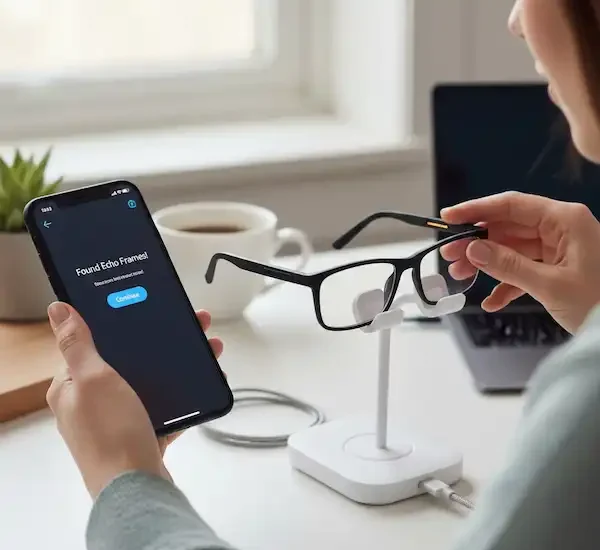
The good news is that most smart glasses manufacturers are striving for cross-platform compatibility. Many rely on their own companion apps (which are available on both iOS and Android) to manage the glasses, settings, and push notifications.
- Android: Due to Android’s more open nature, there can be more flexibility for developers to create truly native experiences and deeper integrations. Some smart glasses that run a full Android OS (or a variation of it) might have access to a wider range of sideloaded apps. However, for most mainstream smart glasses, the experience is designed to be very similar.
- iPhone: Apple’s ecosystem is known for its seamless integration. When a smart glasses manufacturer specifically targets iOS, you can often expect a polished and well-integrated experience, especially with notifications and Siri commands.
My takeaway: Don’t stress too much about your phone’s OS dictating your smart glasses experience for most mainstream options. Focus on the glasses themselves and the apps they support through their ecosystem.
The “Specialty” Apps: Where the Magic Happens
While the big names like Google and Spotify are essential, some of my favorite moments with smart glasses come from niche Smart Glasses Apps designed specifically for the medium.
- Be My Eyes (Android & iOS): This is one of the most heartwarming uses of tech I’ve ever seen. It connects blind or low-vision users with sighted volunteers. On smart glasses, the volunteer can see exactly what the wearer sees through the built-in camera to help with tasks like reading a label or navigating a tricky hallway. It’s a beautiful example of “AI for good” meeting wearable hardware.
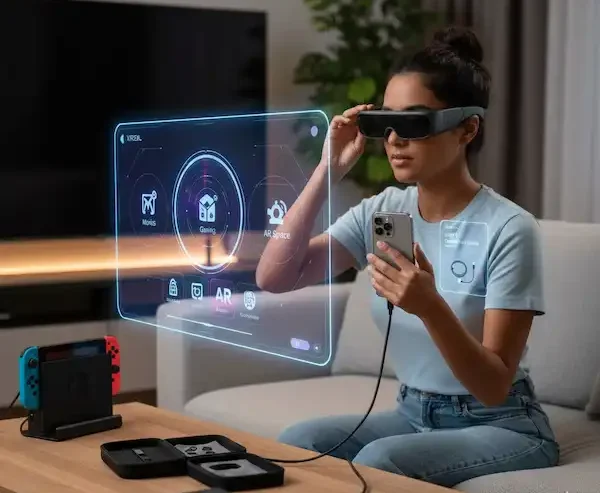
- SpaceWalker (iOS/XREAL/VITURE): If you use glasses like the VITURE Pro or XREAL, this app is a must. It essentially turns your glasses into a multi-screen workstation. I’ve used this on long flights to have a private, giant cinema screen for movies on one side and my browser on the other. It makes a cramped economy seat feel like a private office.
- Solos AirGo (Android & iOS): This app integrates ChatGPT directly into your ears. I use it for “live coaching” while I’m practicing a presentation or just to ask, “Hey, what’s a good substitute for buttermilk?” while my hands are covered in flour in the kitchen.
Comparison: My Favorite Smart Glasses Apps by Category
To help you decide what to download first, I’ve put together this quick-reference table based on my daily routine.
| Category | Top App (Android) | Top App (iPhone) | Why I Love It |
| Productivity | Google Keep | Apple Notes/Keep | Voice-to-text notes while walking the dog. |
| Navigation | Google Maps | Apple Maps | Arrows projected on the sidewalk (literally!). |
| Translation | Google Translate | Solos/Rokid Translate | Signs in Tokyo felt like they were in English. |
| Entertainment | Spotify | Apple Music | Controlling my “soundtrack” with a tap. |
| Social/POV | Meta View | Meta View | Perfect for “hands-free” cooking videos. |
Pro-Tips for the Best Experience
After a year of wearing these daily, I’ve learned a few tricks to keep the “smart” from becoming “annoying”:
- Curate Your Notifications: Seriously. If every Instagram “like” pops up in your eyes, you’ll go crazy. I only allow calls, texts from family, and calendar alerts.
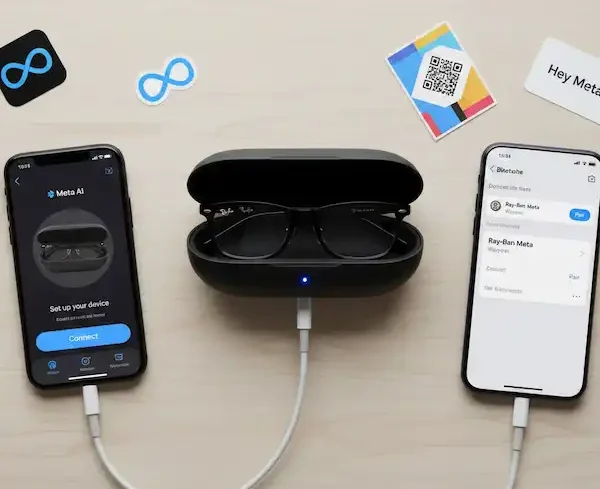
- Voice is King: Get comfortable talking to yourself. It feels weird at first, but saying “Hey Meta, take a video” is much faster than fumbling for a button.
- Watch the Battery: Smart glasses apps (especially AR and camera apps) eat battery for breakfast. I always keep my charging case in my pocket.
Frequently Asked Questions (FAQ)
Q: Do I need a separate data plan for my smart glasses?
A: Usually, no. Most glasses tether to your phone via Bluetooth or Wi-Fi. As long as your phone has service, your glasses are good to go!
Q: Can I use these apps with prescription lenses?
A: Absolutely! Most modern smart glasses (like Ray-Ban Meta or XREAL) offer prescription inserts or can be fitted with your lenses at an optometrist.
Q: Do these apps work offline?
A: Basic functions like taking photos or music playback (if downloaded) work fine, but AI assistants and navigation usually need an internet connection.
Additional helpful information:
- All smart glasses need a companion app to interface with their smartphone – Smart Glasses Companion Apps for your Phone
- More information about smart glasses apps and features – Smart Glasses Apps & Features
- A great feature with smart glasses is using voice commands – How to Use Voice Commands with Smart Glasses?