Seeing the World Through Augmented Reality Smart Glasses
In 2013, wearing Google Glass made you a social outlier. It was clunky, the battery life was a joke, and that little glass prism made eye contact nearly impossible. I felt less like a tech pioneer and more like a sci-fi character who had arrived a decade too early. Fast forward to now, and the “Glass” era is a distant memory. The conversation has shifted from “recording souls” to sophisticated Augmented Reality Smart Glasses. Today’s smart glasses are no longer just mirrors for our phone notifications; they are intelligent systems that interact with and interpret our physical reality.
If you’ve been following the buzz, you probably know that “Smart Glasses” is a broad term. It covers everything from the sleek Ray-Ban Meta glasses (which are essentially a camera and speakers for your face) to the heavy-duty Microsoft HoloLens. But the real magic—the stuff that changes how you live and work—happens when we cross into the territory of true Augmented Reality Smart Glasses.
In this deep dive, I want to move past the marketing jargon and talk about what it’s actually like to live with this tech, where it’s going, and why your next pair of glasses might just be the most powerful computer you’ve ever owned.
What Makes It “Augmented”?
Most people confuse “Smart Glasses” with “AR Glasses.” Let’s clear that up. I own a pair of audio-only smart glasses. They’re great for listening to podcasts while walking the dog, but they don’t “see” anything.
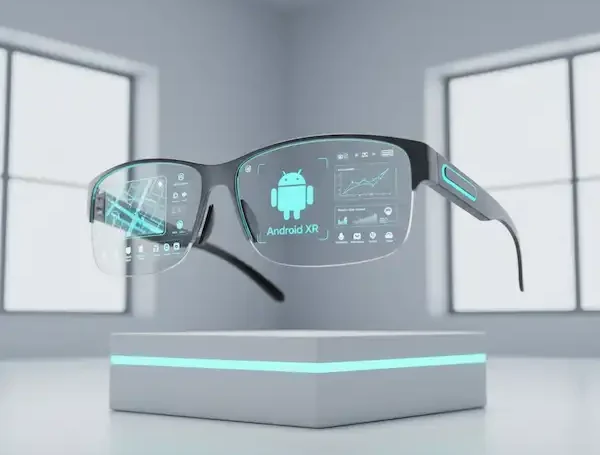
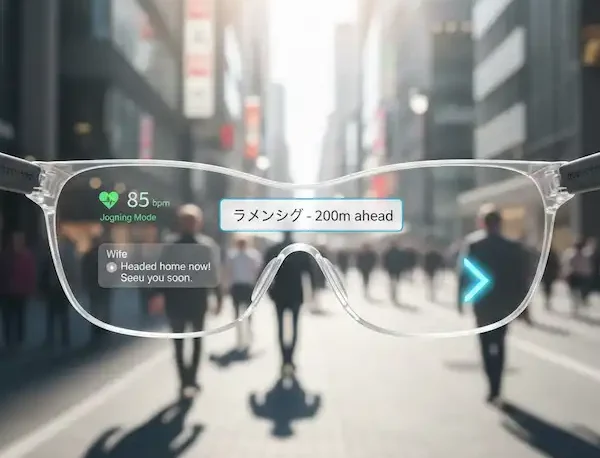
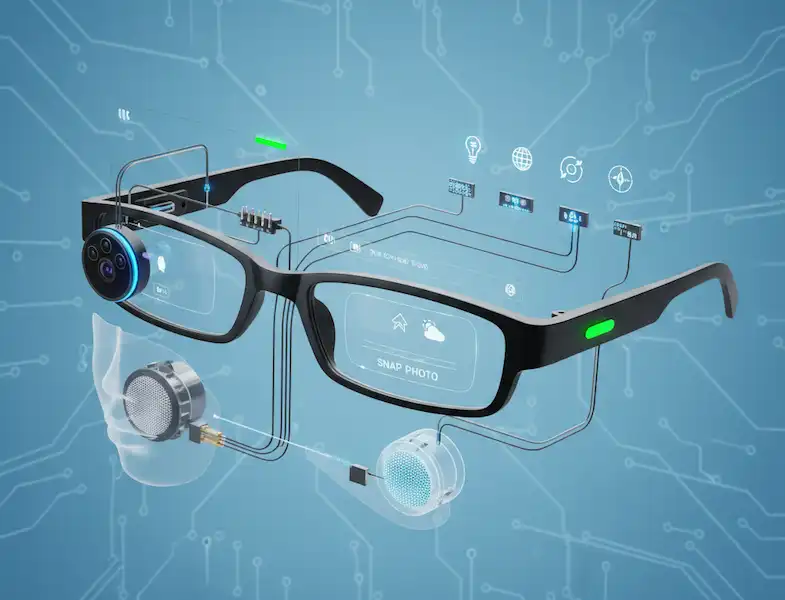
True Augmented Reality Smart Glasses are different. They use a combination of sensors, cameras, and transparent displays to overlay digital information directly onto your physical environment.
Imagine you’re trying to fix a leaky faucet. Instead of holding a wet phone and scrolling through a YouTube video, you put on your glasses. A 3D arrow points exactly to the bolt you need to loosen. A “ghost” hand appears in your field of vision, showing you which way to turn the wrench. That is the power of spatial computing. According to The Harvard Business Review, AR isn’t just a gimmick; it’s a fundamental shift in how we process information by putting it in context.
My Week with AR: From Novelty to Necessity
A few months ago, I started using a pair of AR glasses for my daily workflow. Here’s a breakdown of how it actually changed my routine—minus the “I’m a cyborg” awkwardness.
1. The Death of the “Second Monitor”
I travel a lot for work. Lugging around a portable monitor is a pain, and working on a 13-inch laptop screen in a cramped airplane seat is a recipe for neck strain. With AR glasses, I can project a 100-inch virtual desktop right in front of my eyes.
I was sitting in a terminal at O’Hare, and to anyone walking by, I was just a guy in sunglasses staring into space. In reality, I had three giant monitors floating in the air: my email on the left, a spreadsheet in the middle, and a Slack channel on the right. This is what Microsoft calls “Remote Assist” and “Guides,” and while they focus on enterprise, the consumer application is already here.
2. Navigation Without the “Death Stare”
We’ve all done it: walking through a busy city, nose buried in Google Maps, nearly tripping over a curb or walking into a pole.
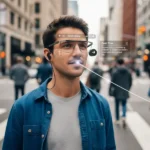
Using Augmented Reality Smart Glasses for navigation is a game-changer for safety. When I was navigating Tokyo’s Shibuya Crossing, the glasses didn’t tell me to “turn left in 200 feet.” They painted a blue line on the actual sidewalk. I could keep my head up, look at the architecture, and stay aware of my surroundings while the digital “guide” led the way. The National Safety Council has long pointed out the dangers of distracted walking/driving; AR solves this by keeping your eyes on the road (or sidewalk).
3. Real-Time Translation (The “Star Trek” Universal Translator)
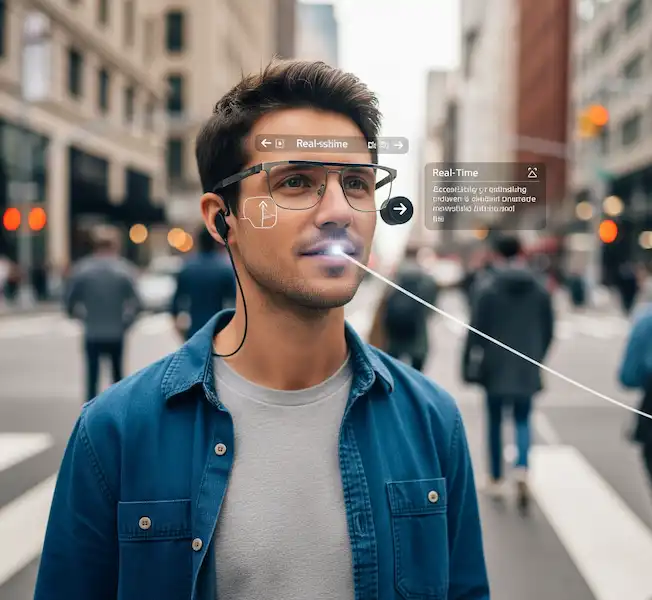
This is the feature that feels most like magic. I was at a small bistro in Italy where the menu was handwritten and the waiter spoke zero English. My glasses have a live translation feature. As the waiter spoke, subtitles appeared just below his chin in my field of vision. When I looked at the menu, the Italian text “melted” away and was replaced by English. It removes the friction of travel in a way a smartphone app never could.
Why the Hardware is Finally Catching Up
The reason Augmented Reality Smart Glasses didn’t take off in 2013 was simple: physics. To get a high-quality image, you needed a big battery and a powerful processor, which meant the glasses were heavy and hot.
Today, we’re seeing a split in how companies handle this:
- The “Tethered” Approach: Some glasses, like the XREAL Air, connect to your phone via a thin cable. Your phone does the “brain work,” and the glasses are just the “eyes.” This keeps the glasses light and stylish.
- The “Standalone” Approach: Devices like the Quest 3 or the upcoming Meta Orion prototypes (which are still in the lab) try to put everything in the frames.
- The “Spatial Computer”: The Apple Vision Pro is technically “Mixed Reality,” but it sets the gold standard for what the software should look like. As Apple’s developer documentation explains, the goal is to make digital objects feel like they have physical mass and lighting that matches your room.
The Privacy Elephant in the Room
We have to talk about it. Every time I wear these in public, I think about privacy. Most Augmented Reality Smart Glasses now include a “recording LED” that glows when the camera is active. It’s a start, but it doesn’t solve the underlying social anxiety.
However, as The Electronic Frontier Foundation (EFF) often discusses, the conversation is shifting from “Are you recording me?” to “How is my data being used?” The most advanced AR glasses don’t just “see” images; they build a “point cloud” or a 3D map of your home to place virtual objects. Ensuring that map stays on your device and isn’t sold to advertisers is the next great battle in tech privacy.
Industry 4.0: How AR is Changing the Way We Build Things
While I use them for emails and travel, the real “power users” are in factories and hospitals.
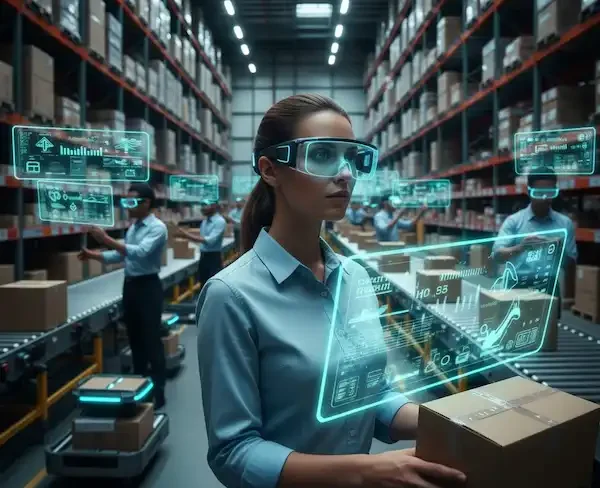
I recently spoke with a friend who works in jet engine maintenance. He told me that they use Augmented Reality Smart Glasses to overlay torque specs directly onto the bolts. They don’t have to look away to a manual. This reduces errors to almost zero. In surgery, doctors are using AR to see a patient’s MRI data “projected” onto the patient’s body before they even make an incision. The Journal of Medical Systems has published numerous studies showing how AR reduces cognitive load for surgeons.
The Future: What’s Next for Augmented Reality?
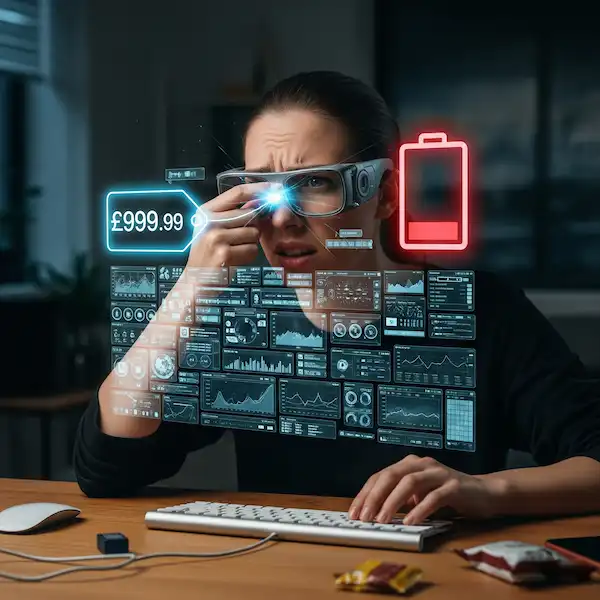
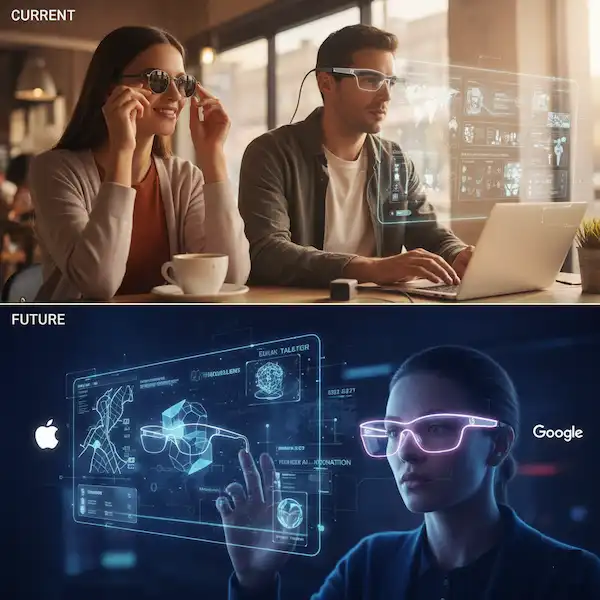
We are currently in the “Brick Phone” era of AR glasses. They’re a bit bulky, the field of view is sometimes limited (like looking through a window), and the battery life is “okay.”
But the roadmap is clear. Within the next five years, we will see:
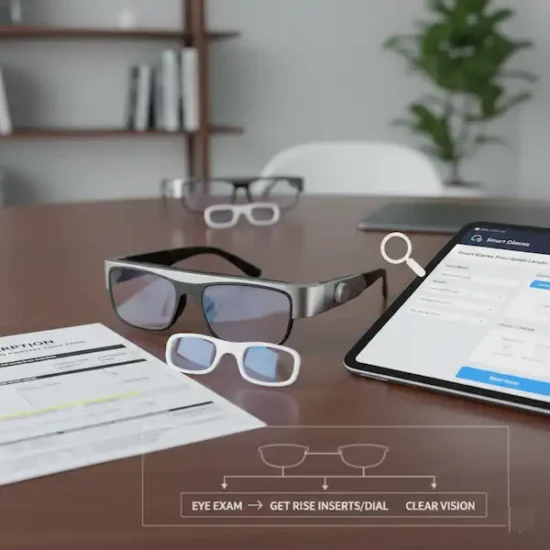
- Prescription Integration: Most AR glasses already offer prescription inserts, but soon the technology will be baked into the lens itself.
- AI Integration: Imagine walking into a networking event and your glasses whispering the names and LinkedIn bios of the people you’re meeting (with their permission, hopefully!). This isn’t sci-fi; companies like OpenAI are already working on “vision” models that can describe the world in real-time.
- All-Day Wearability: The goal is a pair of glasses that weighs less than 75 grams and lasts 12 hours. We aren’t there yet, but we are close.
Is it Worth Getting a Pair Now?
If you are a tech enthusiast, a frequent traveler, or someone who works in a technical field, yes. The productivity gains from having a private, 100-inch screen in your pocket are real.
If you just want “cool glasses” to take photos, stick with the Meta Ray-Bans for now. They are cheaper and look better. But if you want to experience the future of computing—where the digital and physical worlds blur into one—true AR glasses are a trip you need to take.
Living in the Overlay
We spent the last 20 years looking down at screens. The promise of Augmented Reality Smart Glasses is that they allow us to look up again.
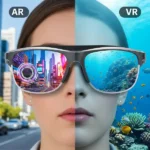
The first time you see a 3D model of the solar system sitting on your kitchen table, or you follow a digital line through a confusing airport, you realize that the screen was always a barrier. AR breaks that barrier. It isn’t about escaping reality (that’s VR); it’s about making your reality more informative, more efficient, and—honestly—a lot more fun.
If you’re ready to take the plunge, start small. Look for a pair of Augmented Reality Smart Glasses that fits your specific need—whether that’s gaming, productivity, or just having a private cinema on the bus. The future isn’t coming; it’s already resting on the bridge of your nose.
Frequently Asked Questions (FAQ)
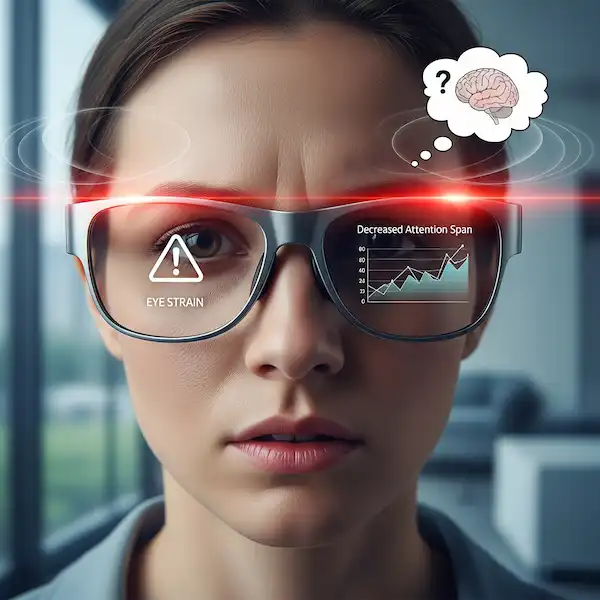
Q: Do AR glasses cause eye strain? A: Any screen close to your eyes can cause “Computer Vision Syndrome.” However, most AR glasses use “optical see-through” technology that allows your eyes to focus at a natural distance (usually about 2–4 meters), which is actually easier on the eyes than staring at a smartphone 10 inches from your face.
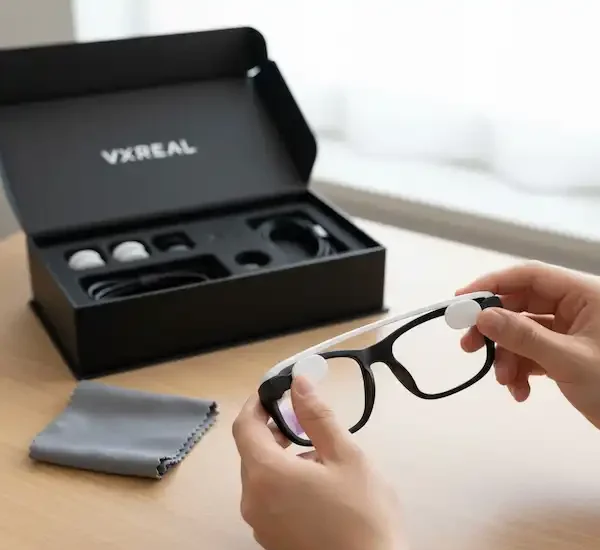
Q: Can I wear them if I have a strong prescription? A: Yes. Most major brands like XREAL, Rokid, and Viture offer magnetic prescription lens inserts. You just send your prescription to their partner labs, and they mail you the lenses.
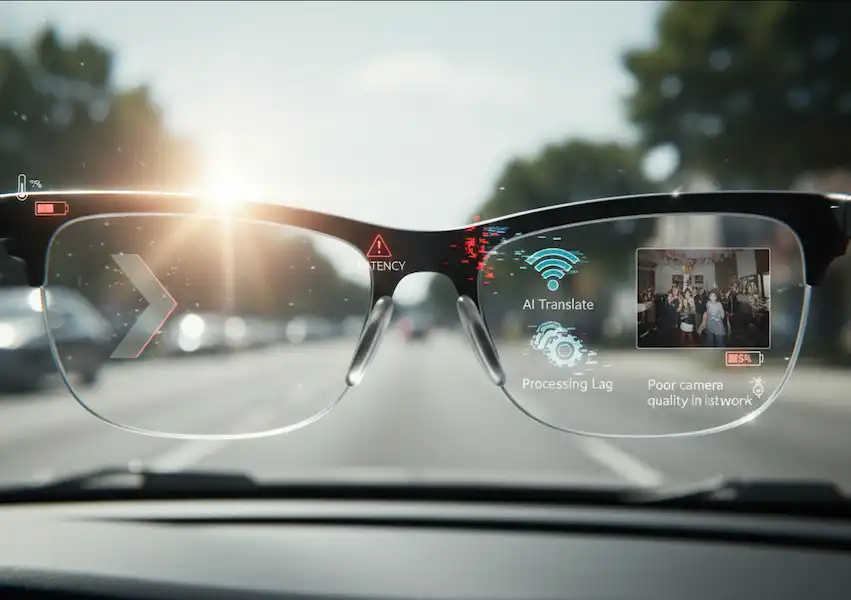
Q: How do they work in bright sunlight? A: This is a challenge. Because the lenses are transparent, bright light can “wash out” the digital images. Most Augmented Reality Smart Glasses come with “blackout shields” or use electrochromic dimming (like the Boeing 787 windows) to darken the lens at the touch of a button.
Q: Are they waterproof? A: Generally, no. Most are rated IPX4, which means they can handle a light sweat or a sprinkle of rain, but you definitely don’t want to drop them in a pool or wear them in a downpour.
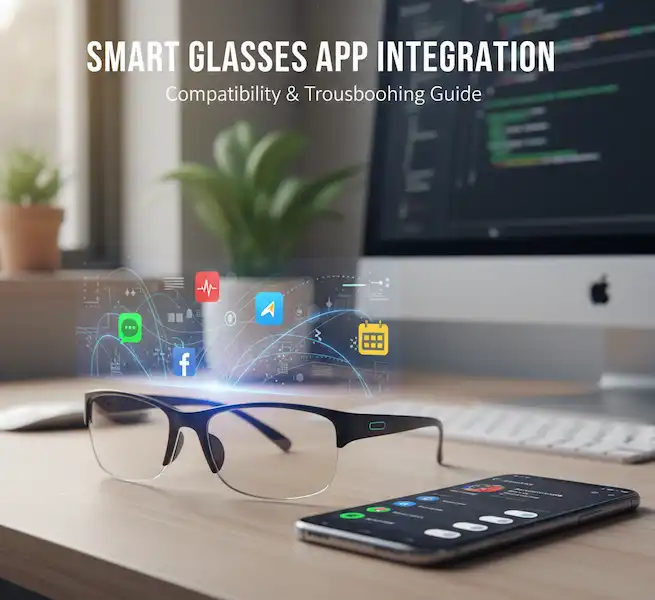
Q: Will they replace my smartphone? A: Not yet. Most current AR glasses still rely on a smartphone for data and processing. However, they are moving toward becoming the primary interface. Think of your phone as the “engine” in your pocket and the glasses as the “dashboard” on your face.
Additional helpful information
Smart glasses use AR for navigation – Smart Glasses With GPS and Navigation Services
Which is right for you? AR or VR smart glasses – AR vs VR Glasses: Differences, Uses & Future of Reality
Authoritative Resources for Further Reading:
IEEE Xplore Digital Library – For technical papers on latency and spatial mapping.
The International Society for Optics and Photonics (SPIE) – For the deep science on waveguide technology and displays.
The Augmented Reality for Enterprise Alliance (AREA) – For case studies on how businesses are using AR today.
Wired Guide to AR/VR – A great primer on the evolution of the tech.