Understanding Smart Glasses Safety
I’ve been using the Ray-Ban Metas for about a year now. The ‘cool factor’ of taking photos or using the AI while walking around is definitely there, but the honeymoon phase ended once I started getting headaches. Between the eye strain and the neck stiffness, I’ve had to scale back how often I actually use the ‘smart’ features. Now I wonder, are Smart Glasses Safe or not?
It turns out, I’m not alone. As smart glasses move from “tech-bro toy” to everyday accessory, we’re all essentially part of a massive, unofficial experiment on how wearing a computer on your face affects the human body and mind.
Safety, Health, and Why Your Neck Might Be Hurting
If you’re reading this, you’re likely considering a pair of smart glasses or you’ve already started wearing them and have some questions. Based on my deep dive into the research and my own trial-and-error, here is what you actually need to know about smart glasses safety and health of these devices.
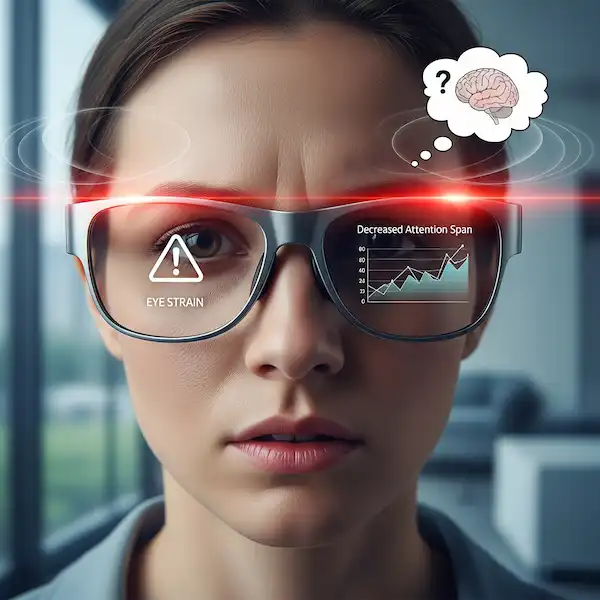
1. The “Digital Eye Strain” is Real
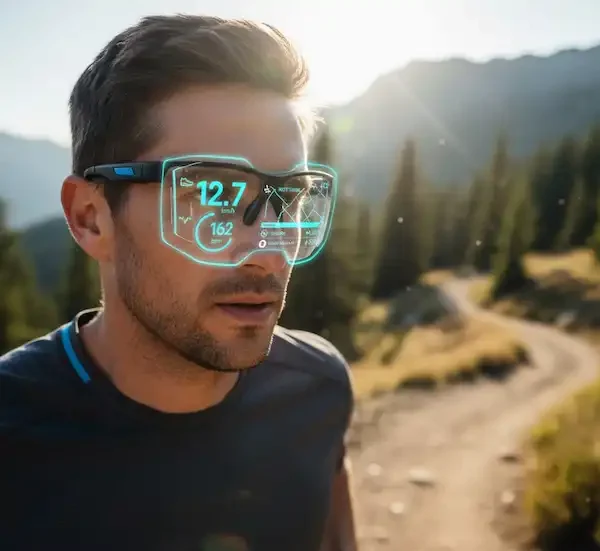
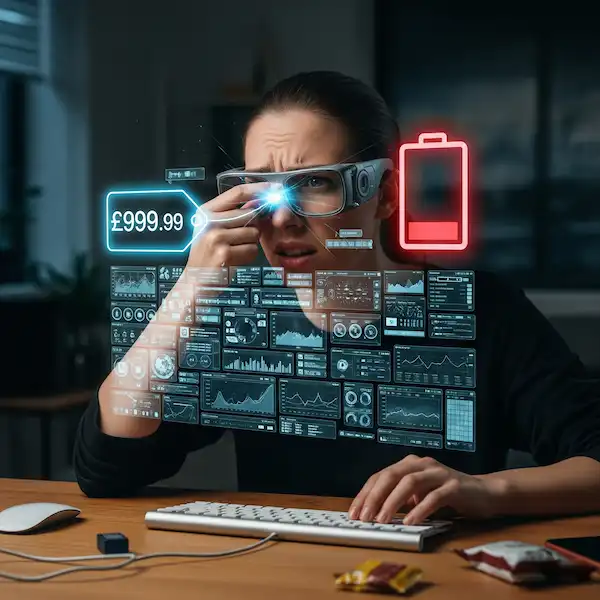
The most common issue I hear about (and experienced myself) is eye fatigue. Most smart glasses use a “monocular” display—meaning a tiny screen sits in front of just one of your eyes.
Your brain is used to getting symmetrical information from both eyes. When one eye is focusing on a digital overlay and the other is looking at the sidewalk, it creates a “binocular rivalry.” According to a longitudinal study published in PubMed Central, users of head-mounted displays frequently report symptoms of Computer Vision Syndrome (CVS), which includes burning, twitching, and blurred vision.
My Tip: Don’t try to be a hero. Start with 15-minute intervals. If you start feeling a headache coming on, take them off immediately. Your brain needs time to build the “muscle memory” for dual-focusing.
2. Radiation: Should You Be Worried?
One of the first things my mom asked me when she saw my glasses was, “Isn’t that putting Bluetooth right next to your brain?” It’s a valid question. Smart glasses use Non-Ionizing Radiation (RF energy) to communicate with your phone. This should eliminate concerns about Smart Glasses Safety.
While the Federal Communications Commission (FCC) sets strict limits on Specific Absorption Rates (SAR) for wearables, these devices are designed to be worn for hours. While current science suggests that non-ionizing radiation doesn’t damage DNA in the same way X-rays do, some users still prefer to turn off the Wi-Fi/Bluetooth functions when they aren’t actively using them.
3. The “Look Down” Neck Ache
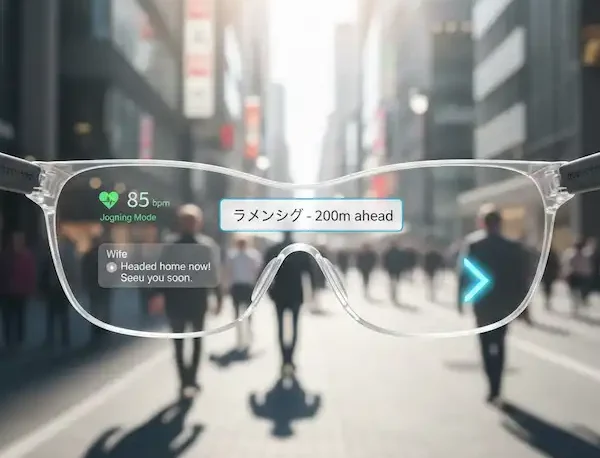
When I use my phone, I look down. When I use my smart glasses, I find myself tilting my head at odd angles to see the tiny prism display in the corner of my frame. Over time, this creates “tech neck.”
In industrial settings, where workers use glasses like the Vuzix Blade for eight-hour shifts, musculoskeletal stress is a major area of study. Even for casual users, that slight, repetitive tilt can lead to chronic neck and shoulder tension.
4. Situational Awareness (The “Walking into a Pole” Factor)
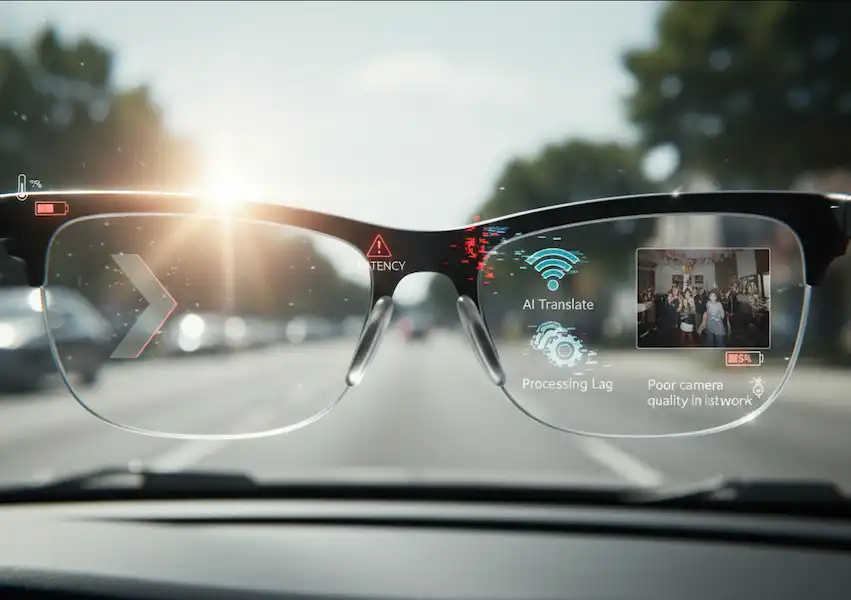
This is arguably the biggest smart glasses safety risk. We think we’re great at multitasking, but the National Safety Council has proven time and again that “cognitive distraction” is real.
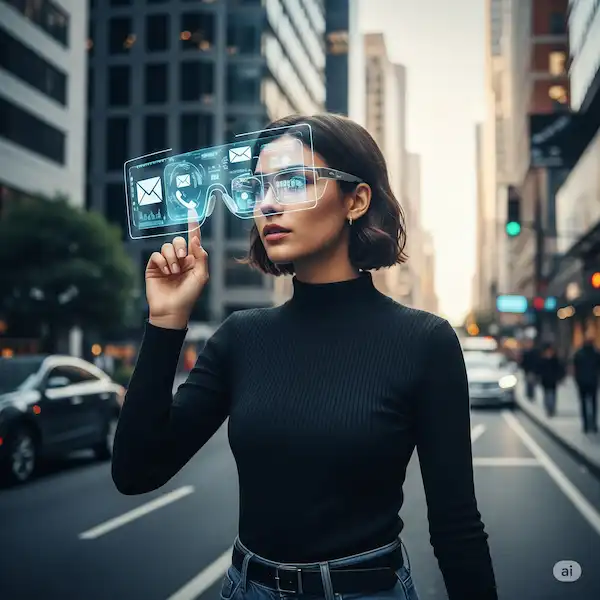
Last month, I was reading a text notification on my glasses while crossing a quiet street. I didn’t see a cyclist coming around the corner until they barked a warning. Even though my eyes were “up,” my focus was “in.” If you are driving, biking, or operating heavy machinery, the safest move is to turn the HUD (Heads-Up Display) off entirely.
Privacy: The “Hidden” Health Issue
We don’t often think of privacy as a health issue, but the social anxiety of wearing a camera can be taxing. I’ve had friends ask me to take them off during dinner because they weren’t sure if I was recording. This is an important consideration when considering Smart Glasses Safety.
This social friction creates a different kind of stress. Being a responsible “Glass-user” means being hyper-aware of your surroundings. Most modern smart glasses have a recording LED, but it’s small. Always err on the side of caution: if you’re in a locker room, a doctor’s office, or a private conversation, just put them in the case.
My Personal “Smart Glasses Safety” Checklist
After a year of wearing these, I’ve developed a few rules to keep myself from feeling like a digital zombie:
- The 20-20-20 Rule: Every 20 minutes, look at something 20 feet away for 20 seconds. This is standard advice for monitors, but it’s 10x more important when the monitor is an inch from your pupil.
- Audio over Visual: If I can get the information via the open-ear speakers (like a GPS turn), I use that instead of the visual display. It keeps my eyes on the road and reduces strain.
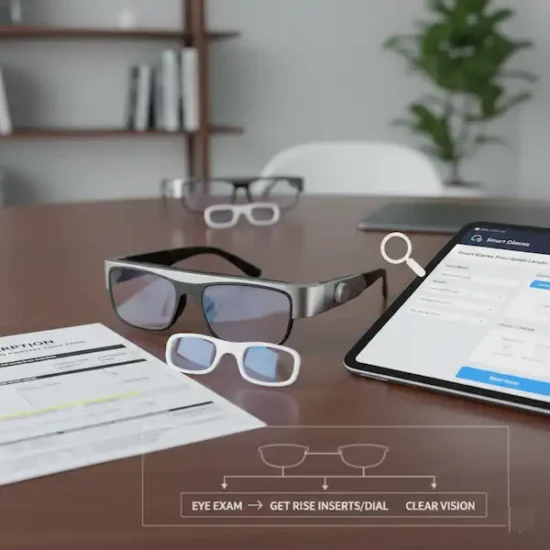
- Blue Light Filters: If your smart glasses allow for prescription lenses, always opt for a blue light coating. It won’t solve everything, but it helps with the “zingy” feeling in your eyes after a long day.
Best Use Cases
Despite the health and questions about smart glasses safety issues, smart glasses have incredible potential when used appropriately.
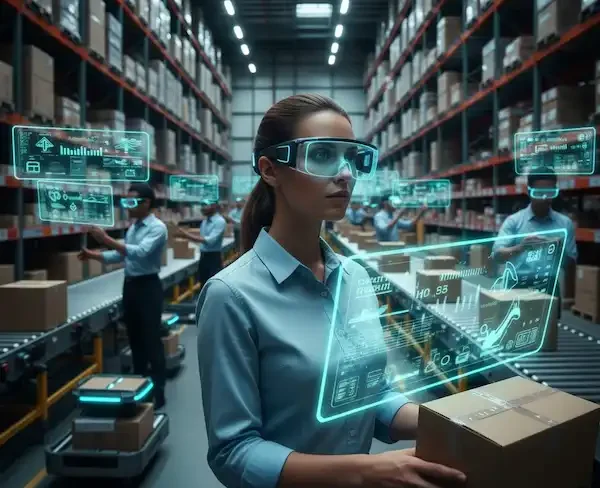
- Industrial and Manufacturing: In settings like warehouses and factories, smart glasses enable “pick-by-vision” systems, which can significantly boost efficiency and reduce errors. They provide workers with hands-free access to instructions, checklists, and data, increasing safety and productivity.
- Healthcare: Smart glasses are revolutionizing healthcare by providing surgeons with augmented reality overlays of patient data during operations, improving surgical precision. They are also used for remote consultations, allowing specialists to guide local practitioners in real-time, and for medical education, giving students an immersive, first-person view of procedures.
- Education and Training: Smart glasses can offer interactive and immersive learning experiences, from virtual anatomy lessons to training simulations for complex tasks.
Troubleshooting Common Problems
- Eye Strain: If you’re experiencing eye strain, try the 20-20-20 rule: every 20 minutes, look at an object at least 20 feet away for at least 20 seconds. Blink frequently and use artificial tears if your eyes feel dry. Adjusting the screen brightness and text size can also help.
- Connection Issues: If your glasses aren’t connecting to your phone, make sure they are charged, turned on, and that Bluetooth is enabled on your phone. Move closer to the phone and disconnect any other Bluetooth devices.
- Physical Discomfort: If the glasses feel uncomfortable, try adjusting the fit. Ensure the weight is evenly distributed and take breaks to rest your face and neck.
Frequently Asked Questions (FAQ)
Q: Can smart glasses cause permanent vision damage? Current research doesn’t show permanent damage, but “accommodative lag” (where your eye struggles to switch focus from near to far) is a temporary side effect of long-term use. If you have pre-existing conditions like binocular vision dysfunction, consult an optometrist first.
Q: Are they safe for children? Most manufacturers, including Meta and Xreal, recommend their devices for ages 13 and up. Children’s eyes are still developing, and the “interpupillary distance” (the space between the eyes) on most glasses is designed for adult faces, which can cause severe eye strain in kids.
Q: Do smart glasses get hot? Yes, they can. Processing video or running AR apps generates heat in the temples of the frames. Most have thermal shut-off switches, but if they feel uncomfortably warm against your skin, give them a break.
Q: Is it legal to drive with smart glasses? This varies by state and country. In many places, it falls under distracted driving laws similar to using a handheld phone. Even if it’s “legal” in your area, it is highly discouraged to use the visual display while the vehicle is in motion.
Additional Helpful Content
- Privacy Issues are also a concern with smart glasses – Smart Glasses Privacy: Solutions & Concerns
- Read about how to improve smart glasses comfort – Smart Glasses Comfort: Fit, Ergonomics & Wearability
External Resources
- World Health Organization (WHO) on electromagnetic fields: https://www.who.int/news-room/questions-and-answers/item/radiation-electromagnetic-fields
- The Vision Council on digital eye strain: https://www.thevisioncouncil.org/content/digital-eye-strain
- Federal Aviation Administration (FAA) research on head-worn displays and distraction: https://www.faa.gov/data_research/research/med_humanfacs/oamtechreports/2010s/media/201402.pdf
- American Academy of Ophthalmology: Tips to Prevent Eyestrain
- Occupational Safety and Health Administration (OSHA): Computer Workstations
- International Commission on Non-Ionizing Radiation Protection (ICNIRP)