Emerging Technologies and Their Potential for Smart Glasses Accessibility
In the early days of accessibility tech, you usually had two choices: something that looked like a prop from a 1980s sci-fi movie (and cost about as much as a used sedan) or a handheld magnifier that made your wrist ache after ten minutes of reading a menu.
I still remember the first time I tried a dedicated “low vision” device about five years ago. It was bulky, it beeped aggressively, and every person in the coffee shop stared. Today, things have changed. We are entering the era of “invisible” assistance. Smart glasses have matured from niche gadgets into genuine life-lines that work with the Android or iPhone already in your pocket.
If you’re navigating the world with a visual impairment, hearing loss, or a cognitive disability, here is the lowdown on how these frames are actually changing the day-to-day grind.
The New Reality
When people hear “smart glasses,” they think of X-ray vision. But for those of us in the accessibility community, it’s really about context.
Take the Ray-Ban Meta Smart Glasses, for instance. I wore a pair of these to a local farmer’s market last month. Usually, a market is a nightmare for me—shouting vendors, handwritten signs in chalk, and no way to know if I’m looking at a jar of honey or spicy salsa without picking it up and holding it three inches from my face.
With the Metas, I just tapped the temple and whispered, “Hey Meta, look and tell me what kind of jam this is.” A second later, a voice in my ear said, “It’s a jar of homemade strawberry rhubarb.” No fumbling for my iPhone, no opening the Seeing AI app, and—most importantly—no feeling like a “patient.” I just looked like a guy in Ray-Bans.
Breaking Down the Heavy Hitters
The market is currently split into two camps: Consumer Crossover (like Meta and Amazon) and Specialized Assistive Tech (like Envision or Xander).
1. The All-Rounders: Ray-Ban Meta & Echo Frames
These are the glasses you buy at a regular store. They’re designed for everyone, but their accessibility “side effects” are massive.
- Android & iPhone Synergy: These glasses act as an extension of your phone’s assistant. If you’re an Android user, the integration with Google Gemini is becoming a powerhouse for real-time scene description.
- Personal Experience: The open-ear speakers are the unsung hero. I can listen to my GPS directions while still hearing the traffic around me. For someone with low vision, “ear-blocking” headphones are a safety hazard. These keep your ears free.
2. The Powerhouse: Envision Glasses
If you need more than just a “description,” you go for Envision. Built on the Google Glass Enterprise platform, these are a dedicated tool.
- The “Call an Ally” Feature: This is where I’ve seen the most tears of joy. You can video call a friend or a volunteer who sees exactly what your glasses see. My friend Sarah used this to find her daughter in a crowded school play. She didn’t have to aim her phone camera; she just scanned the room naturally, and her husband (on his Android at home) said, “To your left, three rows back.”
3. Subtitles for Real Life: XanderGlasses
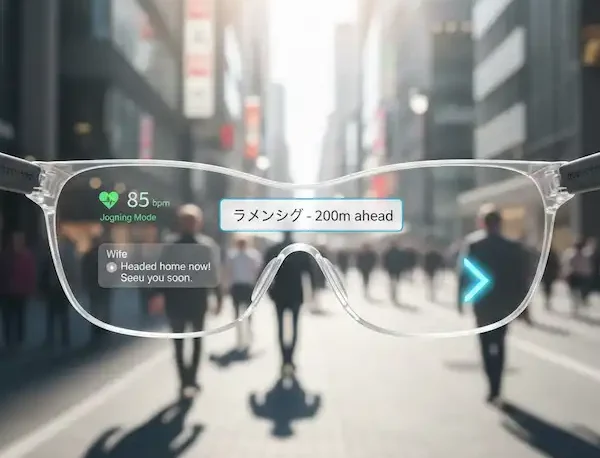
For the hard-of-hearing community, the “cocktail party effect” is a constant battle. Hearing aids struggle when five people are talking at once. XanderGlasses use AR to project captions directly onto the lenses.
- How it feels: It’s like watching a foreign film, but the film is your life. I tried a demo where I spoke to a user in a noisy cafe. They didn’t lean in or cup their ear; they just looked at me and read the captions floating in the air. It preserves the most important part of communication: eye contact.
Android vs. iPhone: Does the Phone Matter?
In the old days, accessibility was “iPhone or nothing.” Apple’s VoiceOver was the gold standard. But Android has caught up remarkably with TalkBack.
When choosing smart glasses, your OS matters:
- iPhone Users: You’ll find that the “Be My Eyes” integration is often smoother and faster. Siri is decent for basic commands, but Meta AI is now doing the heavy lifting on the hardware side anyway.
- Android Users: You get the benefit of the Google ecosystem. If you use Google Lens on your phone, you already know the power of the recognition engine that fuels many of these devices.
The “Overwhelming” Factor: A Personal Warning
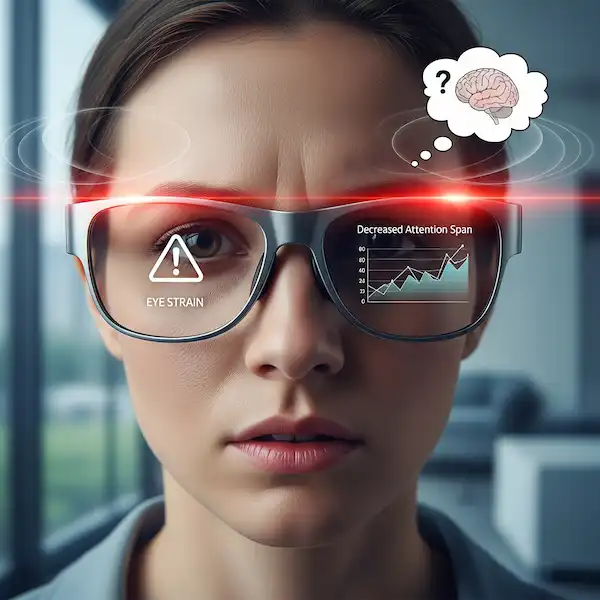
One thing the manufacturers don’t tell you: audio fatigue is real. When I first started using scene description, I had the settings turned up to “Max.” My glasses were telling me about every tree, every trash can, and every person walking by. By 2:00 PM, my brain felt like it had been through a blender.
Pro Tip: Start slow. Use the “Look and Tell” features only when you’re stuck. Let the tech be a tool, not a constant narrator.
Privacy: The Elephant in the Room
We have to talk about the little LED light. On the Meta glasses, a white light turns on when you’re recording or using the AI. I’ve had people ask me, “Are you filming me?” It’s a valid question. In the accessibility world, we have to balance our need for “sight” with other people’s right to privacy. I always explain: “I’m not filming; my glasses are just reading the menu for me because I can’t see the print.” 99% of people are cool with it once they understand.
Why This Matters for Cognitive Support
We often forget about the “invisible” disabilities—ADHD, early-stage dementia, or autism. I’ve spoken to parents whose neurodivergent children use smart glasses for Prompting. Imagine a set of glasses that gives a gentle audio cue: “Don’t forget your keys,” or “Your bus is arriving in 2 minutes.” It reduces the “executive function” load and gives people back their autonomy.
The Cost Barrier (And How to Jump It)
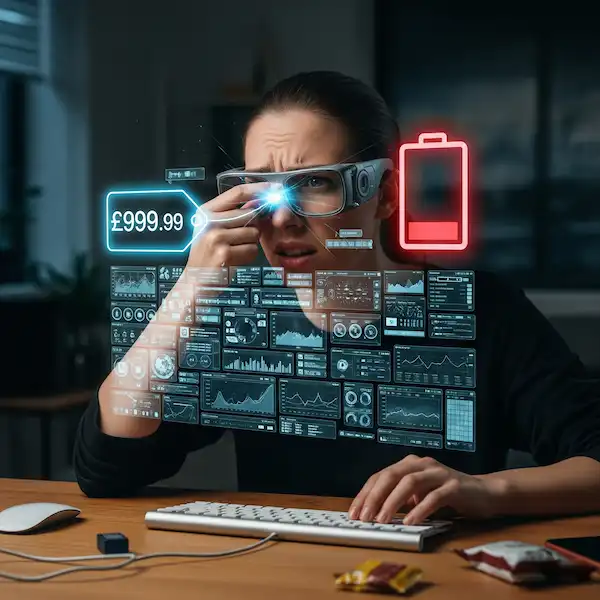
Let’s be real: specialized tech is expensive. Envision can run you over $3,000. However, the Ray-Ban Meta glasses start around $299. For many in our community, that is a game-changer. It’s the first time “high-end” accessibility has been priced like a consumer electronic.
If you are looking for funding, check out organizations like Helen Keller Services or state-level vocational rehabilitation programs. They are increasingly recognizing smart glasses as legitimate “assistive technology” for the workplace.
Final Thoughts from the Road
Accessibility isn’t about “fixing” people; it’s about leveling the playing field. When I put on my glasses, I’m not looking for a miracle. I’m looking to know if I’m standing in the line for the bathroom or the line for the bank. I’m looking to read the “Out of Order” sign on an elevator before I walk all the way over to it.
Smart glasses are finally letting us move through the world with our heads up, rather than buried in a smartphone screen. And that, more than any spec sheet or AI model, is the real revolution.
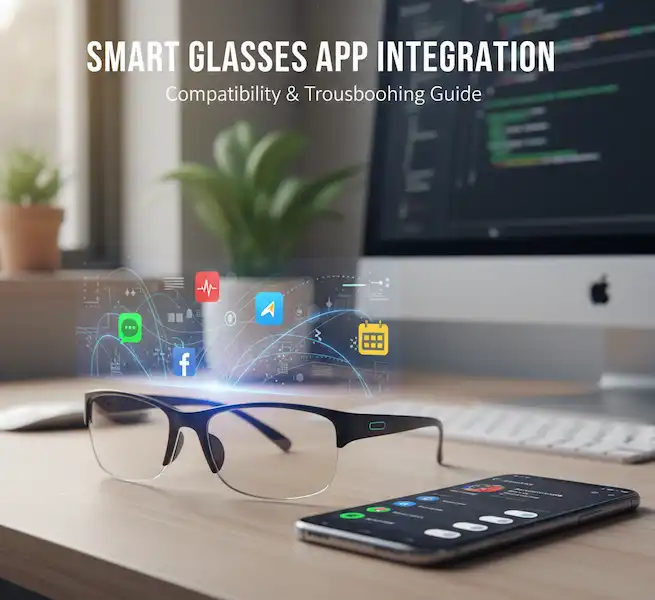
Troubleshooting Common Problems
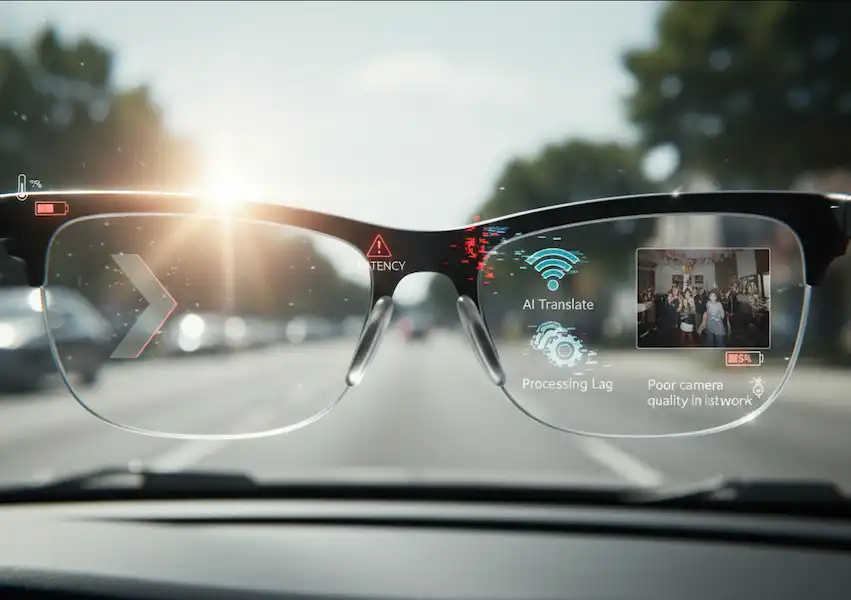
While smart glass technology is advancing rapidly, users may still encounter some common issues:
- Connectivity Issues: Ensure Bluetooth is enabled on both your smart glasses and your phone. Try unpairing and re-pairing the devices. Check for software updates for both devices.
- Battery Life: Emerging technologies can be power-intensive. Optimize usage by turning off unnecessary features and reducing screen brightness. Consider carrying a portable charger.
- Comfort and Fit: Ensure the smart glasses are properly adjusted for comfort. If they feel too tight or cause discomfort, consult the user manual or contact the manufacturer for adjustment options or alternative sizes.
- Software Glitches: Restart both your smart glasses and your connected phone. Check for app updates. If problems persist, consult the manufacturer’s support website or contact their customer service.
- Display Issues: Ensure the lenses are clean. Adjust the display settings for brightness and focus if available. If the issue persists, it could be a hardware problem requiring repair or replacement.
Frequently Asked Questions (FAQ)
Q: Are smart glasses with these advanced technologies expensive? A: Currently, many of these emerging technologies are still in development or are being implemented in high-end or specialized devices, which can be expensive. However, as the technology matures and becomes more mainstream, prices are expected to become more accessible.
Q: How do I know if my phone is compatible with a specific pair of smart glasses? A: Always check the manufacturer’s specifications or the product description, which will typically list compatible operating systems (iOS or Android) and minimum software versions.
Q: Are there any privacy concerns with smart glasses that record their surroundings? A: Privacy is a significant consideration. Most reputable manufacturers include privacy features and guidelines in their devices and software. Be aware of the device’s capabilities and review the privacy policies of any associated apps. (Link to Electronic Frontier Foundation on wearable technology privacy)
Q: How can I learn more about the latest advancements in smart glasses for accessibility? A: Follow technology news outlets, accessibility advocacy organizations, and research publications. Attend relevant conferences and webinars to stay informed about the latest developments.
Q: Will these technologies be available in mainstream smart glasses soon? A: The timeline for mainstream adoption varies for each technology. Light field displays and spatial computing are seeing increased integration in newer devices. Improved haptics are also becoming more common. BCIs for consumer smart glasses are likely further in the future but hold significant promise.
Additional Helpful Content
- Read more about smart glasses technology – Smart Glasses Technology – Key Technologies in Smart Glasses
- More about smart glasses usability and accessibility – Smart Glasses Usability and Accessibility Issues