Guide to Smart Glasses Battery Management
I’ve spent the last year living in smart glasses. From the Ray-Ban Metas that I wear to coffee shops to the Xreal Airs I use for private movie marathons on the plane, I’ve learned one universal truth: these things are battery-sipping marvels until they suddenly aren’t.
There is nothing quite as frustrating as heading out for a walk, expecting to catch up on a podcast, only to hear that “battery low” chime twenty minutes in. If you’re staring at your glasses wondering why they’re draining faster than a cheap flashlight, you aren’t alone. I’ve gone down the rabbit hole of forums, support tickets, and trial-and-error to figure out why these high-tech spectacles act up.
Let’s get into the weeds of why your smart glasses are dying on you and, more importantly, how we can actually fix it.
The “Always Listening” Trap: Why Your Battery is Disappearing
The biggest shock for me when I got my first pair of smart glasses was how much “standby” actually cost. You’d think if you aren’t taking photos or playing music, the battery should stay at 100%, right? Wrong.
Most modern smart glasses, especially the Meta ones, are constantly “awake.” They are waiting for you to say a wake word like “Hey Meta.” To do that, the microphones stay active, and a tiny slice of the processor is always running to listen for that specific sound frequency.
The Fix: If you don’t use the voice assistant constantly, turn it off. On the Meta View app, you can toggle off the “Hey Meta” wake word. I switched to using the physical button or a “three-finger tap” to trigger the AI. This one change alone bumped my battery life from a measly 4 hours to nearly 7. It turns out that having the glasses “ears open” all day is the equivalent of leaving your car idling in the driveway.
The Charging Case Connection Headache
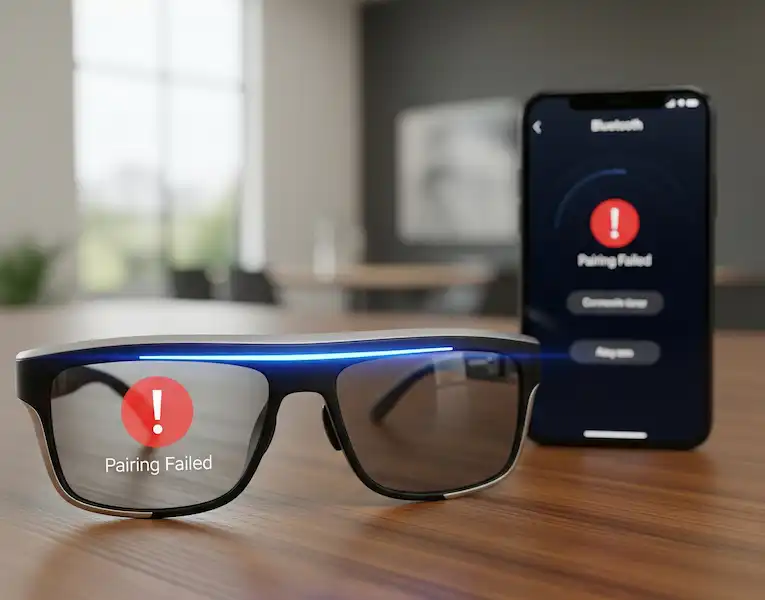
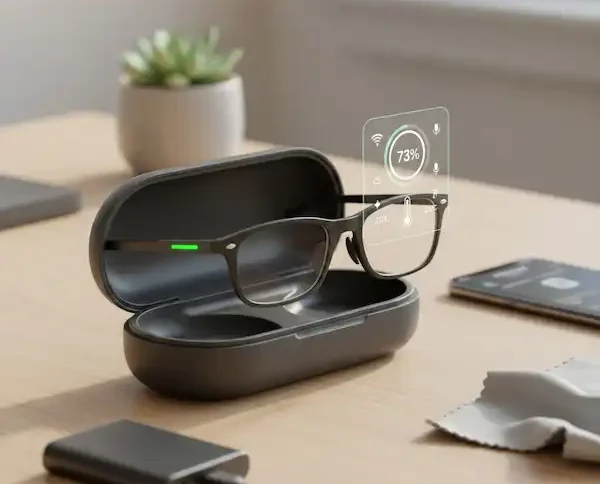
I once spent three days thinking my glasses were broken because the Smart Glasses Battery stayed at 14% no matter how long I left them in the case. I’d pull them out, and they’d die before I could even pair them.
The culprit? Tiny bits of pocket lint. Because the charging points on the arms of smart glasses are so small, even a microscopic layer of oil from your skin or dust from your bag can prevent a solid connection. The “charging” light on the case might even turn on, but it’s only “trickle charging” or not charging at all.
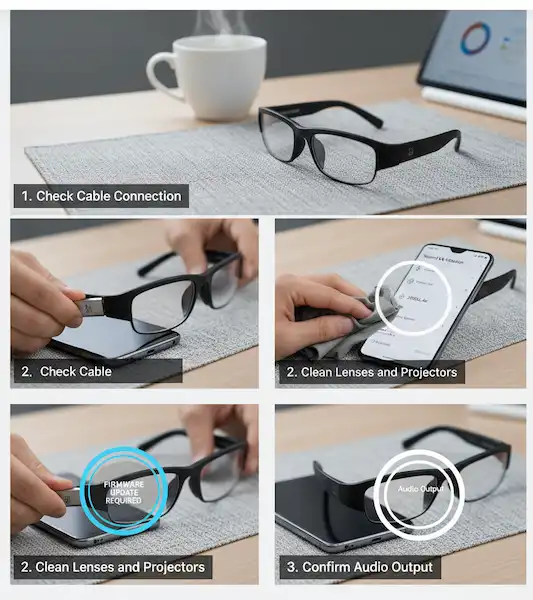
My Routine: Take a dry Q-tip or a microfiber cloth and give those gold contact points on the glasses and the pins inside the case a quick wipe once a week. If they look really dull, a tiny—and I mean tiny—drop of isopropyl alcohol on the cloth will do wonders.
Android vs. iPhone: The Bluetooth Tug-of-War
Interestingly, your phone choice changes how your glasses behave. I’ve tested my gear on both a Pixel and an iPhone, and the Smart Glasses Battery drain patterns are different.
- On iPhone: iOS is notoriously aggressive about “background app refresh.” Sometimes, the companion app (like Meta View or Nebula) stays “active” in the background, constantly pinging the glasses for GPS data or media sync. I found that if I turned off “Background App Refresh” for the glasses app in my iPhone settings, my glasses stopped losing 10% of their charge while sitting on my nightstand.
- On Android: Android handles Bluetooth “LE” (Low Energy) differently. Sometimes, if you have too many other Bluetooth devices connected—like a smartwatch and earbuds—the phone and glasses keep “handshaking” more often than necessary, which drains the glasses’ tiny battery. I usually try to keep my Bluetooth list clean and “forget” any old devices I’m no longer using.
Temperature: The Silent Killer
Last winter, I took my glasses on a hike in 30-degree weather. They went from 90% to dead in exactly 40 minutes. Lithium-ion batteries are like humans; they hate being too cold and they really hate being too hot.
If you leave your glasses in a hot car in July, you aren’t just draining the Smart glasses battery for the day—you’re permanently “bruising” the chemistry. I’ve learned the hard way to keep them in an inside jacket pocket when it’s freezing and never, ever leave them on a sunny dashboard.
Calibration: Resetting the “Brain” of the Battery
Sometimes the Smart Glasses Battery isn’t actually low—the software just thinks it is. This is called “sensor drift.” Your glasses might shut off at 20% because the internal sensor lost track of where “zero” actually is.
How to Calibrate:
- Use the glasses until they die completely and won’t turn back on.
- Put them in the charging case and let them charge to 100% without taking them out once.
- Once they hit 100%, leave them in there for an extra hour.
- Repeat this once every few months. This “resets the flags” in the battery management system so the percentage you see on your phone is actually accurate.
Brightness and Haptics (For AR Glasses)
If you’re using AR glasses like the Xreal Air or Viture, you don’t have an internal Smart Glasses Battery—you’re draining your phone. I noticed that running these at 100% brightness was killing my phone in two hours.
By dropping the brightness to 70%, I barely noticed a visual difference, but my phone lasted an extra hour. Also, turn off haptic feedback (the vibrating) if your glasses have it. Every time those little motors spin, they’re eating juice that could be used for your display.
When it’s Time to Admit Defeat (Firmware and Resets)
If you’ve cleaned the pins, turned off the voice assistant, and calibrated the Smart Glasses Battery, and it’s still dying in an hour, it’s time for the “nuclear option.”
A buggy firmware update can sometimes cause a “runaway process” where the glasses’ brain is working overtime for no reason.
- Check for Updates: Open your app and see if there’s a firmware patch. Manufacturers are constantly sending out “stability” fixes that are basically battery optimizations in disguise.
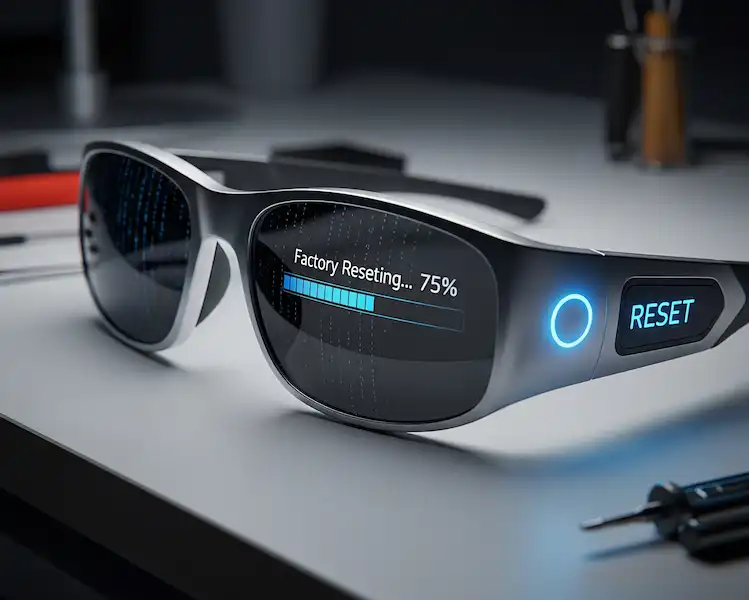
- Factory Reset: This is a pain because you have to re-pair everything, but it works. Usually, it involves holding the power button or a specific combo for 10-15 seconds. It clears out the “junk” files that might be keeping the processor awake.
FAQ: Your Burning Battery Questions
Q: Can I replace the battery in my smart glasses? A: Honestly? Usually no. Most smart glasses are glued shut to keep them light and water-resistant. If your battery is truly shot and under warranty, most companies (like Meta or Luxottica) will just send you a replacement pair rather than fixing yours.
Q: Is it okay to leave my glasses in the charging case overnight? A: Yes. Modern smart glasses have “overcharge protection.” Once they hit 100%, they stop pulling power. However, if you aren’t going to use them for a month, it’s actually better to leave them around 50% charge rather than stored at a full 100%.
Q: Why do my glasses get warm while charging? A: A little warmth is normal—it’s just physics. But if they’re too hot to touch, something is wrong. Unplug them immediately and check the charging port for debris or damage.
Q: Does taking videos drain the battery faster than music? A: Exponentially. Recording 1080p or 4K video requires the camera sensor, the image processor, and the storage write-speed all to work at once. A minute of video can take more “juice” than thirty minutes of music streaming.
Additional Helpful Links – Smart Glasses Battery
- Learn more about technological limitations of Smart Glasses – Smart Glasses Technological Limitations: Display, Camera, Processing & Network
- Looking for a dedicated AR display with no battery limits – Ray-Ban Meta vs Xreal Air 2 Pro
Authority Links for the Tech-Savvy
- Battery University: How to Prolong Lithium-based Batteries — The gold standard for understanding battery chemistry.
- Apple Support: Maximizing Battery Performance — Great universal tips that apply to all Li-ion devices.
- Samsung Support: How to Maintain Your Device Battery — Insights on temperature and charging habits.
Helpful Resources for Deep Dives:
Android Central – How to manage Bluetooth battery drain