A Personal Journey to Enhanced Independence
On a Saturday afternoon at a crowded local bookstore, watching a friend of mine, David, interact with a shelf of thrillers. David has lived with significant sight loss for years, and usually, our trips involve me reading back covers until my throat gets dry. But this time was different. He had a tiny, sleek device clipped to the side of his glasses. He pointed his finger at a jacket blurb, and a clear, discreet voice whispered the plot of a spy novel directly into his ear. He didn’t need me to be his narrator; he was just another guy browsing the stacks.
That moment stuck with me because it wasn’t just about the tech—it was about the shift in our dynamic. The “helper” and “helped” roles vanished. This is the reality of smart glasses for low vision in 2026. These devices have moved from being clunky laboratory prototypes to becoming essential, everyday companions that bridge the gap between intent and action.
The Real-World Impact of Wearable Vision
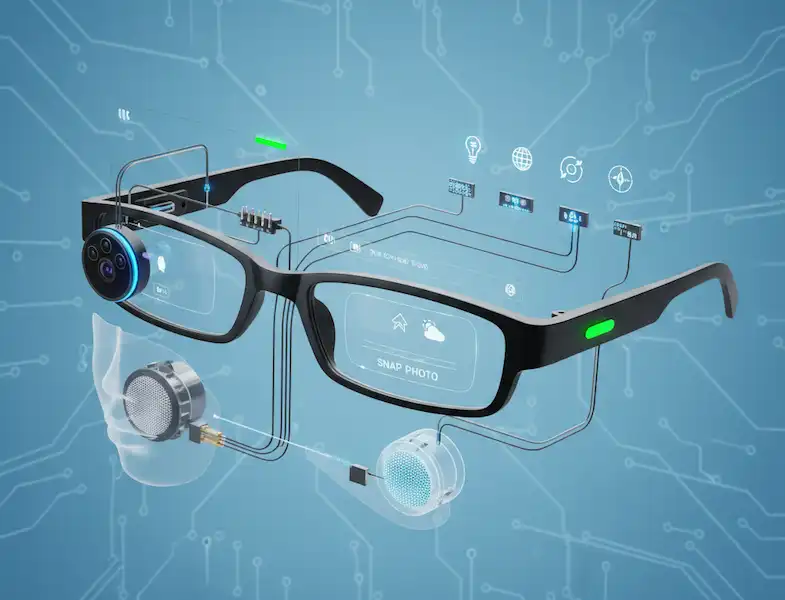
When we talk about smart glasses for low vision, we aren’t talking about something that “fixes” eyes. We’re talking about a wearable computer that interprets the world and translates it into something the brain can use—usually audio. Whether you’re using an Android or an iPhone, the ecosystem around these devices has become incredibly robust.
For many, the biggest hurdle to independence is the “small stuff”: reading a utility bill, checking the price of milk, or knowing if the person walking toward you is a neighbor or a stranger. Modern smart glasses tackle these hurdles with a mix of high-speed cameras and artificial intelligence.
Key Players in the Market
| Feature | OrCam MyEye 3 Pro | Envision Glasses | Ray-Ban Meta (with Be My Eyes) |
| Best For | Instant, offline reading | Navigation & Video Calls | Discreet, casual assistance |
| Connectivity | Mostly Offline | WiFi/Bluetooth required for some | Requires Smartphone |
| Form Factor | Clip-on (attaches to frames) | Full frames (Google Glass tech) | Stylish, standard sunglasses |
| Battery Life | ~2-4 hours active use | ~4-5 hours active use | ~4 hours mixed use |
Beyond Reading: The Power of Scene Description
Text-to-speech is the foundation, but the real “magic” happens with scene description and object identification. I’ve seen this change the way people navigate their own homes. Imagine being able to ask your glasses, “Where did I leave my keys?” and having the device scan the room to tell you they are on the wooden coffee table next to the remote.
Industry insiders know that the real challenge isn’t just identifying an object; it’s understanding the context. Older versions might just say “Chair.” Newer smart glasses for low vision can tell you, “There is a blue armchair three feet in front of you, and it looks empty.” That distinction is the difference between navigating a room confidently and walking into furniture.
Real-Time Transcription: Seeing the Conversation
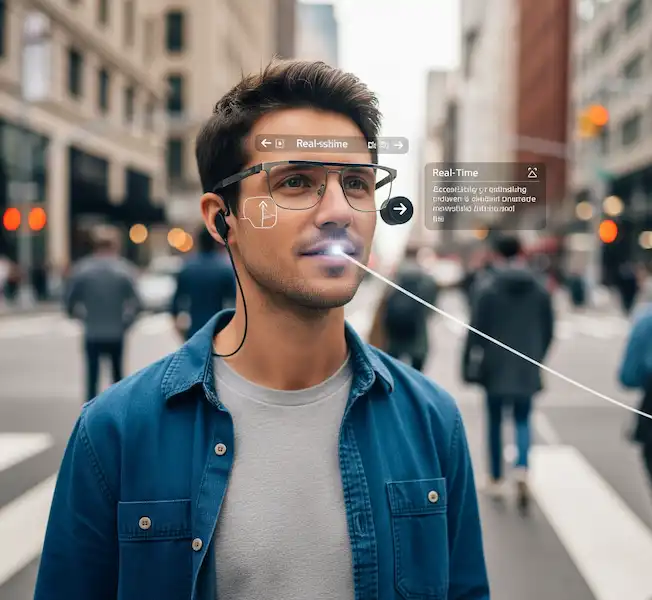
While we often focus on vision, there is a massive crossover into the world of hearing impairment. For those with dual sensory loss, or for the hearing impaired community, real-time transcription glasses are a revelation.
I recently sat in on a trial for a set of transcription glasses in a noisy cafe. Usually, a person with hearing loss might struggle with the “cocktail party effect”—where background chatter washes out the person talking directly to them. These glasses project text right onto the lens. As I spoke, my words appeared like subtitles in a movie.
This isn’t just about convenience; it’s about social inclusion. Being able to follow a conversation at a dinner party without constantly asking people to repeat themselves is an emotional weight lifted off the shoulders of the user.
The Android vs. iPhone Experience
One of the most common questions I get is: “Do I need a specific phone?” In 2026, the answer is usually “No,” but the experience differs slightly.
- iPhone (iOS): Apple has long been the gold standard for accessibility. Most smart glasses for low vision have companion apps that integrate deeply with VoiceOver. If you use an Apple Watch, you can often get haptic (vibration) alerts on your wrist that sync with your glasses.
- Android: The flexibility of Android allows for some unique “sideloading” of specialized accessibility tools. Devices like the Envision Glasses play very well with the diverse range of Android hardware, and many users find the Google Assistant integration more seamless for voice-activated tasks.
Regardless of your OS, the glasses usually handle the heavy lifting of image processing on the device itself (like the OrCam) or tether to the phone via Bluetooth for more complex AI queries.
Insider Knowledge: What the Sales Pitch Won’t Tell You
If you’re looking into buying smart glasses for low vision, there are a few things you won’t always find on the glossy brochures:
- The Learning Curve is Real: These aren’t “plug and play” in the way a pair of headphones are. You have to learn the gestures. For example, OrCam uses “pointing” gestures. You point your finger at text, then pull it away to trigger the reading. It takes a week or two of practice to get your aim right.
- Lighting Matters: Even the best AI struggles in a dark restaurant or under harsh, flickering fluorescent lights. I always tell people to carry a small, high-lumen pocket flashlight. It sounds low-tech, but it can make your $4,000 smart glasses work twice as well.
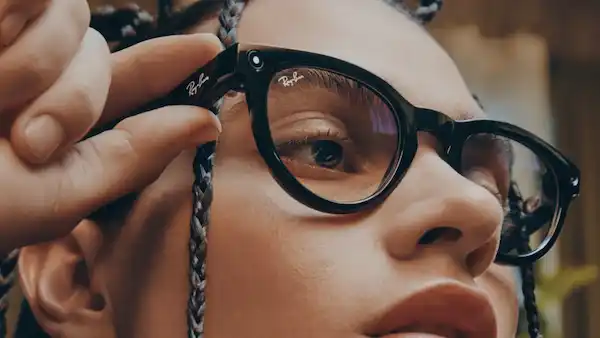
- The “Social” Factor: Wearing a camera on your face still attracts questions. Some users love it because it’s a conversation starter; others find it exhausting. The newer Ray-Ban Meta styles are helping here because they just look like normal sunglasses, but they don’t have the same specialized “vision-aid” software that an OrCam or Envision provides.
Why “Be My Eyes” is a Game Changer
We can’t talk about smart glasses for low vision without mentioning the integration of volunteer-based services. The “Be My Eyes” app has been around for a while on phones, but bringing it to glasses like the Ray-Ban Metas has changed the game.
Instead of holding up your phone and trying to aim the camera at a thermostat while a volunteer guides you, the volunteer sees exactly what you see through your glasses. They can say, “Move your head slightly to the left… okay, stop. The dial is set to 72 degrees.” This marriage of human intelligence and wearable tech provides a safety net that pure AI can’t always catch.
Looking Ahead: The Future of the Industry
As someone who tracks this industry closely, the trend is moving toward “multi-modal” assistance. We are seeing a move away from devices that only read or only recognize faces. The next generation of smart glasses for low vision will likely be “context-aware.”
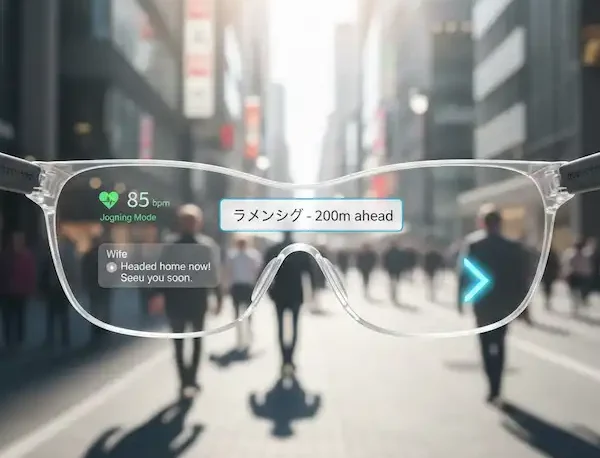
Imagine walking into a grocery store. Your glasses know you’re in a store based on GPS and the items on the shelves. They automatically switch into “Shopping Mode,” prioritizing price tags and barcodes over facial recognition. When you walk back outside, they switch to “Travel Mode,” alerting you to curbs, traffic lights, and street signs.
Practical Advice for First-Time Users
If you or a loved one are considering smart glasses for low vision, here is my “pro-tip” checklist:
- Request a Demo: Most reputable distributors (like Florida Vision Technology or New England Low Vision) will let you try a device. Vision is personal; what sounds clear to one person might sound “robotic” to another.
- Check Funding: These devices are expensive. However, in many regions, there are vocational rehabilitation grants, VA benefits, or non-profit organizations that can help offset the cost.
- Start Small: Don’t try to navigate a busy subway on day one. Start by reading the mail at your kitchen table. Get used to the voice and the gestures in a “safe” environment first.
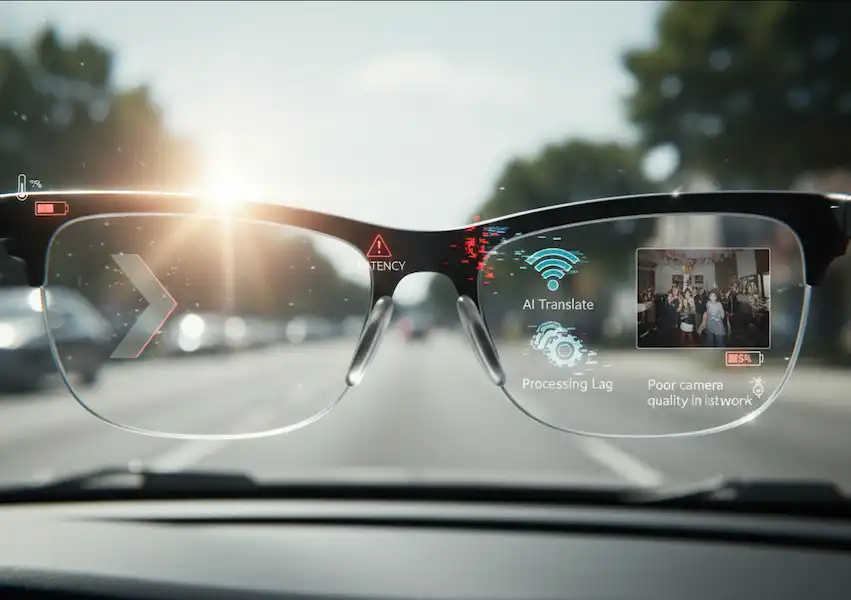
- Battery Management: These are high-performance computers. They get warm and the batteries drain fast if you’re doing constant OCR (text reading). Keep a small power bank in your pocket for long outings.
Finding Your Path
The world is becoming a more accessible place, but it’s not happening by accident. It’s happening because of the engineers who shrink cameras down to the size of a pea and the users who provide the feedback to make the AI smarter every day.
If you’re struggling with the limitations of your vision, know that you don’t have to wait for a “cure” to regain your autonomy. The tech is already here, tucked into the frames of a pair of glasses. It won’t give you 20/20 vision, but it will give you the ability to read a menu, recognize a friend, and walk into a bookstore with the same confidence as everyone else.
FAQs
Q: Do smart glasses for low vision work for people who are totally blind?
A: Yes, absolutely. In fact, many features like facial recognition and “find an object” are specifically designed for those with no functional vision.4 The audio feedback is the primary way the user receives information.
Q: Can I use them with my prescription lenses?
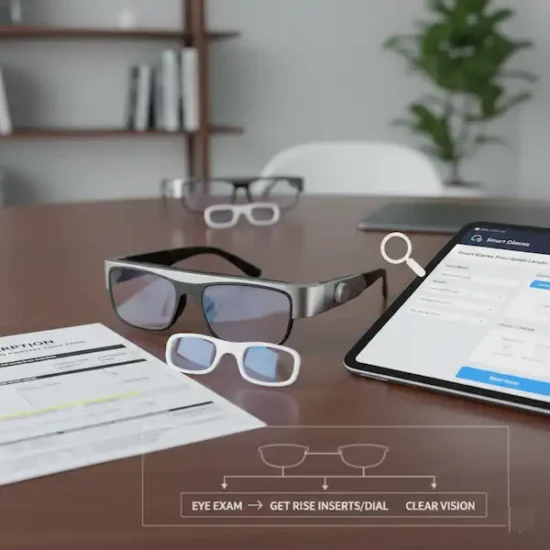
A: Yes. Most devices, like the OrCam, clip onto your existing frames.5 Others, like Envision, have frames that can be fitted with your specific prescription at any local optician.
Q: Is there a monthly subscription?
A: It depends on the brand. Some, like OrCam, are a one-time purchase. Others might have a subscription for “Pro” features or for accessing premium AI cloud services. Always ask about “hidden” costs before buying.
Q: Are they waterproof?
A: Generally, no. They are sophisticated electronics. While they can handle a bit of humidity or a very light drizzle, you shouldn’t wear them in a downpour or at the pool.
Q: Can they translate languages?
A: Yes! This is a favorite feature for travelers. You can look at a sign in Spanish, and the smart glasses for low vision will read it back to you in English (or vice versa).
Additional Helpful Information
- Learn more about adjustable smart glasses – Adjustable Focus Smart Glasses
- Learn more about the best prescription smart glasses – The Best Prescription Smart Glasses
- Read about smart glasses for the deaf – Seeing the Conversation: A Real-World Look at Smart Glasses for Hearing Assistance