Why Wearable Video Matters Now
When I tried to record a “day in the life” of a web publisher using a tripod and a smartphone. It was a disaster. I was constantly checking the frame, worrying about the battery, and looking like a tourist in my own office. When I switched to testing hands-free video glasses, the game changed.
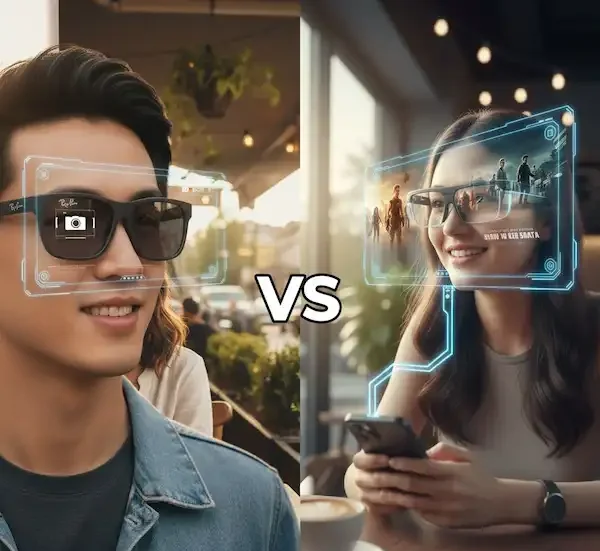
The perspective you get from eye-level recording is fundamentally different from a chest mount or a handheld gimbal. It’s more intimate. According to recent analysis by PCMag, the market has split into two camps: AR-heavy glasses that function as monitors, and camera-first glasses designed for social documentation. If your goal is recording, you need to be in the latter camp.
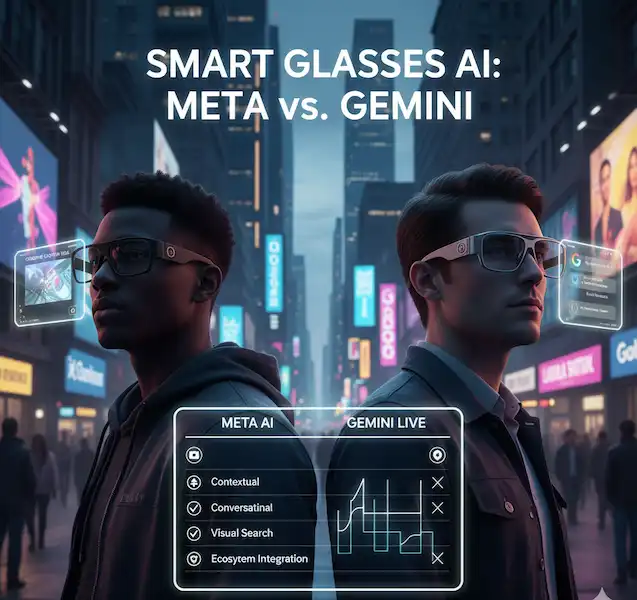
The Heavy Hitter: Ray-Ban Meta (Gen 2)
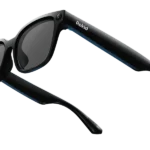
If you’ve read any of my previous technical comparisons, you know I’m a stickler for build quality. The Ray-Ban Meta glasses are currently the gold standard for hands-free video glasses.
They don’t have a heads-up display, which I actually prefer for recording. Why? Because when I’m filming, I want to be present in the moment, not distracted by a notification floating in my peripheral vision. The 12MP camera shoots in a vertical 1440 x 1920 format, which is perfect for Reels or TikTok.
- The “Insider” Edge: The five-mic array is the real secret sauce. Most people focus on the video, but the spatial audio capture on these is better than most external vlogging mics I’ve used.
- Compatibility: They sync effortlessly with the Meta View app on both iPhone and Android.
The Underdog: Rokid AI Glasses Style
I’ve been tracking Rokid for a while, especially after their success with the Max series. Their new “Style” glasses are a direct shot across Meta’s bow. They are incredibly light—only about 38.5 grams. For context, most standard spectacles weigh around 25 to 30 grams.
What makes these a contender for the title of best hands-free video glasses is the flexibility. While Meta locks you into their ecosystem, Rokid plays a bit nicer with open standards. They offer 4K video recording (an upgrade from the 3K of the previous year) and support multiple aspect ratios, which is a blessing if you need to switch between YouTube (16:9) and Instagram (9:16).
Use Cases: From Code to Kitchen
As a digital content creator, I’ve found these glasses useful in ways I didn’t expect.
1. Technical “Over the Shoulder” Demos
When I’m explaining a complex VBA script or showing how to synchronize a subform in MS Access 2016, a screen recording only tells half the story. Using hands-free video glasses, I can record my physical workspace—showing the dual-monitor setup, the reference books, and the actual tactile process of debugging. It adds a layer of “Experience” that a screen capture lacks.
2. Culinary and Craft Tutorials
My wife recently used a pair of hands-free video glasses to film a sourdough baking tutorial. In the past, she struggled with floury hands trying to adjust a GoPro. With the glasses, she just tapped the temple and started. Sites like Insta360 have long championed the POV “Tasty-style” video, and smart glasses are the ultimate evolution of that trend.
3. Travel Documentation
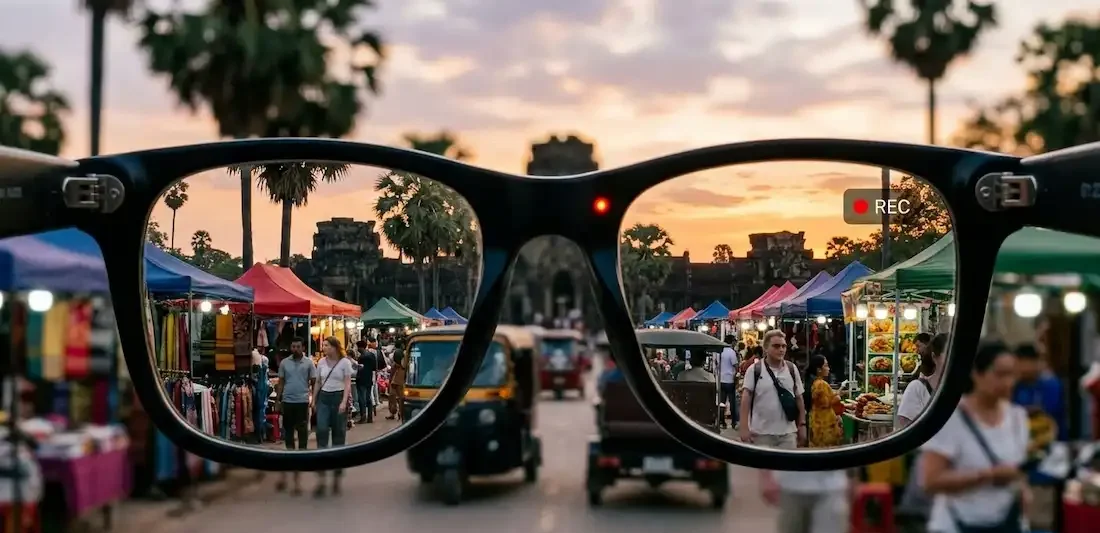
I recently took a pair of hands-free video glasses on a trip through Southeast Asia. The ability to record a walk through a crowded market without holding a camera up to my face allowed for much more natural interactions with vendors. It’s less intrusive and feels more like a memory than a production.
The Technical Reality: Specs That Matter
When you’re shopping for hands-free video glasses, don’t get blinded by the “4K” marketing. Most of these devices use aggressive compression to manage heat. A high-bitrate 1080p stream often looks better than a “muddy” 4K stream.
| Feature | Ray-Ban Meta | Rokid AI Style | XReal One Pro (with Cam) |
| Video Res | 1080p @ 30fps | 4K @ 30fps | 1080p @ 60fps |
| Weight | ~50g | 38.5g | 87g |
| Battery | ~4 Hours | 5+ Hours | Connected (External) |
| Storage | 32GB | 32GB | Device Dependent |
Bitrate vs. Resolution
In my experience, the bottleneck for hands-free video glasses is almost always the bitrate. Because these devices sit on your face, they have to throttle processing to prevent the temples from burning your skin. Ant Media has some great technical breakdowns on why bitrate is the true king of quality. If you’re recording in high-motion environments (like cycling), you’ll notice more “blockiness” on budget hands-free video glasses compared to the more expensive, better-cooled models.
The “Creep” Factor: Privacy and Ethics
We have to talk about the elephant in the room. Recording people with hands-free video glasses is a legal minefield. Most modern glasses, including the Meta and Rokid models, have a hard-wired LED that glows when the camera is active.
- Pro Tip: Never disable or cover that LED. Not only is it a violation of most TOS, but it also destroys the “Trustworthiness” part of your E-E-A-T profile as a creator.
- Legal Note: Laws vary wildly. In some “two-party consent” states, recording a private conversation without permission can lead to actual legal trouble. Always check local privacy regulations before you hit record in public.
Insider Knowledge: What the Reviews Don’t Tell You
After months of using various hands-free video glasses, here are the things I wish I knew on day one:
- The “Nose Slide” is Real: If you have a lower bridge, these glasses will slide down as you sweat. The extra weight of the batteries makes them more prone to this than regular specs. Look for models with adjustable nose pads, like the Rokid Style.
- Low Light is the Enemy: These sensors are tiny. They perform beautifully in sunlight, but once you step into a dimly lit restaurant, the footage becomes noisy and “mushy.” Don’t plan on filming your late-night coding sessions without decent desk lighting.
- The Heat Factor: If you record a continuous 10-minute clip, the right temple (where the processor usually lives) will get noticeably warm. I usually keep my clips under 60 seconds to preserve battery and keep things cool.
- Transfer Speeds: Moving 32GB of video via Bluetooth is a nightmare. Always look for glasses that support Wi-Fi 6 or a direct USB-C offload.
Comparison: iPhone vs. Android Integration
As a publisher who works across both ecosystems, I’ve noticed a slight tilt.
iPhone Users: The integration with the Apple Photos app is usually smoother. The Meta View app, for instance, feels like a native part of the iOS experience. However, background syncing can sometimes be aggressive, draining your phone battery.
Android Users: You generally get more control over where the files go. If you’re a power user like me, you’ll appreciate being able to direct your hands-free video glasses footage straight into a specific folder for your SEO-compliant workflows.
The Evolution of the Market in 2026
We’ve seen some massive shifts this year. The introduction of the XReal One Pro has pushed the boundaries of what integrated cameras can do in an AR frame. While the XReal is heavier (about 87g), it provides a 57-degree field of view, making it a “workstation” that can also film.
However, for pure hands-free video glasses use, I still find myself reaching for the lighter frames. If you are wearing something for 8 hours a day, those extra 40 grams on the bridge of your nose feel like a pound by 5:00 PM.
Why I Don’t Trust “All-in-One” Marketing
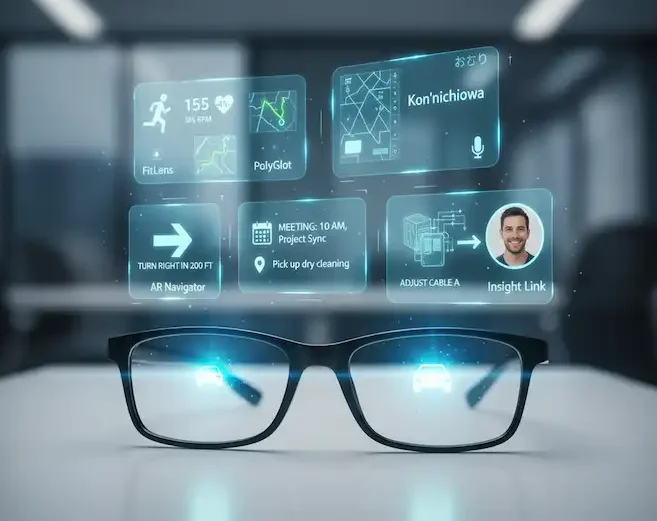
Many manufacturers claim their glasses can do everything: AR displays, AI translation, and professional video. In my testing, the more features they cram in, the worse the video quality usually is. Why? Thermal management.
If the glasses are busy projecting a 120Hz Micro-OLED image to your eyes, they don’t have the “thermal headroom” to also process a high-bitrate 4K video stream. This is why the best hands-free video glasses are often the simplest ones. They focus on the sensor and the mics, leaving the display to your smartphone.
FAQ: Frequently Asked Questions
Can I use these as my primary glasses?
Yes, most major brands offer prescription lens options. I personally use a pair with blue-light filtering for when I’m working in Microsoft Access, then swap to sunglasses for outdoor recording.
Do hands-free video glasses work for livestreaming?
Meta has built-in support for Instagram and Facebook Live. For other platforms, it’s a bit more complex and usually requires a “workaround” via your phone’s screen-sharing capabilities.
How long does the battery really last?
If you are actively recording, don’t expect more than 60–90 minutes of “total record time.” If you’re just wearing them and taking occasional 30-second clips, they’ll last a full workday.
Are they waterproof?
Most are “water-resistant” (IPX4), meaning they can handle a light drizzle or sweat. Do not take your hands-free video glasses into the pool unless you want a very expensive paperweight.
What is the best storage capacity for these?
Most come with 32GB, which is plenty for a day of shooting. However, if you are a heavy user, look for models that allow for easy offloading to a phone or cloud service.
Final Thoughts
Choosing the right hands-free video glasses comes down to your specific workflow. If you want the best-looking social media content and a stylish frame, the Ray-Ban Meta is hard to beat. If you want more control over your video files and a lighter frame for all-day wear, the Rokid AI Style is the way to go.
As the technology matures, we’re seeing a shift away from “smart” features and back toward “functional” features. For me, the ability to record a clean, eye-level POV of a complex database repair or a beautiful sunset is worth the price of admission. It’s about capturing life as it happens, without a screen getting in the way.
Additional Helpful Information
- More about photos and videos with smart glasses – How to Capture Photos and Videos with Smart Glasses?