Beyond the Hype: My Life with AI Smart Glasses
If you’re anything like me, your phone has become an extra limb. I’ve spent the last decade staring down at a glowing rectangle while the world passes me by. But lately, I’ve been looking up. I’ve been living in AI Smart Glasses, and I’m not talking about those bulky, “Glasshole”-era prototypes that made you look like a low-budget cyborg. I’m talking about frames that actually look good and—more importantly—actually help you navigate a Tuesday afternoon.
I’ve spent hundreds of hours testing everything from the Ray-Ban Meta to the Even Realities G2, and let me tell you: the “insider” truth is a lot messier than the marketing brochures suggest. If you’re thinking about jumping into this, you need to know what it’s really like when the battery hits 5% or when Siri and Meta AI start arguing in your ears.
The Reality of Wearing AI on Your Face
The first thing I realized when I started wearing AI Smart Glasses is that they aren’t meant to replace your phone—at least not yet. They are meant to replace the need to pull your phone out for the little things.
I remember standing in a grocery store in Mexico City last year, staring at a wall of spices I couldn’t identify. Usually, I’d be that guy fumbling with a phone, trying to open a translation app while blocking the aisle. With my glasses, I just looked at the label and asked, “Hey, what am I looking at?” The AI whispered the answer in my ear. That’s the “multimodal” magic you hear about. It’s the ability for the glasses to see what you see.
But here’s the insider secret: the hardware is a game of brutal trade-offs. You can have a camera, or you can have a display. You rarely get both in a frame that doesn’t weigh a pound.
- Audio-First (The Minimalist): Think Ray-Ban Meta. No screen, just great cameras and speakers.
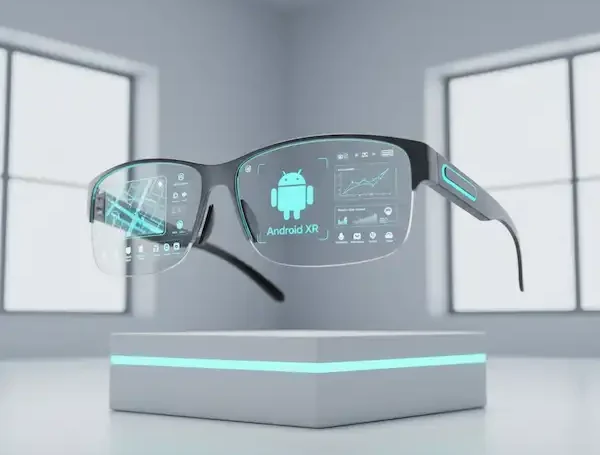
- Display-First (The Professional): Think Even Realities or the new Google Android XR prototypes. You get a heads-up display (HUD) that floats text in your vision.
How AI Actually Makes These “Smart”
In the old days, smart glasses were just fancy Bluetooth headsets. Today, AI Smart Glasses are more like having a genius friend sitting on your shoulder.
Object Recognition: The World is Now Searchable
This is the feature that feels most like a superpower. I call it “Visual Search for your face.” Because the glasses have a camera and an on-device NPU (Neural Processing Unit), they can identify things in real-time.
Last month, I was hiking and spotted a mushroom I didn’t recognize. Instead of touching it (risky!) or digging for my phone, I just asked my glasses to identify it. Within seconds, it told me it was a Chanterelle and even gave me a quick tip on how to cook it. That’s object recognition in the real world. It transforms your surroundings into an interactive encyclopedia.
Real-Time Translation and Subtitles
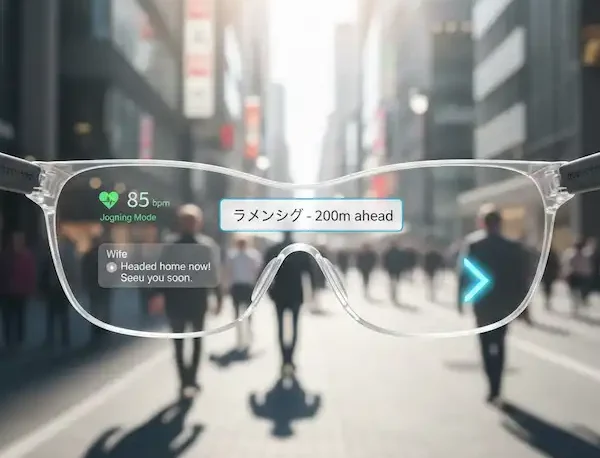
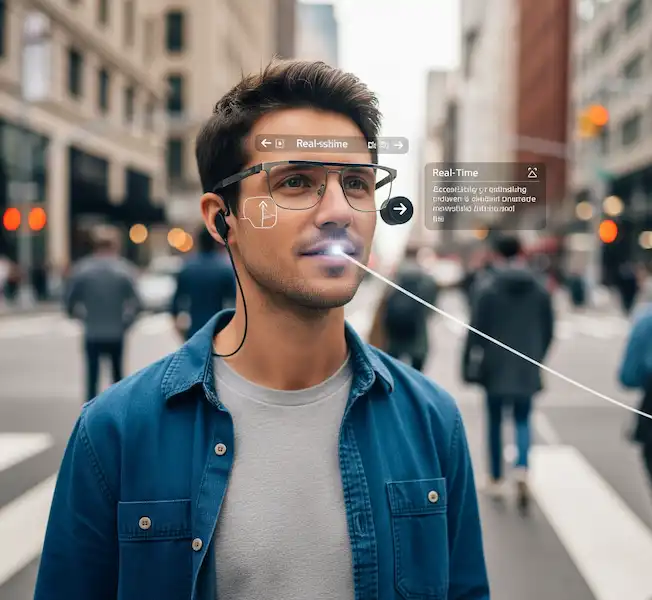
This feels like science fiction. If you’re wearing display-based glasses, you can literally see subtitles floating under someone’s face while they speak a different language. Even with audio-only glasses, having the AI translate a menu or a street sign into your ear is a game-changer for travel.
Contextual Reminders
Modern AI agents are starting to “remember” things for you. I once asked my glasses, “Where did I put my keys?” and since the camera had seen them on the hall table ten minutes earlier, it actually gave me a hint. This isn’t just a gimmick; it’s the beginning of “ambient computing” where the tech fades into the background.
Android vs. iPhone: The Invisible Battle
Nobody tells you this, but your experience with AI Smart Glasses is almost entirely dictated by which phone is in your pocket.
The iPhone Experience
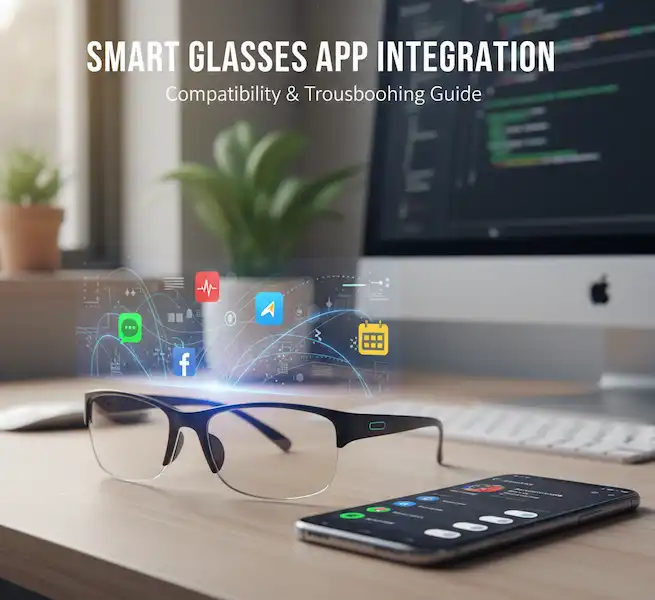
You’re living in a “walled garden” that’s a bit prickly. Apple doesn’t like letting third-party glasses read your messages or access your calendar easily. I’ve found that with many pairs, I have to keep the companion app open in the background just to keep the AI “awake.” If the app gets killed by the OS to save battery, your “smart” glasses suddenly become very dumb.
The Android Experience
Things are a bit more “wild west.” The integration is deeper, but it’s also more prone to weird Bluetooth glitches. I’ve had days where my phone thinks the glasses are a keyboard and hides my on-screen typing. However, the Android XR ecosystem is finally making smart glasses a first-class citizen in the OS, meaning they stay connected more reliably and can access your notifications without jumping through hoops.
The “Hidden” Specs: What to Look For
Before you drop $400+ on a pair, there are three technical details the marketing teams usually gloss over.
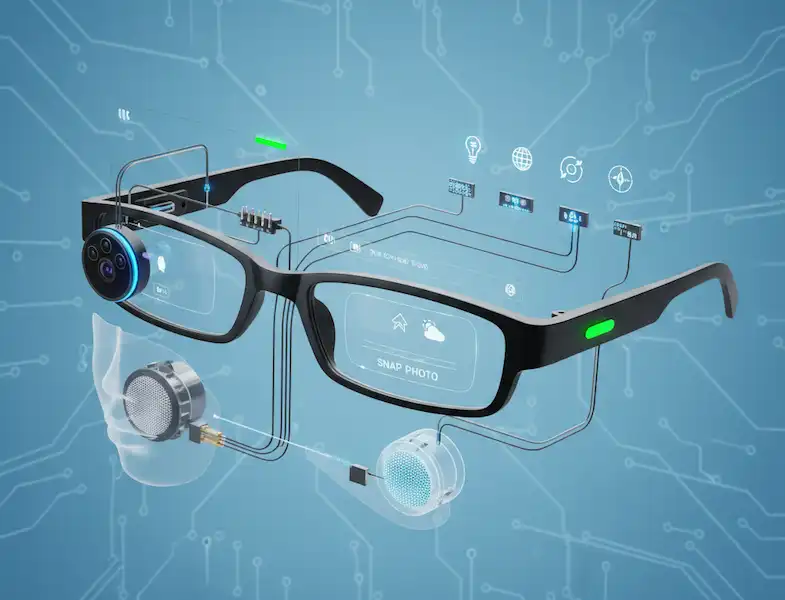
- Mic Arrays: Look for at least five microphones. Why? Because wind is the enemy of AI. If you’re walking outside and the wind is howling, a cheap pair of glasses won’t hear your “Hey AI” command.
- Waveguide vs. Micro-LED: If you want a display, waveguides are the gold standard for keeping the lenses thin, but Micro-LED is what makes the text readable in direct sunlight. If you plan on wearing these outdoors, don’t settle for anything less than 1,000 nits of brightness.
- Hinge Durability: These aren’t like normal glasses. There are delicate ribbon cables running through the hinges. I’ve seen early models snap because people treated them like $20 drugstore readers. Look for reinforced titanium hinges if you’re a heavy user.
My Daily Routine: A Use Case
I wake up, put on my AI Smart Glasses, and get a summary of my emails while I’m making coffee—hands-free. During my commute, I use the “Look and Ask” feature to identify buildings or plants I pass.
At work, if I’m using a pair with a HUD like the Even G2, I use the “Teleprompter” mode. It shows me my heart rate and my next calendar appointment without me ever looking at my wrist or phone. I even used it for a wedding toast recently; everyone thought I was just incredibly well-spoken, but I was actually just reading floating green text.
But it’s not all sunshine. There was a time I forgot to turn off the “Voice Notification” setting while I was in a quiet library. The glasses proceeded to read out a very loud, very inappropriate text message from my brother right into the open air. Pro tip: learn where the “mute” button is before you enter a library.
The Future of AI in Smart Glasses: Where are we going?
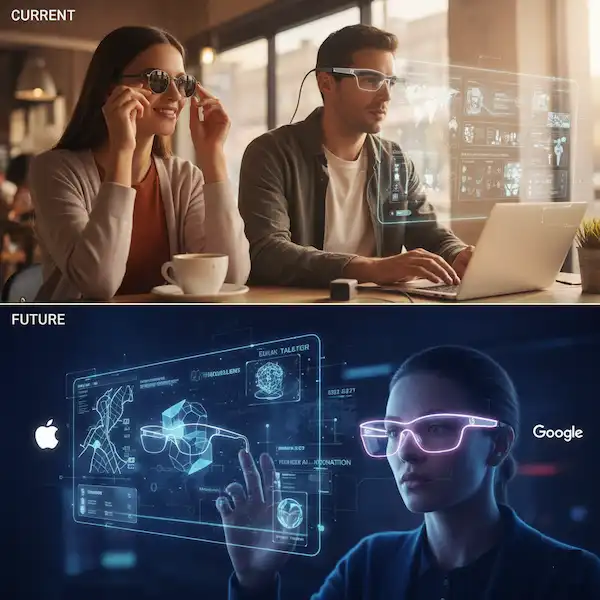
We are currently in the “Blackberry” phase of AI Smart Glasses. They are incredibly useful for early adopters, but the next 2-3 years will see a massive shift.
Proactive Intelligence
Right now, you have to ask the AI for help. In the future, the glasses will anticipate your needs. Imagine walking into a meeting and the glasses subtly flash the names and job titles of the people you’re meeting (who you haven’t seen in three years). Or, imagine the glasses noticing your blood sugar is low via non-invasive sensors and suggesting you grab a snack.
Spatial Anchoring
We are moving toward a world where digital objects “stay” in the real world. You could pin a recipe to your kitchen wall that only you can see through your glasses. This is the “Spatial Internet” that companies like Meta and Google are racing to build.
Privacy and the “Recording LED”
The industry is currently fighting over how to signal that you’re recording. Some hobbyists have already found ways to disable the recording LED, which is a huge privacy concern. Expect future models to have “tamper-proof” hardware that kills the camera if the LED is covered.
Frequently Asked Questions
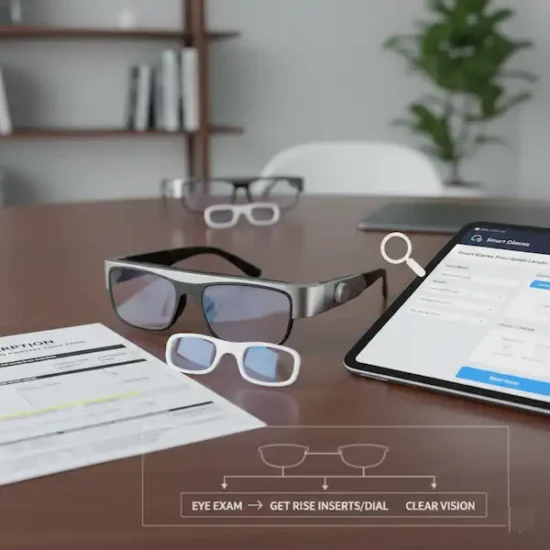
Do AI Smart Glasses work with prescription lenses? Yes, almost all major brands offer prescription-ready frames. You can usually get them through the manufacturer or take them to your local optician.
Can people tell if I’m recording them? Most AI Smart Glasses with cameras have a physical LED that lights up when recording. It’s a hardwired safety feature. If you try to tape over it, the camera usually won’t work.
Do they work without a phone? Generally, no. Most of the heavy lifting happens on your phone via Bluetooth. They are more like a “smart display” for your smartphone.
How is the audio quality? Surprisingly good for podcasts and calls, but “mid” for music. Since they use open-ear speakers, you won’t get that deep bass you’d get from Sony or Bose earbuds.
Will they work with both Android and iPhone? Most do, but the experience is often smoother on Android due to fewer permission restrictions.
What happens if I lose my internet connection? Simple commands like “volume up” or “take a photo” usually work offline, but the smart “AI” features (like translation or object ID) usually require a data connection to talk to the servers.
Additional helpful information
- More about the future of smart glasses – The Future of Smart Glasses – What is coming?
- Learn more about live translation with smart glasses – Your Real-Time Language Translation Guide for Any Phone