Amazon Echo Frames Problems & How to Fix Them
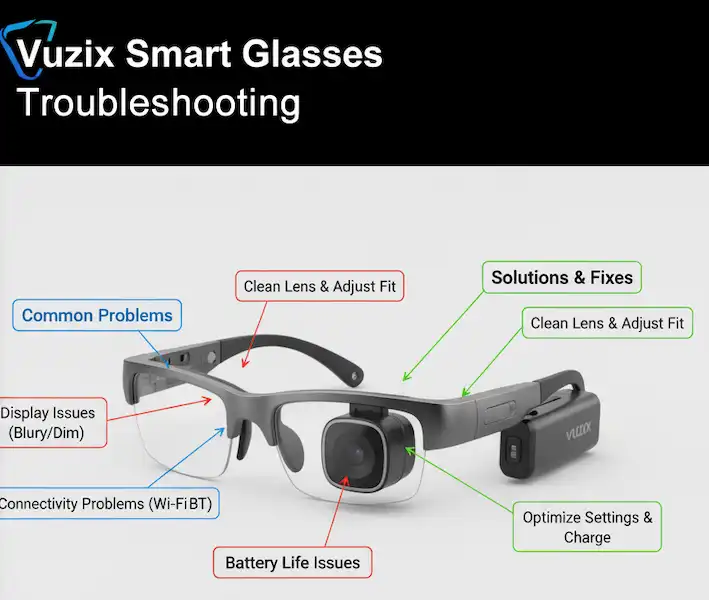
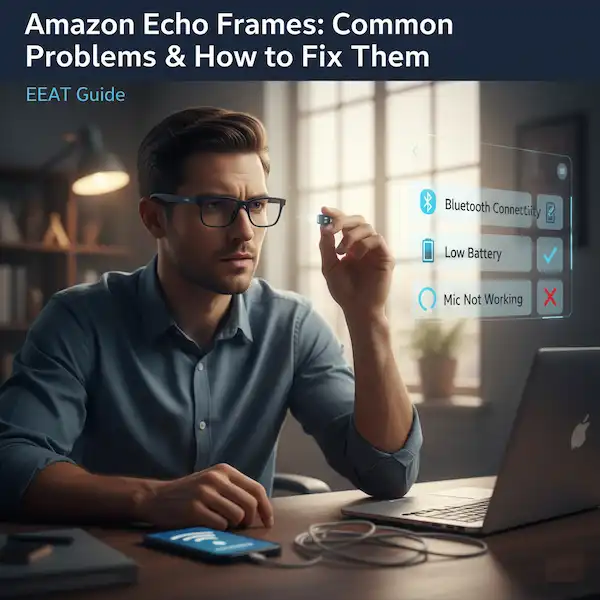
Amazon Echo Frames offer a unique blend of style and smart assistant convenience, integrating Alexa directly into your eyewear. While innovative, like any new technology, users can encounter a few hiccups. This comprehensive guide will explore common problems with Echo Frames, provide practical solutions, and even suggest alternative smart eyewear options.
Understanding Echo Frames: A Quick Overview
Echo Frames are smart glasses that allow you to access Alexa, make calls, listen to audio, and control smart home devices hands-free. They feature open-ear audio, meaning sound is directed towards your ears without blocking out your surroundings.
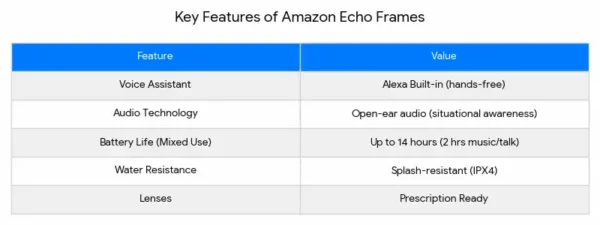
Amazon Echo Frames Problems and Solutions
Let’s dive into the most frequently reported issues and how to resolve them.
1. Connectivity Issues (Bluetooth Pairing & Stability)
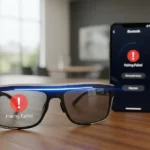
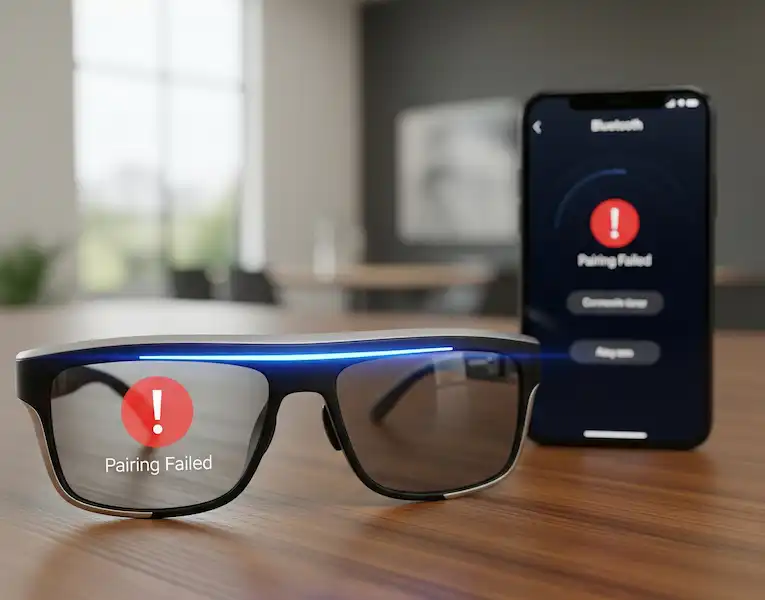
Amazon Echo Frames Problem: Your Echo Frames won’t pair with your phone, or the connection is frequently dropping.
Examples:
- “My Echo Frames show up in the Bluetooth list but won’t connect.”
- “The audio keeps cutting out when I’m walking around.”
- “Alexa isn’t responding, and the Frames seem disconnected.”
Solutions:
- Restart Everything: A classic tech fix.
- Turn off your Echo Frames (press and hold the action button for 8 seconds).
- Turn off and on your phone’s Bluetooth.
- Restart your phone.
- Turn your Echo Frames back on.
- Forget and Re-pair:
- On your phone, go to Bluetooth settings and “forget” or “unpair” your Echo Frames.
- Put your Echo Frames into pairing mode (press the action button until the indicator light blinks blue and red).
- Select Echo Frames from your phone’s available devices to re-pair.
- Check for Interference: Other Bluetooth devices or Wi-Fi networks can sometimes interfere. Try pairing in a different location away from other electronics.
- Update Software: Ensure your Alexa app and Echo Frames firmware are up to date. Open the Alexa app, go to Devices > Echo & Alexa > Echo Frames, and check for updates.
2. Battery Life and Charging Problems
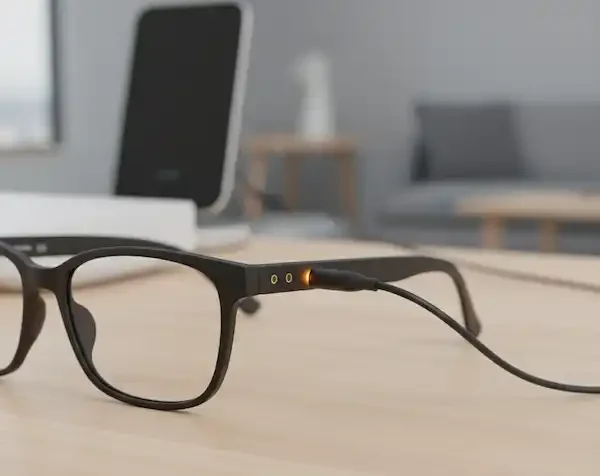
Amazon Echo Frames Problem: Your Echo Frames aren’t holding a charge, or they’re draining too quickly.
Examples:
- “My Echo Frames only last a few hours, not the advertised 14.”
- “I left them on the charger all night, and they’re still dead.”
- “The charging light isn’t coming on.”
Solutions:
- Use the Official Charger: Always use the charging cable and adapter that came with your Echo Frames. Generic chargers might not provide adequate power.
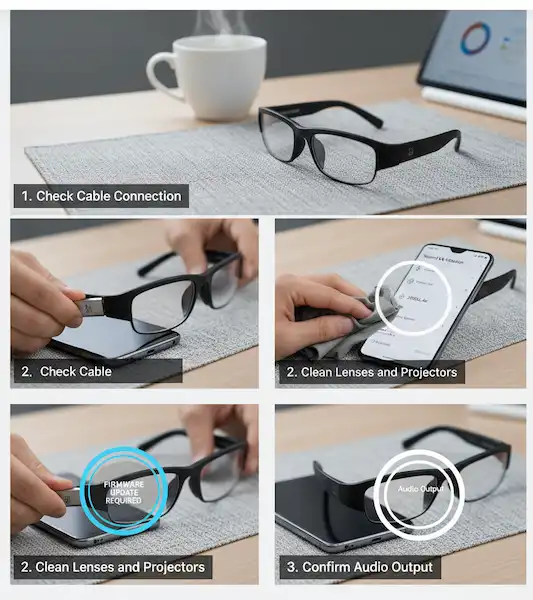
- Check Charging Port: Gently inspect the charging contacts on your Frames and the charging cable for any dust, debris, or damage.
- Restart (Again): A simple restart can sometimes recalibrate battery readings.
- Minimize Usage of Power-Intensive Features: Frequent Alexa interactions, continuous music streaming, and long phone calls will drain the battery faster. Consider adjusting your usage patterns.
- Battery Calibration (Advanced): If battery life remains poor, completely drain the battery until the Frames shut off, then charge them to 100% without interruption. This can sometimes help recalibrate the battery sensor.
- Contact Support: If the Frames aren’t charging at all, it might be a hardware issue. Reach out to Amazon customer support.
3. Audio Quality & Volume Issues
Amazon Echo Frames Problem: The audio is too quiet, tinny, or distorted, or callers can’t hear you clearly.
Examples:
- “I can barely hear music even at max volume.”
- “People say I sound like I’m in a tunnel when I’m on a call.”
- “The sound quality isn’t as good as my earbuds.”
Solutions:
- Adjust Volume: Use the volume rocker on the Frames themselves, as well as your phone’s media volume.
- Positioning: Ensure the Frames are seated correctly on your face. The open-ear speakers need to be aligned with your ears for optimal sound.
- Environment: Open-ear audio is designed for situational awareness, not isolation. In noisy environments, the sound will be harder to hear. This is a design feature, not a fault.
- Clean Speakers/Microphones: Use a soft, dry cloth or a cotton swab to gently clean the speaker grilles and microphone openings. Dust or debris can obstruct sound.
- Microphone Calibration (Alexa App): In the Alexa app, you might find settings related to call quality or microphone sensitivity.
- Test with Another Device: Try pairing your Echo Frames with a different phone or tablet to determine if the issue is with the Frames or your primary device.
4. Alexa Responsiveness & Commands
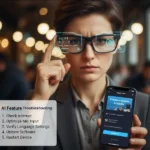
Amazon Echo Frames Problem: Alexa isn’t responding, or misinterpreting commands.
Examples:
- “I say ‘Alexa,’ but nothing happens.”
- “Alexa always says, ‘Sorry, I don’t understand.'”
- “It takes a long time for Alexa to process my request.”
Solutions:
- Check Connectivity: Ensure your Echo Frames are properly connected to your phone via Bluetooth and your phone has an active internet connection (Wi-Fi or cellular data). Alexa needs the internet to function.
- Speak Clearly: Articulate your commands clearly and at a natural pace.
- Reduce Background Noise: In loud environments, Alexa might struggle to hear your wake word or commands.
- Alexa App Settings:
- Wake Word Sensitivity: In the Alexa app, you can adjust the wake word sensitivity for your Echo Frames.
- Voice Profile: Consider setting up an Alexa Voice Profile so Alexa can better recognize your voice.
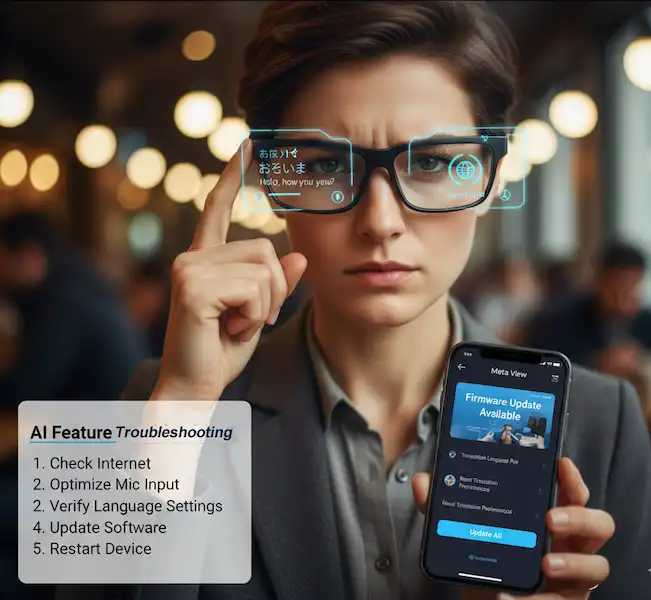
- Restart Alexa App: Close and reopen the Alexa app on your phone.
5. Fit and Comfort Issues
Amazon Echo Frames Problem: The Echo Frames feel uncomfortable, slip down, or don’t fit well with certain head sizes.
Examples:
- “They pinch behind my ears.”
- “The frames keep sliding down my nose.”
- “They feel too heavy after a while.”
Solutions:
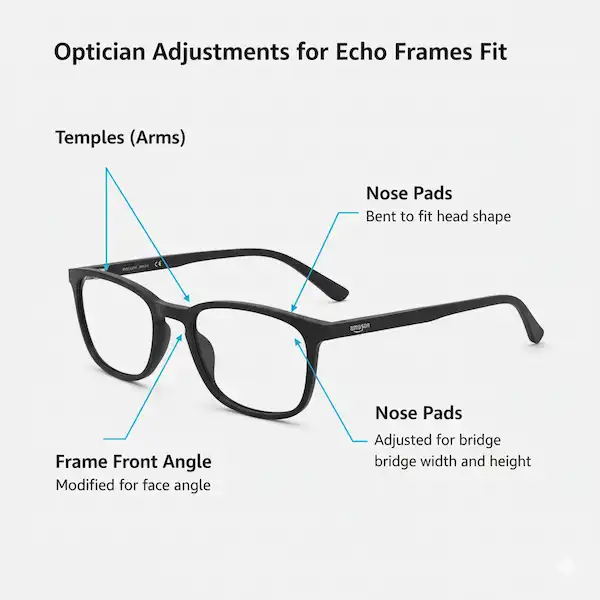
- Professional Adjustment: Just like regular eyeglasses, Echo Frames can often be adjusted by an optician. They can bend the temples (arms) to fit your head better, adjust nose pads, or even modify the frame’s angle for comfort.
- Nose Pad Adjustment: If your Frames have adjustable nose pads, gently manipulate them for a better fit on your nose bridge.
- Try Different Sizes (if applicable): Echo Frames come in different sizes. Ensure you have the correct size for your face. Amazon offers a fitting guide.
- Take Breaks: If you’re new to wearing smart glasses, it might take some getting used to. Take breaks throughout the day.
When to Seek Professional Help or Replacement
If you’ve tried all troubleshooting steps and your Amazon Echo Frames problems still exist or are having significant issues, it might be time to:
- Contact Amazon Support: They can provide advanced troubleshooting, discuss warranty options, or arrange for a replacement if necessary.
- Visit an Optician: For fit and comfort issues, a local optician is often the best resource.
Alternative Smart Eyewear Solutions
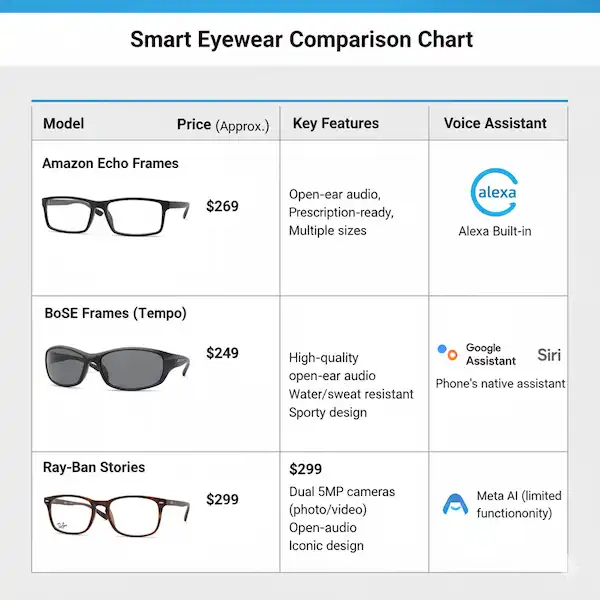
If Amazon Echo Frames Problems aren’t meeting your needs, or you’re looking for different features, consider these alternatives:
- Bose Frames: Similar open-ear audio concept with a focus on premium sound quality. Bose has various styles (e.g., Alto, Rondo, Tempo) to choose from.
- Pros: Excellent audio for open-ear, stylish designs.
- Cons: No built-in voice assistant beyond phone’s default, often higher price point.
- Ray-Ban Stories (Meta Smart Glasses): Integrates cameras for photo and video capture, along with open-ear audio and Facebook Assistant.
- Pros: Built-in camera, iconic Ray-Ban designs.
- Cons: Privacy concerns with cameras, heavier social media integration.
- Anker Soundcore Frames: Modular design where you can swap out different frame styles. Offer good audio and a competitive price point.
- Pros: Customizable styles, good value for money.
- Cons: Audio quality might not match premium brands, less brand recognition.
Expert Tips for Maximizing Your Echo Frames Experience
- Regular Cleaning: Keep your Frames clean from smudges, dust, and oils. This ensures good audio and maintains the aesthetic.
- Firmware Updates: Always install the latest firmware updates via the Alexa app. These often include bug fixes, performance improvements, and new features.
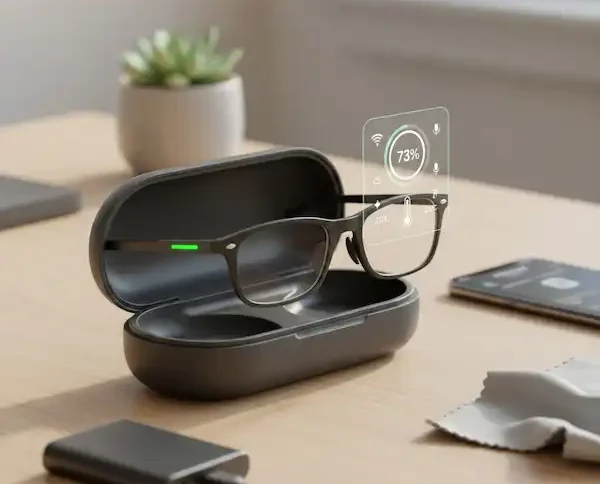
- Protect Your Investment: Treat your Echo Frames like regular eyeglasses – use a case when not in use, and avoid dropping them.
- Mind Your Environment: Remember that open-ear audio is best suited for quieter environments where situational awareness is desired. For immersive music in noisy places, traditional headphones or earbuds might be better.
Conclusion
Amazon Echo Frames offer a glimpse into the future of wearable tech, making Alexa more accessible than ever. While common tech issues can arise, most problems can be resolved with simple troubleshooting. By understanding the device’s capabilities and following these solutions, you can enjoy a seamless and smart experience with your Echo Frames.
Additional Helpful Links
- Read about Ray-Ban common problems and solutions – Ray-Ban Meta Problems Solved: The Ultimate Guide
- How to set up your Amazon Echo Frames – Set Up Amazon Echo Frames Smart Glasses on Android & iPhone
Authoritative External Links:
- Amazon Echo Frames Support Page: https://www.amazon.com/gp/help/customer/display.html?nodeId=GWG7J46Q9945L72T
- Bluetooth SIG (for general Bluetooth troubleshooting): https://www.bluetooth.com/
- Bose Frames Product Page: https://www.bose.com/en_us/products/wearables/bose-frames.html
- Meta View (Ray-Ban Stories): https://www.meta.com/smart-glasses/ray-ban-stories/