Smart Glasses Troubleshooting

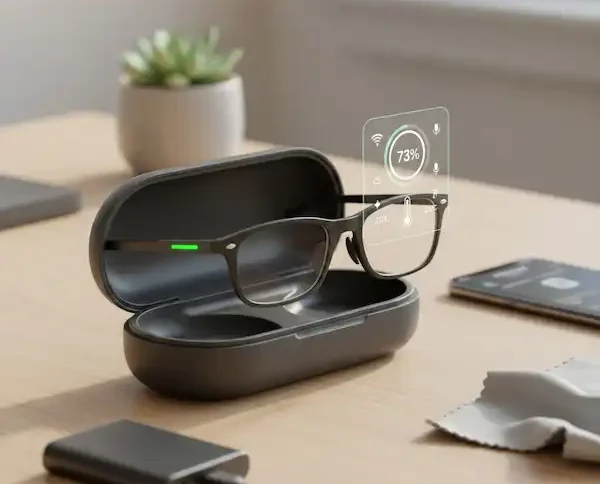
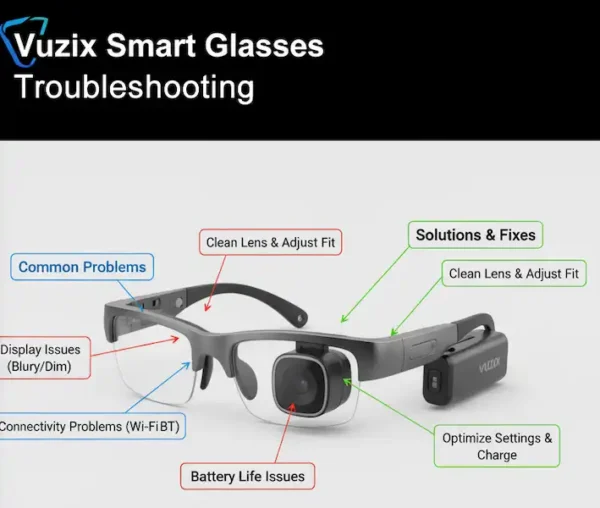
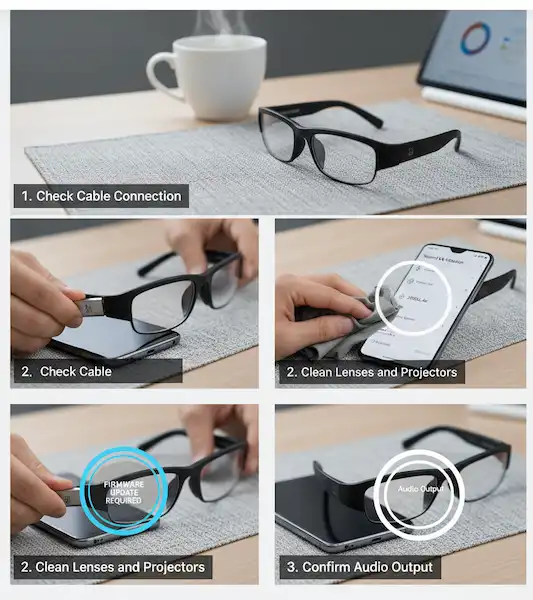
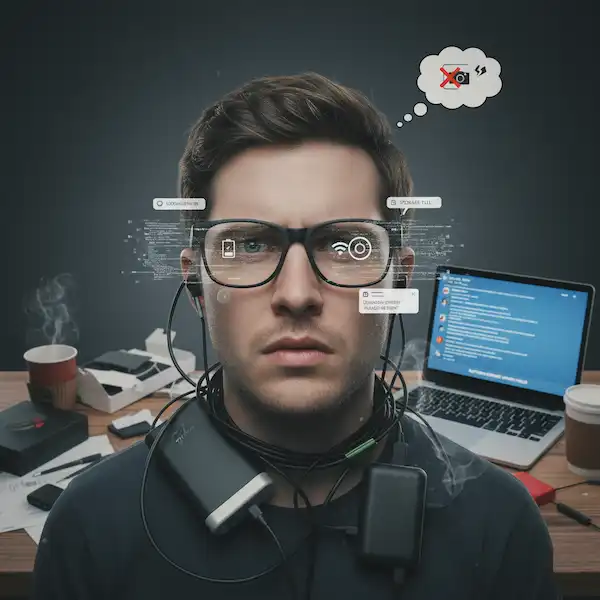
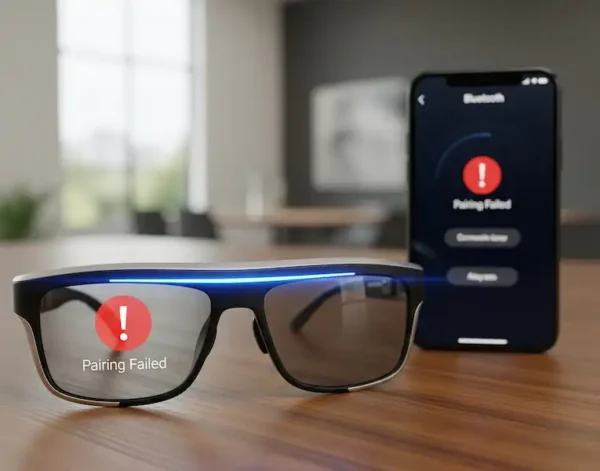
We’ve all had that moment where your glasses just… stop. Maybe the AI isn’t responding, or the display is suddenly looking a bit crooked. It’s incredibly annoying, especially when you’re out and about. This section is my “emergency room” for wearable tech—a complete smart glasses troubleshooting hub for when things go sideways. I’ve documented every weird glitch I’ve run into, from the dreaded “not pairing” loop to those times when the charging case decides to take a vacation. Instead of just telling you to “restart your device,” I try to dig into the why and give you the actual steps that worked for me when I was about to give up.

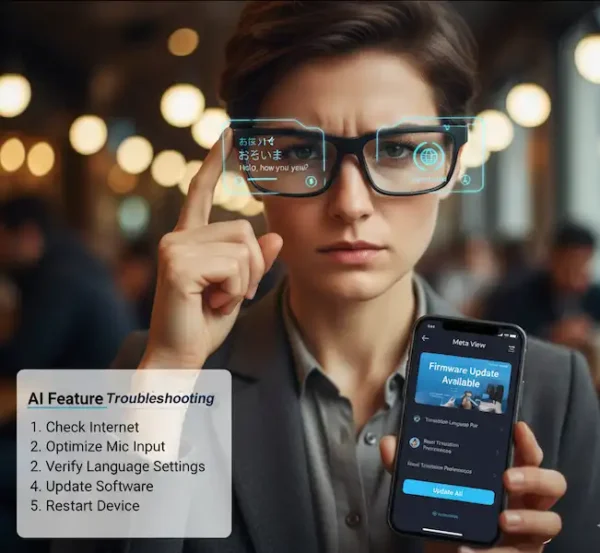
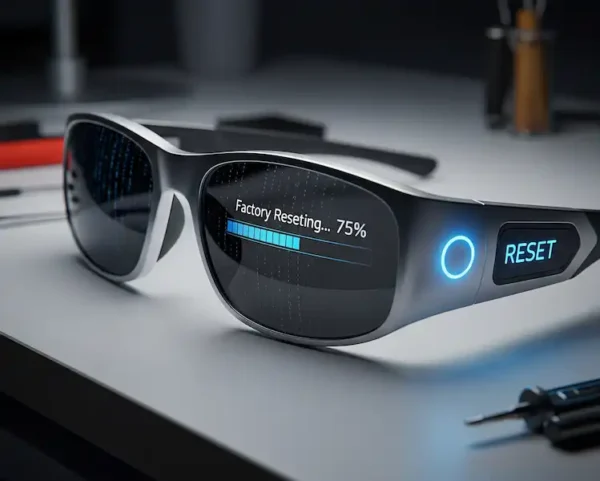
You’ll find deep dives here on things like recalibrating your AR display (because nobody likes a floating screen that won’t stay centered) and how to perform a factory reset without losing all your data. I’ve even tackled the software side of things, like when the built-in AI starts acting “hallucinate-y” or refuses to connect to the cloud. It’s not always pretty, but tech breaks sometimes, and my goal here is to get you back up and running as fast as possible. If your glasses are currently acting more like a paperweight than a piece of future-tech, this is the first place you should look.