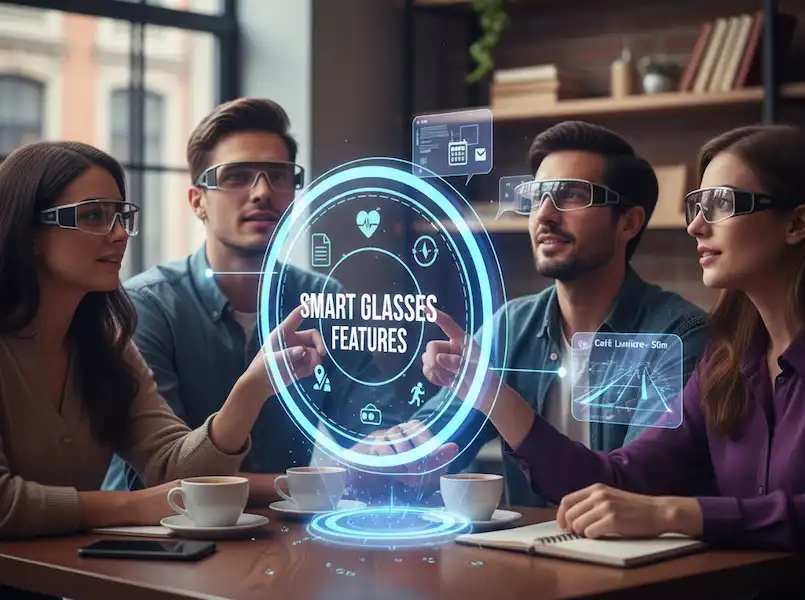
Smart Glasses Apps & Features
Last summer, I found myself standing in the middle of a bustling market in Tokyo, completely turned around and unable to read a single sign. I did what most people do: I pulled out my phone, opened a translation app, and spent the next ten minutes staring at a 6-inch screen while nearly bumping into several locals. That was the moment I realized my smartphone—as “smart” as it is—was actually disconnecting me from the world around me.
A few months later, I picked up a pair of smart glasses. Since then, my relationship with technology has shifted from looking down at a device to looking out at my life.
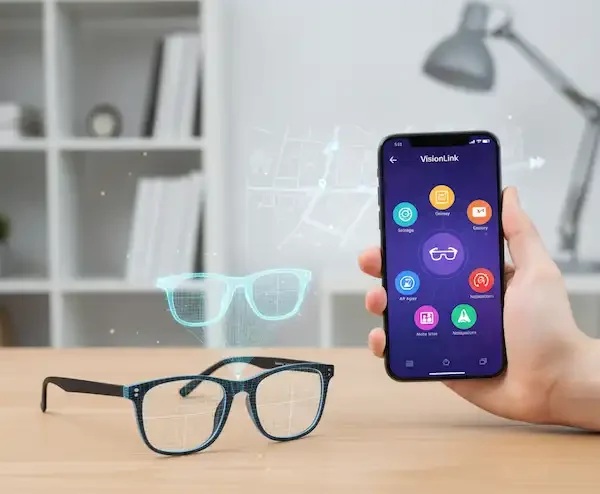
Whether you’re rocking an iPhone or an Android, the ecosystem of apps and features for these wearables has exploded recently. It’s not just about taking photos anymore; it’s about having a digital layer that actually makes your day-to-day existence easier. If you’re curious about what you can actually do with these things once you take them out of the box, let’s get into the stuff that really matters.
The Apps & Features That Actually Change Your Day
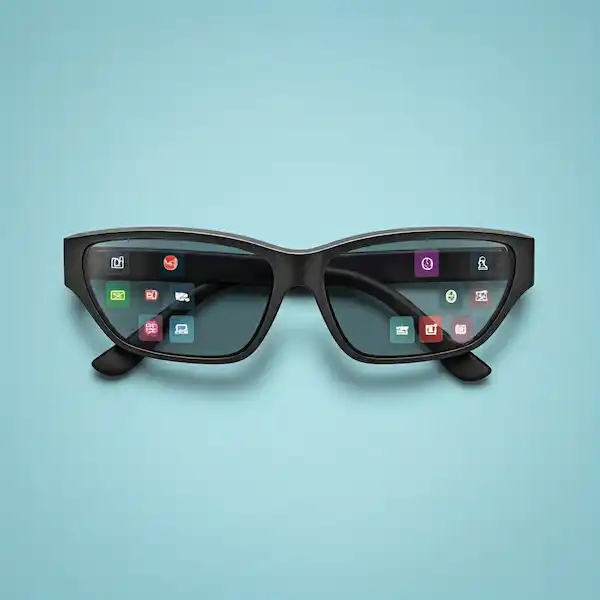
When I got my glasses, I thought I’d use them mostly for music. I was wrong. The real value lies in the “heads-up” utility. Here are the Smart Glasses Apps & Features that have become non-negotiable for me.
1. Real-Time Translation (The “Universal Translator”)
Going back to my Tokyo experience—modern smart glasses now handle this beautifully. Apps like Google Translate (integrated into many Android-based glasses) or proprietary AI assistants can now listen to a foreign language and beam the translated text directly onto your lens.
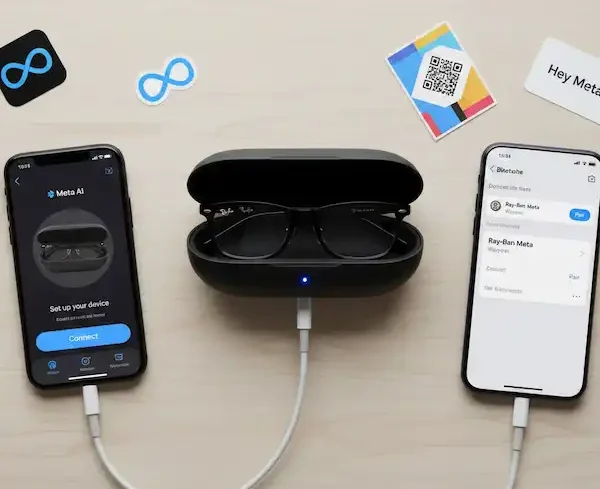
I recently used this during a dinner with a friend’s family who only spoke Spanish. Instead of constantly checking my phone, I could look at them, see the subtitles floating in the air, and actually engage in the conversation. It feels less like a gadget and more like a superpower. For iPhone users, the Meta View app (used with Ray-Ban Meta glasses) handles voice-based translation with surprising accuracy.
2. Navigation That Doesn’t Feel Like Work
We’ve all been that person: walking down a city street, staring at the blue dot on Google Maps, and walking straight into a lamp post.
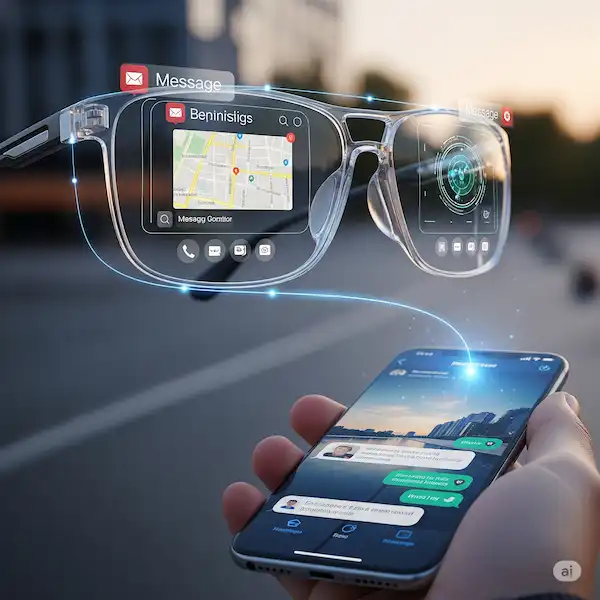
Navigation on smart glasses is a game-changer. Most systems use a “turn-by-turn” HUD (Heads-Up Display). You’ll see a simple arrow telling you to turn left in 50 feet. For Android users, Google Maps integration is often native. If you’re on iOS, apps like Apple Maps or Waze can feed audio cues or visual prompts to your frames. It allows you to actually see the architecture of the city you’re visiting instead of just the sidewalk.
3. The “Second Brain” (AI Assistants)
This is where the iPhone vs. Android debate gets interesting.
- Android Users: You often get deep integration with Google Gemini. You can literally look at a flower and ask, “Hey Google, what is this?” and it will identify it using the camera.
- iPhone Users: While Siri is the default, apps like ChatGPT or Perplexity have become my go-to for smart glasses. I’ve used my glasses to look at the ingredients in my pantry and ask the AI to “give me a recipe using just these items.” It’s hands-free, seamless, and feels incredibly futuristic.
4. Productivity and the “Virtual Office”
I once tried to answer a dozen emails while waiting at the airport using just my glasses. While I wouldn’t recommend writing a novel on them, for quick replies and calendar management, they are brilliant.
- Microsoft Outlook & Google Calendar: Getting a subtle notification on your lens that says “Meeting in 5 mins” is much less intrusive than your phone buzzing on the table during lunch.
- Notes & Reminders: I use a simple voice command—”Add ‘buy milk’ to my list”—while I’m driving or carrying groceries. It syncs instantly to my iPhone or Android device.
What to Look For:
If you’re shopping for a pair or trying to maximize the ones you have, these are the “under the hood” Smart Glasses Apps & Features that make or break the experience.
Visual Overlays (AR) vs. Audio-Only
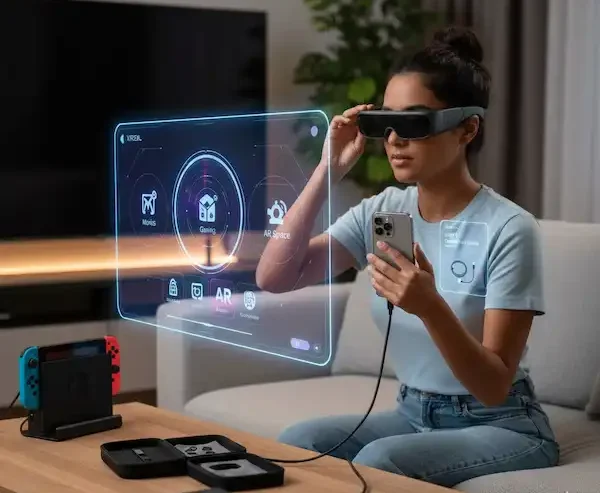
Some glasses, like the Xreal Air 2, provide a massive virtual screen (think 130 inches) that’s perfect for watching movies on a plane. Others, like the Ray-Ban Meta, focus purely on audio and camera.
- My Take: If you want to work or watch media, you need an AR display. If you just want a smarter version of your Ray-Bans for calls and quick AI help, audio-only is much lighter and more comfortable for all-day wear.
The Camera: More Than Just Snapshots
The 12MP cameras on modern glasses are surprisingly good. But the real “must-have” Smart Glasses Apps & Features is Livestreaming. Being able to livestream directly to Instagram or WhatsApp from your perspective—hands-free—is a creator’s dream. I used this while cooking a complex recipe to show my mom exactly what the sauce looked like without having to hold a phone with greasy hands.
Health and Fitness Tracking
Forget the smartwatch for a second. Some smart glasses now track your “posture” and “head tilt.” I tend to slouch at my desk, and my glasses will give me a tiny nudge if I’ve been looking down for too long. It’s a subtle way to stay healthy that doesn’t involve another strap on your wrist.
The Android vs. iPhone Experience
It’s the age-old battle, but in the world of smart glasses, Smart Glasses Apps & Features.
- Android (The Open Garden): Android users generally have more flexibility. You can side-load apps on some glasses (like the Vuzix or older Google Glass models) and customize the interface. If you’re a tinkerer, Android is your playground. Integration with the Google ecosystem (Photos, Keep, Assistant) is nearly flawless.
- iPhone (The Polished Experience): iPhone users benefit from the “it just works” factor. While Apple is tighter with their permissions, the way smart glasses handle notifications from iOS is incredibly polished. Using AirPods in tandem with smart glasses for a “dual-audio” setup is also a surprisingly great experience.
A Word on Privacy (The Elephant in the Room)
I get asked this all the time: “Aren’t people creeped out?” Most modern glasses have a physical LED that lights up when you’re recording. I make it a point to tell people if I’m using them for anything other than just seeing. Being an “authoritative” user means being a respectful one. Always check the privacy settings in your companion app (like Meta View or Xreal Nebula) to ensure you aren’t uploading data you don’t want to.
Frequently Asked Questions (FAQ)
Q: Do smart glasses work with prescription lenses? Absolutely. Most major brands like Ray-Ban Meta and Zenni Optical offer prescription options. I had mine made with transition lenses so I can wear them inside and out.
Q: How long does the battery actually last? This is the Achilles’ heel. If you’re just using them for notifications and the occasional photo, you’ll get through a day. If you’re watching movies or livestreaming, expect 3-4 hours. Always carry the charging case!
Q: Are they waterproof? Most are “water-resistant” (IPX4), meaning they can handle a light rain or some sweat at the gym. I wouldn’t go swimming in them unless you want a very expensive paperweight.
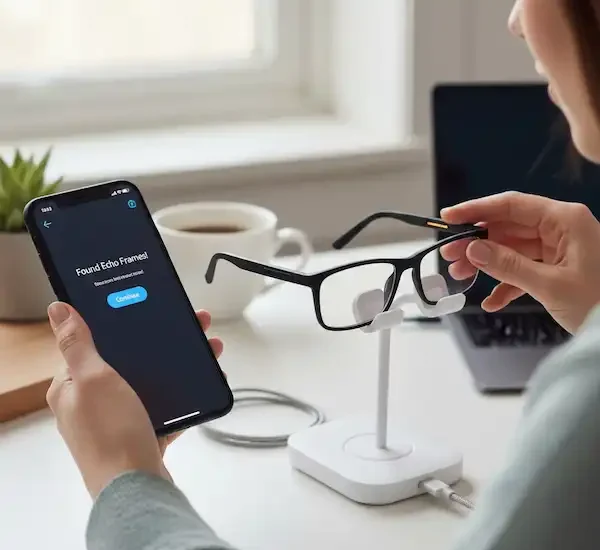
Q: Can I use them without a phone? Generally, no. They are designed as a companion to your smartphone. They need that Bluetooth or Wi-Fi bridge to access the internet and process AI commands.
Q: Which is better for movies: Xreal or Meta? If you want a cinema experience, go with Xreal. If you want a social, “lifestyle” pair, Meta is the winner.
Additional Helpful Links
- Learn more about smart glasses apps for your smartphone – Smart Glasses Apps – For your Smartphone
External Links for Authoritative Sources
- XREAL (formerly Nreal): https://www.xreal.com/ (Leading smart glasses manufacturer)
- Ray-Ban Stories (Meta): https://www.ray-ban.com/usa/ray-ban-stories (Focus on social sharing and everyday use)
- Qualcomm: https://www.qualcomm.com/ (Key component supplier for many smart glasses and AR devices)
- AR Insider: https://arinsider.com/ (Industry news and analysis on augmented reality)
- IEEE Spectrum – Augmented Reality: https://spectrum.ieee.org/augmented-reality (Technical articles and insights)
Authority Links for Further Reading:
- The Future of Wearable Tech (Wired)
- Augmented Reality Trends (TechCrunch)
- Privacy Guidelines for Wearables (Electronic Frontier Foundation)
- Google Gemini AI Integration (Google Blog)
- Apple’s Vision and Wearables Ecosystem (Apple Newsroom)
By leveraging the right apps and understanding the hidden capabilities of your smart glasses, you can truly integrate this exciting technology into your daily life, making it more efficient, informed, and connected.