What Are The Smart Glasses Benefits?
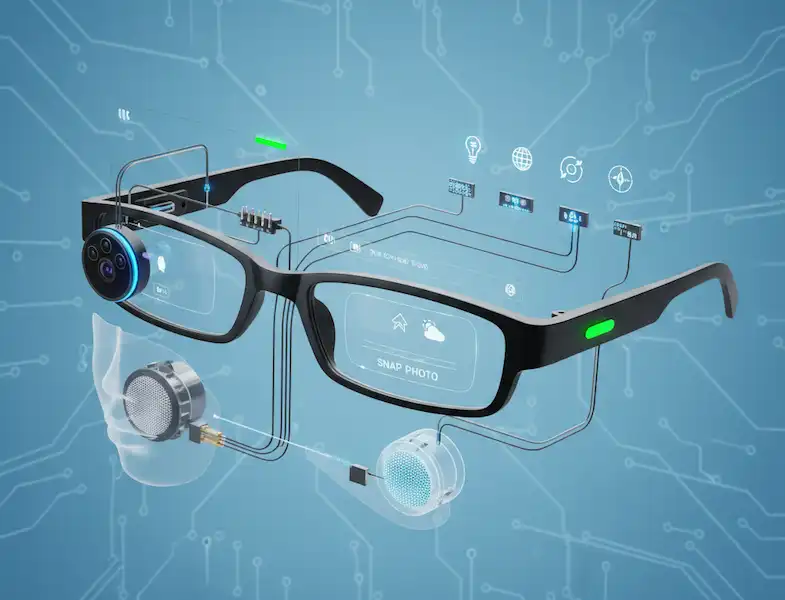
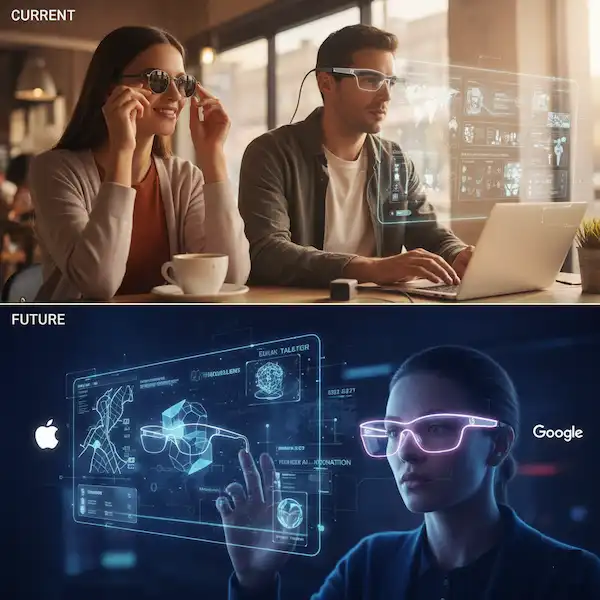
A new category of tech is trying to pull our eyes back up to the horizon. Smart glasses are no longer the dorky, glowing-blue-monocle “Glassholes” era of 2013. They’ve evolved into sleek, everyday accessories that—believe it or not—actually make life easier. Continue reading to discover the real Smart Glasses Benefits.
Whether you’re an Android devotee or an iPhone loyalist, the benefits of smart glasses go way beyond just “having a camera on your face.” It’s about regaining your hands, staying present, and having a literal “second pair of eyes” to navigate the world.
Why I Finally Swapped My Phone for Smart Glasses
I’ll be honest: the first time I wore a pair of smart glasses in public, I felt like a secret agent—and not the cool James Bond kind, more like the kind who’s about to get caught doing something weird. But then, I went grocery shopping.
Usually, my grocery trips involve a clumsy dance: holding a heavy basket in one hand, while my iPhone is precariously balanced in the other so I can check my “Notes” app list. This time, I just whispered, “Hey Meta, what’s next on my grocery list?” and the AI read it back to me through the discreet speakers near my temples. No fumbling. No dropped phone. Just me, picking out the best avocados like a normal human being.
That was the “Aha!” moment. Smart Glasses Benefits aren’t just gadgets; they are about presence.
Let’s Discuss the Benefits in Detail
1. The Freedom of a Hands-Free Life
The single biggest Smart Glasses Benefits I’ve found is the “reclamation of the hands.” We don’t realize how much of our physical capacity is stolen by holding a smartphone.
- For the Multi-Tasker: Imagine cooking a complex New York Times recipe. Usually, you’re wiping flour off your fingers every 30 seconds to wake up your phone screen. With smart glasses, you can have the instructions read to you or even see them projected (if you’re using AR-capable glasses like the Viture Pro).
- For the Parent: I recently watched a friend use her Ray-Ban Metas at her kid’s soccer game. Instead of watching the “winning goal” through a 6-inch screen while holding a phone up, she just tapped her frames. She recorded the moment in 3K high-definition while actually watching the game with her own eyes. That’s a benefit you can’t put a price on.
2. Your Personal AI Sidekick (Android vs. iPhone)
The integration of AI into these frames has changed the game. But the Smart Glasses Benefits depends heavily on which “team” you’re on.
The Android Experience
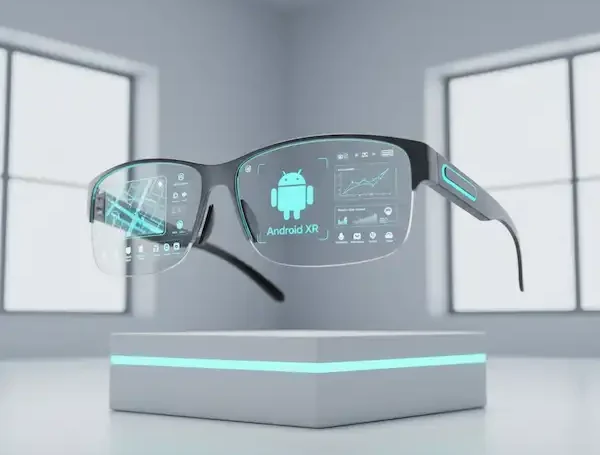
Android users currently have a bit of an edge when it comes to “openness.” If you’re using glasses like the Solos AirGo V, you can toggle between ChatGPT, Claude, and Google Gemini.
- Anecdote: I used an Android-connected pair during a trip to Mexico. I walked up to a menu I couldn’t read, and using the “Look and Tell” feature, the glasses translated the daily specials for me instantly. Because Android allows more background processes, the transition between the glasses and the phone’s translation app felt seamless.
- External Resource: Learn more about how Google Gemini is integrating with wearables to provide real-time assistance.
The iPhone (iOS) Experience
Apple users might feel more “locked in,” but the polish is undeniable. The Ray-Ban Meta glasses integrate beautifully with Apple Music and Siri.
- Experience: On my iPhone, I love that I can just double-tap my frames to share my “View” on a WhatsApp video call. I was helping my dad fix a leaky sink 300 miles away. He could see exactly what I was seeing through the glasses while my hands were busy with the wrench.
- Note: While iOS is more restrictive with third-party AI, the stability of the Meta View app on iPhone is top-tier.
3. Privacy and the “Discreet” Factor
A common concern is: “Will people know I’m wearing a computer?”
The modern crop of smart glasses—specifically the Ray-Ban Meta Gen 2—looks exactly like standard Wayfarers. I’ve worn them into high-end restaurants and board meetings, and nobody blinked.
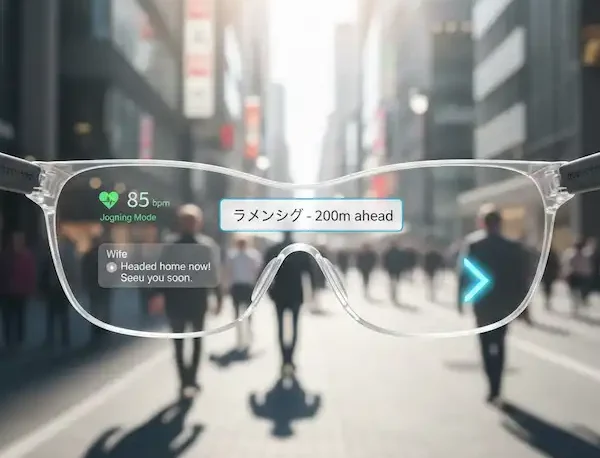
The Smart Glasses Benefits here are discreet connectivity. You can receive a turn-by-turn navigation prompt in your ear while walking through a city without looking like a lost tourist staring at a map. It’s safer, too. You keep your head up and your eyes on your surroundings.
4. Replacing the Big Screen (The AR Benefit)
Then there’s the “Extended Reality” (XR) side of things. Glasses like the XREAL One Pro aren’t meant for walking around—they are meant for sitting down and being productive.
I recently took a 5-hour flight. Instead of craning my neck down at a tiny seatback screen, I plugged my XREALs into my iPad. Suddenly, I was sitting in a private IMAX theater.
- Productivity Hack: For those working on the go, these glasses can act as a virtual triple-monitor setup for your laptop. You can have your Slack on the left, your document in the middle, and a video call on the right—all floating in the air.
5. Health and Accessibility
We often forget that Smart Glasses Benefits can be life-changing for those with disabilities.
- Low Vision: Apps like Be My Eyes allow blind or low-vision users to stream their POV to a sighted volunteer who can help them navigate a busy street or read a label.
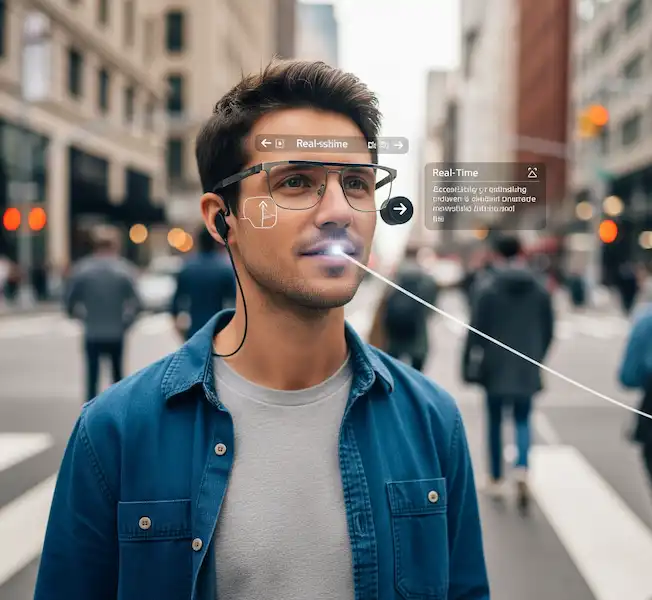
- Hearing Loss: Companies like XRAI Glass are using smart glasses to provide real-time subtitles for the deaf. Imagine being able to “see” what someone is saying in a crowded room. That isn’t just a “feature”; it’s a bridge to human connection.
Smart Glasses vs. Smartphones: A Quick Comparison
| Feature | Smartphone | Smart Glasses |
| Perspective | Third-person (held at chest level) | First-person (POV) |
| Interaction | Touch-heavy, distracting | Voice and gesture, “Heads-up” |
| Social | Creates a barrier between people | Allows you to stay present |
| Battery | Full day | 4–6 hours (requires charging case) |
Real Talk: The Growing Pains of Smart Glasses
I wouldn’t be doing my job if I didn’t tell you the frustrating parts.
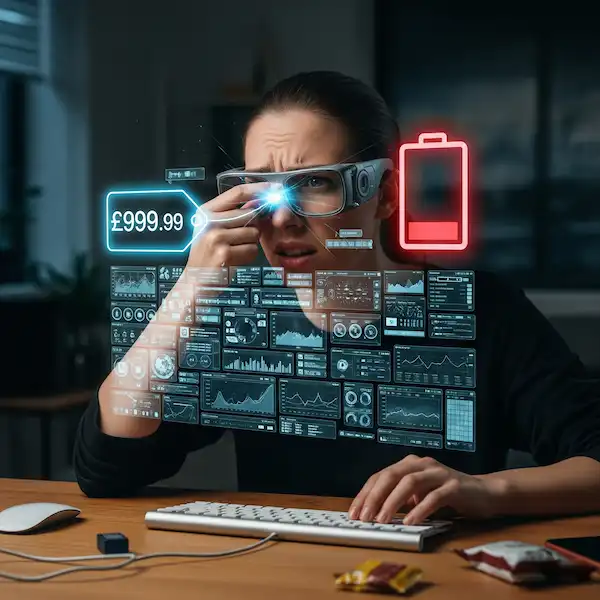
- The Battery: You won’t get 12 hours of constant use. If you’re recording a lot of video, you’ll be putting them back in the charging case every few hours.
- The “Social Creep”: Even though there’s a recording light, some people still feel uneasy. I always make a point to tell my friends, “Hey, these are smart glasses, but I’m not recording,” just to clear the air.
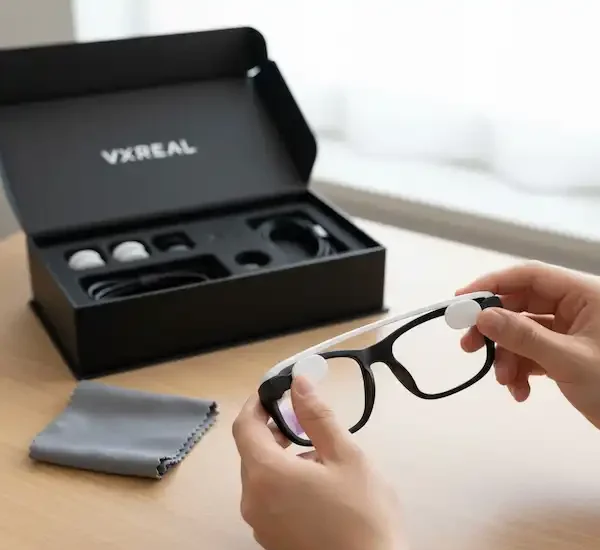
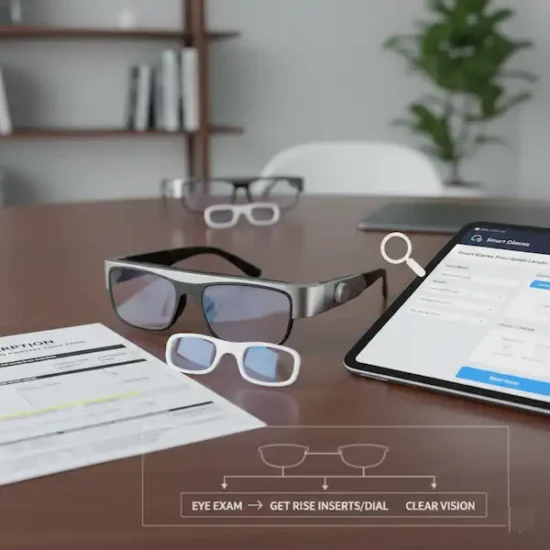
- Prescription Costs: If you need corrective lenses, you’ll have to pay extra for prescription inserts. However, many brands now partner with Lensabl or similar services to make this easy.
The Verdict: Smart Glasses – Are They Worth It?
If you’re someone who values “being in the moment” but doesn’t want to lose the utility of your digital life, smart glasses are a revelation. They’ve changed my morning walks from “staring at my screen for notifications” to “listening to a podcast while actually noticing the birds and the trees.”
For Android users, the flexibility and AI choice are the winners.
For iPhone users, the seamless social and media integration makes them the ultimate “pro” accessory.
The “Reality Check”: Disadvantages of Smart Glasses
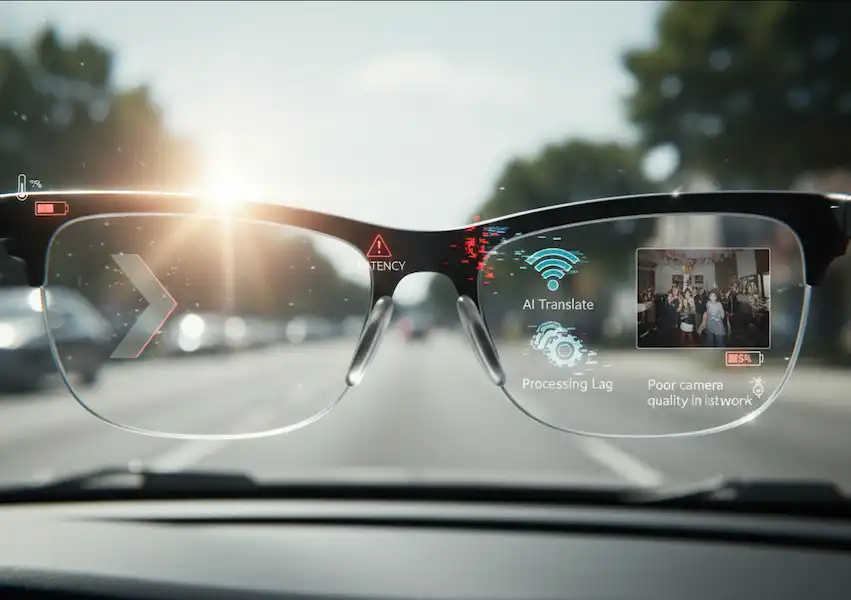
I’m a huge fan of this tech, but I’d be lying if I said it was all sunshine and holographic rainbows. Like any “Version 1.0” or “2.0” product, smart glasses come with a suitcase full of compromises. Before you drop $300 to $600, you need to know about the “disadvantages of smart glasses”—the quirks that might make you want to toss them back in their case.
1. The “Battery Anxiety” is Real
Your smartphone can usually coast through a full day. Smart glasses? Not so much.
- The Reality: If you’re using them for a heavy mix of music, video recording, and AI queries, you’re looking at 4 to 6 hours of battery life tops.
- My Experience: I wore my glasses to a theme park once, thinking I’d record every ride. By 1:00 PM, they were dead weight on my face. You quickly realize you have to “budget” your usage, which feels a bit counterintuitive for a device designed to be “always on.”
- External Resource: For a deep dive into why miniaturizing batteries for eyewear is so difficult, check out this 2025 breakdown on wearable power constraints.
2. Social Friction and the “Creep” Factor
Even with the little LED “recording” light, people get twitchy around cameras they can’t easily see.
- The Awkwardness: I’ve walked into a public restroom and realized with a jolt that I was still wearing my smart glasses. I immediately felt like a creep, even though they weren’t recording.
- The Social Cost: You might find yourself constantly explaining, “No, I’m not filming you,” which ironically makes you less present in a conversation. Privacy advocates and regulators in the EU are actually currently investigating whether these devices meet transparency laws.
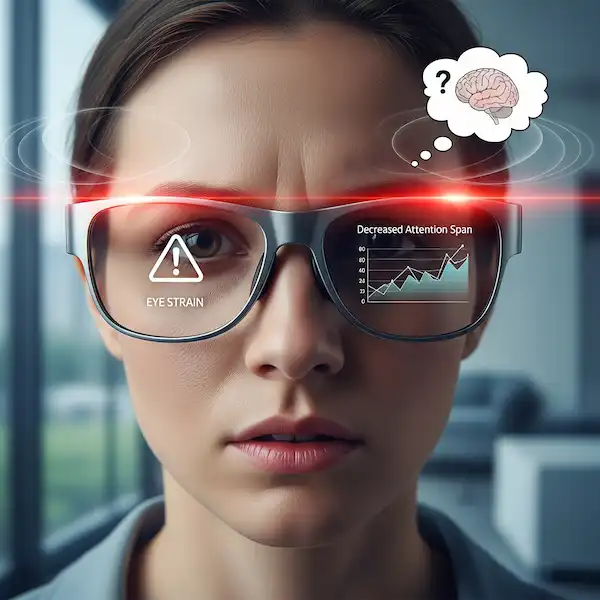
3. Digital Eye Strain and “Vergence-Accommodation Conflict”
This is a fancy way of saying your brain gets confused.
- The Problem: When using AR glasses (like XREAL), your eyes are focusing on a screen that’s technically an inch from your face, but your brain thinks it’s 10 feet away. This mismatch can lead to headaches, nausea, and “cybersickness.”
- Health Tip: According to medical experts, you should follow the 20-20-20 rule: every 20 minutes, look at something 20 feet away for 20 seconds to prevent your eye muscles from locking up.
4. The “Heavier Than They Look” Problem
Standard Ray-Bans weigh about 30–40 grams. Smart glasses often push 60–75 grams.
- The Long-Wear Test: It doesn’t sound like much, but after four hours, you really feel that extra weight on the bridge of your nose. If the frames aren’t perfectly adjusted, they can leave painful red marks or even trigger a tension headache.
5. Technical Limitations (The “Dumb” in Smart)
- Limited Field of View: In AR glasses, the digital “screen” doesn’t cover your whole vision. It’s often a small box in the center. If you move your eyes too far to the left or right, the image disappears.
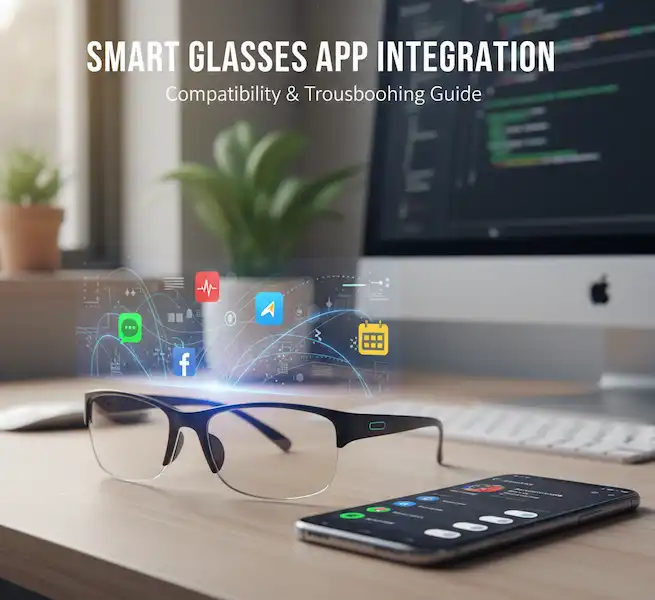
- Connectivity Woes: They are heavily dependent on your phone. If your iPhone has a weak signal, the glasses become essentially “dumb” sunglasses with expensive speakers.
Summary of Disadvantages of Smart Glasses
| The Issue | Why it Happens | How to Manage It |
| Short Battery | Small frames = small batteries. | Keep the charging case in your pocket. |
| Public Privacy | Covert cameras make people uneasy. | Be transparent; take them off in private zones. |
| Eye Fatigue | Near-eye display focusing issues. | Limit “screen time” sessions to 30 mins. |
| Weight | Electronics and batteries add bulk. | Ensure a professional fit at an optician. |
FAQ: Everything You’re Itching to Ask About Smart Glasses
Q: Can I use them with my existing prescription?
A: Yes! Most major brands like Meta and XREAL offer prescription lens options. You can either order them directly with your script or buy “inserts” that snap into the frames.
Q: Do they work without a phone?
A: Mostly no. They are “tethered” via Bluetooth. While some can take photos without a phone nearby, you’ll need your Android or iPhone to process the AI, sync the media, or provide the data for maps.
Q: Are they waterproof?
A: Most are “water-resistant” (IPX4), meaning they can handle a light drizzle or sweat, but don’t go swimming in them. You’ll definitely regret taking them into the pool.
Q: Can people hear my music?
A: Unless you have the volume cranked to 100% in a silent elevator, no. Most use directional speakers that “aim” the sound into your ear canal, minimizing leakage.
Q: Which are better: Ray-Ban Meta or XREAL?
A: It’s about the use case. Ray-Ban Meta is for lifestyle, social media, and AI help while walking. XREAL is for watching movies, gaming, and “big screen” productivity while sitting.
Final Thoughts About Smart Glasses
The transition from handheld to head-worn computing is happening slowly, then all at once. We are currently in the “Blackberry” phase of smart glasses—functional, cool, and a bit niche. But once you experience the freedom of a hands-free life, going back to a slab of glass in your pocket feels like a step backward.
Check out the latest industry trends from IDC to see how the wearable market is shifting toward AI-enabled eyewear.
Additional Helpful Information
- What about the future of smart glasses? – The Future of Smart Glasses – What is coming?
- Details about the different technologies used for smart glasses — Smart Glasses Technology