Smart Glasses for Everyday Life and Beyond
I used to think smart glasses were a “tech for tech’s sake” gimmick. I remember seeing someone wearing the original Google Glass in a coffee shop back in 2013 and thinking they looked like a cyborg who had lost their way. It was awkward, clunky, and frankly, a bit creepy. Fast forward to today, and I’m writing this while my own pair of frames sits on the desk next to me, having just helped me navigate a confusing subway transfer and translate a menu without me ever touching my phone. Continue reading to learn more about Smart Glasses Current and Future.
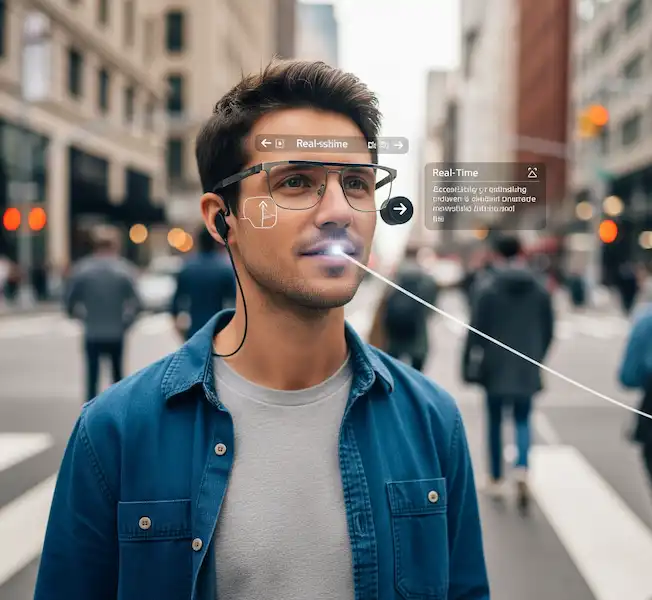
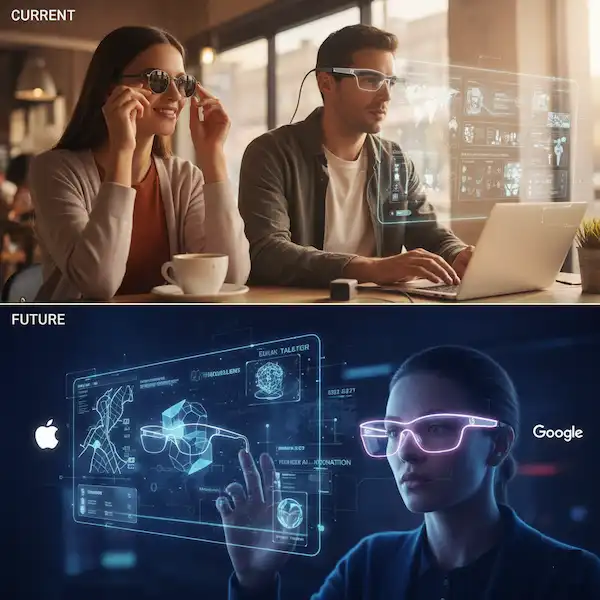
The leap we’ve taken from those “Glasshole” days to what’s available now is staggering. We aren’t just looking at cameras on our faces anymore; we’re looking at a fundamental shift in how we interact with the digital world. Whether you’re an Android die-hard or an iPhone lifer, the landscape of smart eyewear is finally maturing into something wearable—and dare I say, stylish.
What You Can Actually Buy Right Now, Smart Glasses Current and Future
If you’re looking to jump in today, the market is surprisingly diverse. It’s no longer just a one-horse race.
Ray-Ban Meta: The Social Media Powerhouse
I bought a pair of these last summer, and they are easily the most “normal” looking tech I own. They don’t have a screen—which sounds like a downside until you realize how much battery life you save. These are built for the creators. I used them at a concert recently, and being able to livestream the encore to my friends while actually watching the show with my own eyes (instead of through a 6-inch phone screen) was a game-changer.
- Best for: Android and iPhone users who live on Instagram and WhatsApp.
- The Experience: The open-ear audio is surprisingly rich. I wear them while biking, and I can hear my music and my surroundings simultaneously.
Even Realities G2: The Minimalist’s Dream
If the Ray-Bans are for creators, the Even G2s are for the productivity nerds like me. These actually have a display—a tiny, green monochrome “heads-up” display that stays out of the way until you need it. I used the teleprompter feature for a presentation last month, and it felt like having a superpower. I could see my notes floating in the air while maintaining perfect eye contact with the room.
- Check them out: Even Realities Official
- Connectivity: They play nice with both OS ecosystems, though the notification filtering feels a bit more granular on Android.
Xreal Air 2 & Viture Pro: The Pocket Cinema
These aren’t “walk around the grocery store” glasses. These are “I’m on a six-hour flight and want a 120-inch TV” glasses. I’ve spent many a train ride plugged into my Viture Pros. They connect via USB-C to your iPhone 15/16 or your Android flagship, and suddenly, you’re in a private theater.
- The Tech: They use Micro-OLED displays that are so sharp it’s genuinely hard to go back to a regular tablet.
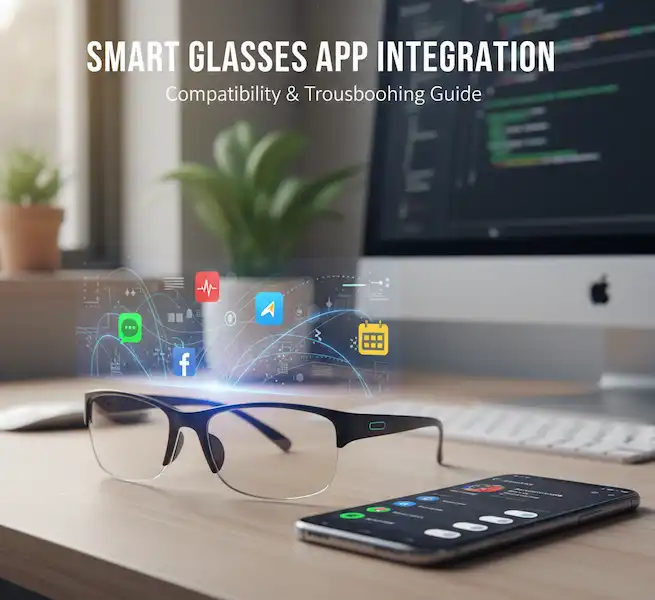
A Personal Headache, iPhone vs. Android
One thing I’ve learned the hard way: your choice of phone dictates about 40% of your experience with Smart Glasses Current and Future.
The Android Edge: Android has always been more “open,” and it shows here. When I use smart glasses with my Pixel, I get much deeper integration. Apps like Tasker can trigger specific HUD layouts, and the notification management is seamless. If you’re a tinkerer, Android is your playground. Most “developer edition” glasses, like those from Vuzix, lean heavily into the Android Open Source Project (AOSP).
The iPhone Experience: Apple is… well, Apple. They keep things locked down. While the Ray-Ban Meta app works flawlessly on iOS, you’ll find that some third-party AR glasses struggle to pull notifications or access GPS data as freely as they do on Android. However, the upcoming integration with Apple Intelligence is likely to change the game. We’re already seeing hints of this in how the Vision Pro communicates with the ecosystem, and that tech will eventually shrink down into “Apple Glasses.”
What’s Coming Next (The Stuff I’m Saving Up For)
The “Future Models” section of my Smart Glasses Current and Future wishlist is getting crowded. We are moving away from “smart” being just a camera and toward “Ambient AI.”
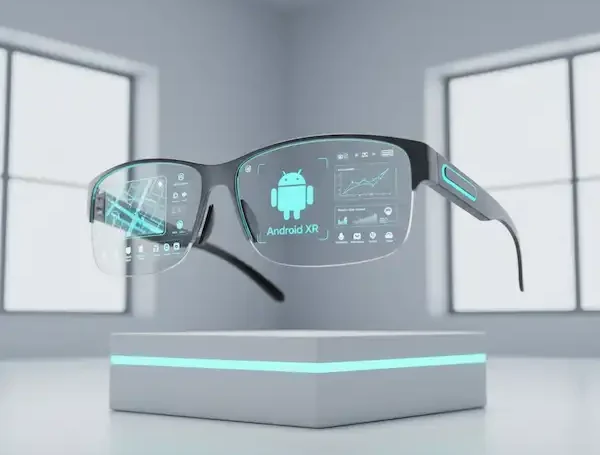
Android XR: The Big Move from Google and Samsung
This is the one I’m watching closest. Google and Samsung recently announced Android XR, Smart Glasses Current and Future, a brand-new operating system specifically for spatial computing. Think of it as “Android for your face.”
- The Gear: We’ve already seen the Samsung Galaxy XR headset (which just launched at $1,799), but the real excitement is the 2026 roadmap for Android XR glasses.
- Why it matters: Unlike the clunky headsets, these will be lightweight glasses developed with partners like Warby Parker and Gentle Monster. They’ll use Google’s “Project Astra” (part of Gemini) to literally see what you see. I saw a demo where the AI helped someone find where they left their keys by “rewinding” the video feed from the glasses. That is the kind of practical magic I’m waiting for.
- Learn More: Official Android XR Site
Meta’s Upcoming Enhancemeents
Meta’s 2026 Power Moves, Smart Glasses Current and Future
1. The “Super Sensing” Upgrade (Aperol & Bellini)
The biggest gripe I’ve had with my older Ray-Bans is that the AI “vision” usually times out after a few minutes to save battery. Meta is addressing this with the 2026 generation (codenamed Aperol and Bellini).
- Continuous AI: They are moving toward “always-on” AI that can run for hours rather than minutes.
- Visual Memory: This enables the “Where are my keys?” feature. Because the AI is constantly observing (privately, according to Meta), you can ask, “Hey Meta, where did I put my wallet?” and it can literally scrub back through its visual memory to tell you it’s on the kitchen counter behind the fruit bowl.
- External Link: The Information’s Report on Meta’s 2026 Roadmap
2. The Meta Ray-Ban “Display” & Neural Band
This is the big one that just hit the shelves for $799. It’s no longer just a camera; it has an actual monocular HUD in the right lens.
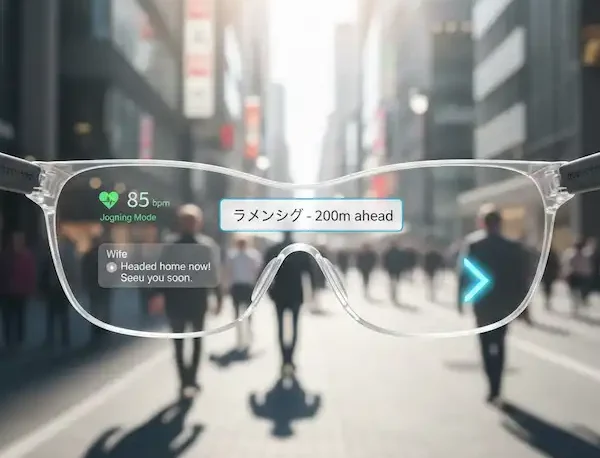
- The Screen: A tiny, high-res (600×600 px) display projects your texts, turn-by-turn walking maps, and even live video call feeds directly into your line of sight.
- The Neural Band: It comes bundled with a wristband that uses EMG (Electromyography). I’ve tried this, and it feels like magic. The band reads the electrical impulses in your wrist, so you can scroll through menus or dismiss a notification just by tapping your fingers together in your pocket. No more looking like you’re poking your temple in public.
- Official Specs: Ray-Ban Meta Display Collection
3. “Conversation Focus” (The Cocktail Party Fix)
I tested this software update in a crowded bistro last week. Smart Glasses Current and Future include Meta’s AI uses the five-microphone array to create a “narrow pickup zone.”
- How it feels: It identifies the person you are looking at and uses real-time spatial processing to amplify their voice while suppressing background noise. It’s a software-driven hearing boost that feels like a legitimate superpower in loud environments.
4. The Oakley Partnership: “Vanguard”
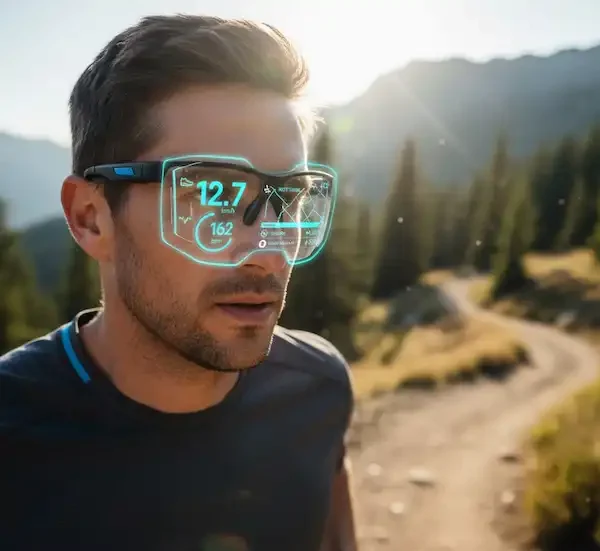
For my fellow hikers and cyclists, the new Oakley Meta Vanguard frames ($499) are a massive step up for performance.
Auto-Capture: It can be set to automatically record a 30-second POV clip when it detects a spike in your heart rate or speed—perfect for those “did you see that?” moments on the trail.
Garmin Integration: You can now ask your glasses for your real-time heart rate or power output, and it pulls the data directly from your Garmin sensors.
Apple’s AR Ambitions
Rumors have been swirling for years about “Apple Glass.” Based on recent patents, they are focusing on a device that offloads the heavy processing to your iPhone, keeping the glasses light enough for all-day wear. Check out the deep dives on MacRumors to see how they’re planning to handle prescription lenses in Smart Glasses Current and Future.
Technical Deep Dive: What’s Under the Hood?
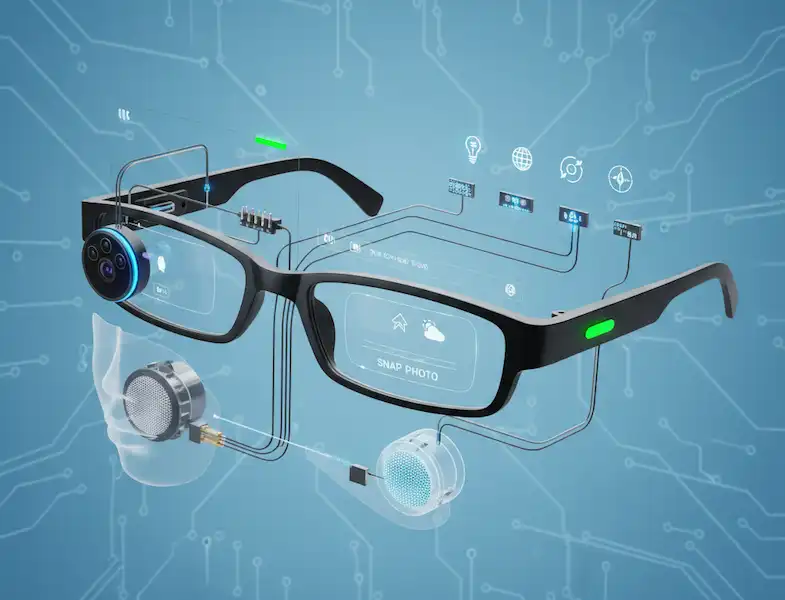
If you’re like me, you want to know how this stuff actually works before you drop $400+ for Smart Glasses Current and Future.
| Feature | How it Works | My Take |
| Waveguide Displays | Etched glass that “bends” light into your pupil. | Best for text and navigation. Very discreet. |
| Micro-OLED | Tiny, high-brightness screens. | Incredible for movies/gaming, but usually requires a wire. |
| Bone Conduction | Vibrates your cheekbones to send sound to your inner ear. | Great for safety, but lacks bass for music. |
| IMU Sensors | Gyroscopes and accelerometers. | Essential for “pinning” digital objects to the real world. |
Reality Check: Is the Tech Ready for You?
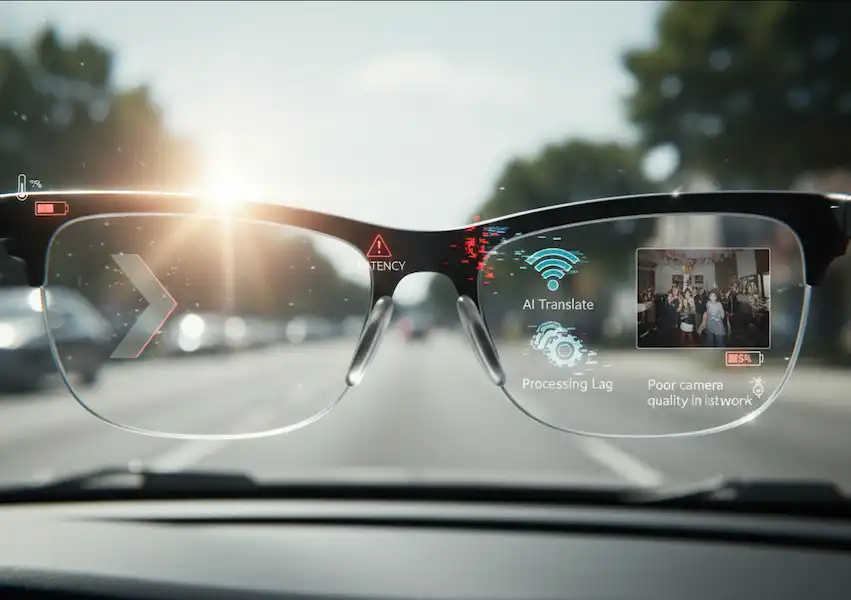
I’m not going to sit here and tell you everything is perfect. I’ve had my glasses die in the middle of a city I didn’t know. I’ve had them overheat on a hot day in July.
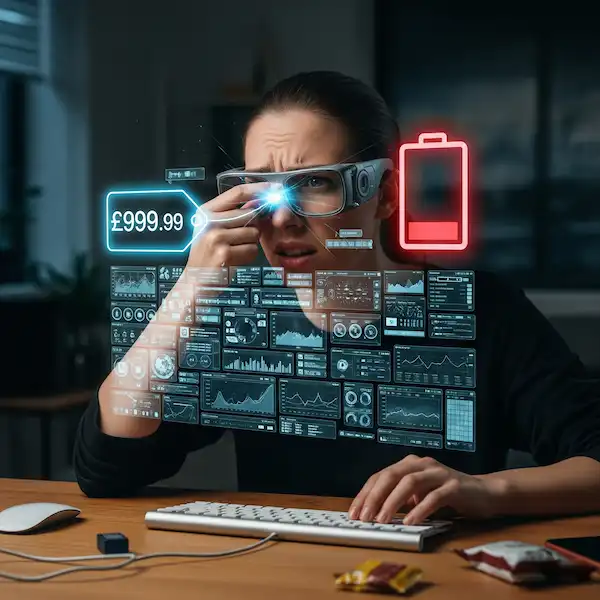
Battery Life: This is the elephant in the room. If you’re using active AR (displays, GPS, constant AI), you’re lucky to get 3 or 4 hours. Most of these come with charging cases—treat them like AirPods. You use them, you stow them, you charge them.
Social Etiquette: This is still a thing. I always tell people when I’m wearing them, especially if they have a camera. The little LED light on the front of the Ray-Bans is a good start, but we’re still in the “learning how to act” phase of this technology.
FAQ: Everything I Get Asked at Parties
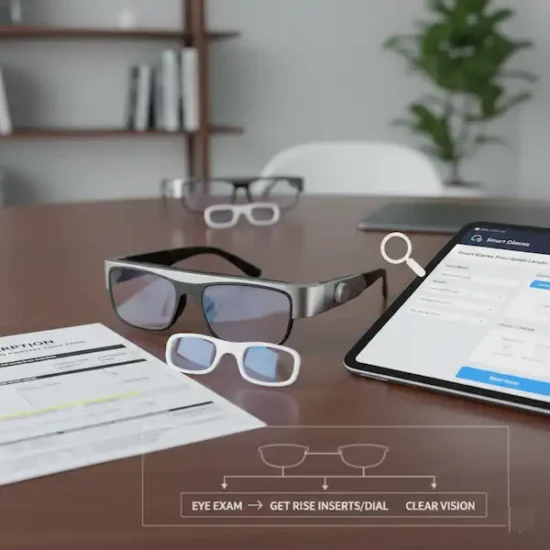
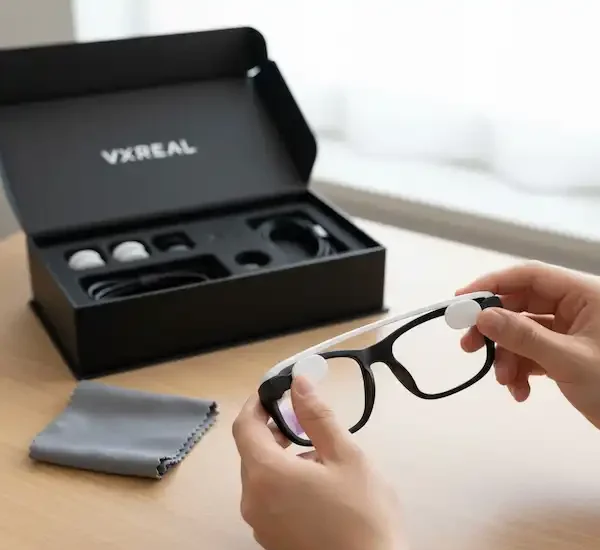
Q: Can I get them with my prescription? Absolutely. Most modern brands (Meta, Even Realities, Xreal) offer prescription inserts or have partnerships with places like LensCrafters. I’m a -3.5 in my left eye, and my Even G2s are as sharp as my regular spectacles.
Q: Do they work without a phone? Mostly, no. Think of them as a secondary screen or a remote sensor for your phone. They need that Bluetooth/Wi-Fi tether for the “smarts” to work.
Q: Are they waterproof? Most are “splash resistant” (IPX4 or IP54). I’ve worn mine in a light drizzle, but I wouldn’t go swimming in them. Check the specs on Cnet’s latest reviews for specific model ratings.
Q: Will they replace my phone? Not yet. But they will reduce how often you pull your phone out. I find myself checking my pockets less and looking at the world more, which was kind of the point, right?
Additional Helpful Links
- Discover the built-in tech of smart glasses – Smart Glasses Built-in Tech: Camera, Audio, Sensor Capabilities
External Links for Authoritative Sources
- Meta Ray-Ban Official Site
- XREAL Official Site
- Vuzix Official Site (Enterprise Focus)
- Insights on the Future of Spatial Computing (Source Example) (Note: This is a placeholder for a real, in-depth tech news/analysis link on the AR/XR space.)