The World of Smart Glasses Technology
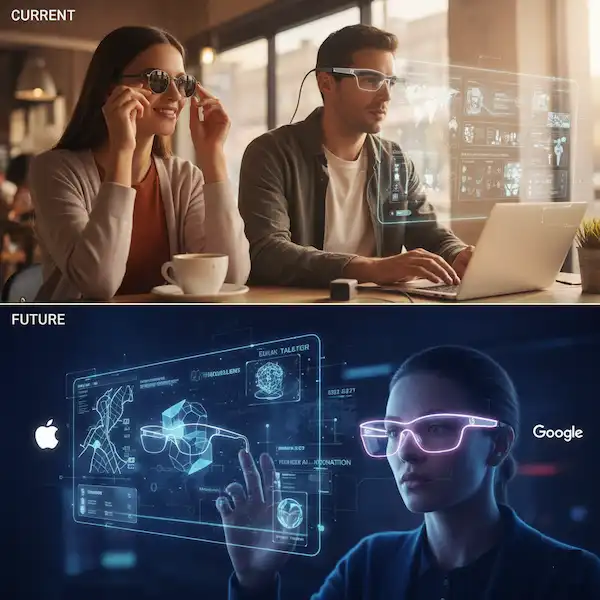
Forget the “tech of the future” hype for a second and just look at the person standing next to you on the subway, staring down at their phone with a strained neck. We have spent the last decade hunched over glowing rectangles, but the shift toward smart glasses is finally breaking that habit. Whether you are deep in the Android ecosystem or wouldn’t dream of leaving your iPhone, Smart Glasses Technology has evolved from bulky, awkward prototypes into something that actually fits into a normal Tuesday. It’s no longer about wearing a computer on your face; it’s about moving the digital world into your natural line of sight so you can actually keep your head up.
If you’ve been looking at the specs on Smart Glasses Support, you know the technical jargon can get a bit thick. Let’s break it down into what actually matters when you’re walking down the street, trying to navigate a new city, or just trying to record a memory without burying your face in a phone screen.
Learn About Augmented Lifestyle Integration:
Why My Smartphone is Staying in My Pocket More Often
I used to be that person who walked into a lamp post because I was checking a Slack notification. We’ve all been there. The shift toward smart glasses technology is really about one thing: Heads-Up Living.
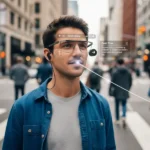
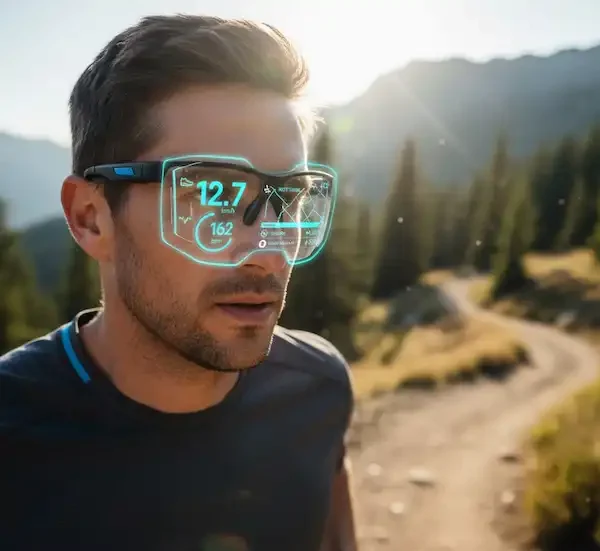
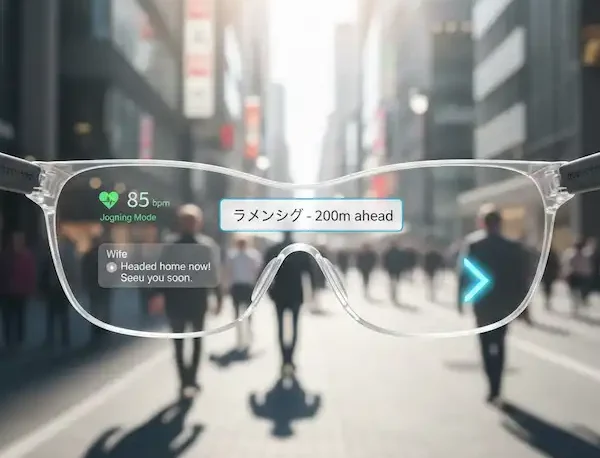
When I’m wearing my Ray-Ban Metas or testing out the latest Android-compatible Vuzix frames, the world feels “open” again. Instead of looking down at a 6-inch slab of glass, the information I need—my heart rate during a jog, a text from my wife, or turn-by-turn directions—floats subtly in my peripheral vision.
Android vs. iPhone: The Great Ecosystem War Moves to Your Face
The experience of Smart Glasses Technology varies wildly depending on which “team” you’re on.
The Android Experience (Open and Versatile)
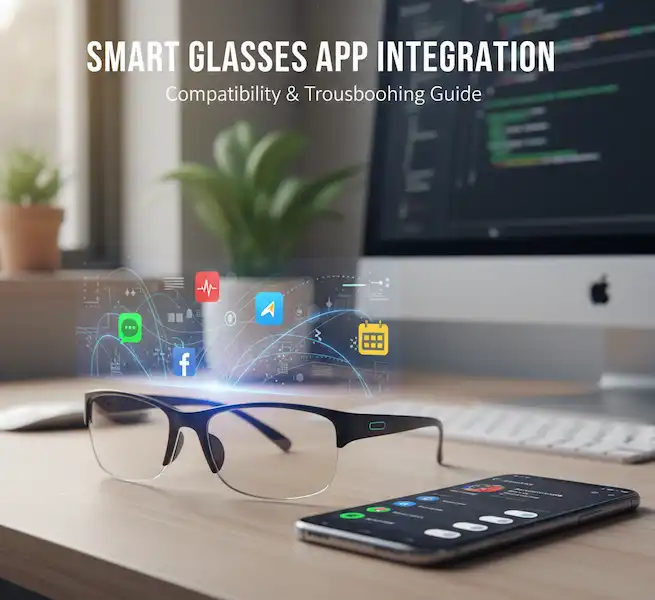
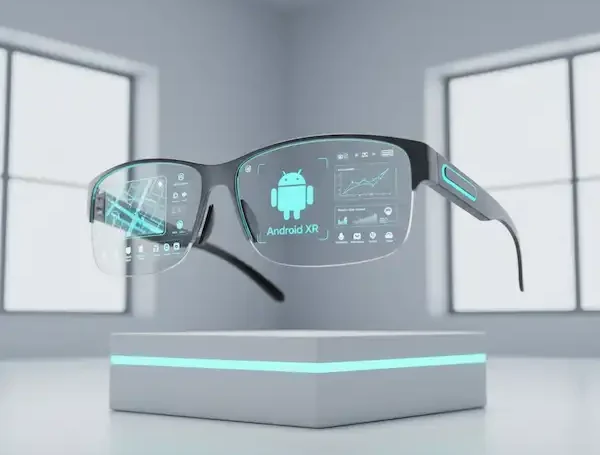
Android users have it pretty good right now. Because Android is an open platform, we’re seeing a massive variety of hardware. I’ve used Smart Glasses Technology that plug directly into a Samsung Galaxy via USB-C to mirror the entire screen (great for watching Netflix on a virtual 100-inch monitor during a flight) and others that connect via Bluetooth for AI assistance.
- The Big Win: Google Lens integration. Being able to look at a menu in a foreign language and see the translation overlayed right on the paper is, quite frankly, magic.
- The Hardware: Companies like Vuzix and XREAL are doing incredible things for the Android crowd, focusing on high-definition AR displays.
The iPhone Experience (Polished and Seamless)
Apple users are currently in a “transition” phase. While we wait for the rumored “Apple Glass,” iPhone users mostly rely on third-party integrations. However, the way iOS handles audio and notifications through glasses like the Bose Frames or the Ray-Ban Meta line is incredibly slick.
- Siri Integration: If you live in the Apple ecosystem, having Siri in your ear via your frames is a game changer for sending hands-free iMessages.
- The “It Just Works” Factor: The pairing process on iOS is still the gold standard. I never have to worry about my glasses disconnecting mid-call.
Diving Deep into the Tech
1. Display Technologies: How Do You Actually See the Data?
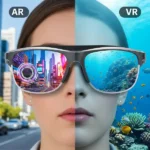
There are three main ways that Smart Glasses Technology put “pixels on your pupils”:
- Waveguide Optics: This is the “holy grail.” It uses microscopic ridges to bend light from a tiny projector in the arm of the glasses into your eye. It makes the digital image look like it’s actually part of the real world.
- Micro-OLED: These are essentially tiny, high-resolution TV screens. They offer the best color but can sometimes make the frames look a bit “chunky.”
- Virtual Retinal Display (VRD): This sounds scary, but it’s cool. It lasers the image directly onto your retina. It’s incredibly sharp and works even if you have poor eyesight (in some cases).
2. The Power of AI (Your New Personal Assistant)
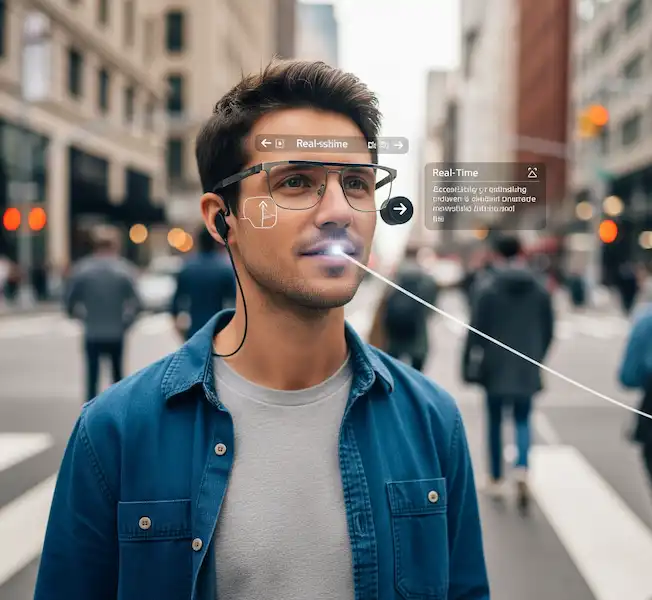
AI is the “brain” that makes these Smart Glasses Technology smart. I recently took a trip to Japan and used AI-powered glasses to help me navigate the Tokyo subway. By simply asking, “Where is the nearest ramen shop?” the glasses analyzed my GPS and pointed me in the right direction using a small arrow in my field of vision. This uses Natural Language Processing (NLP), which you can read more about at IBM’s AI Guide.
3. Sensors: The Hidden Magic
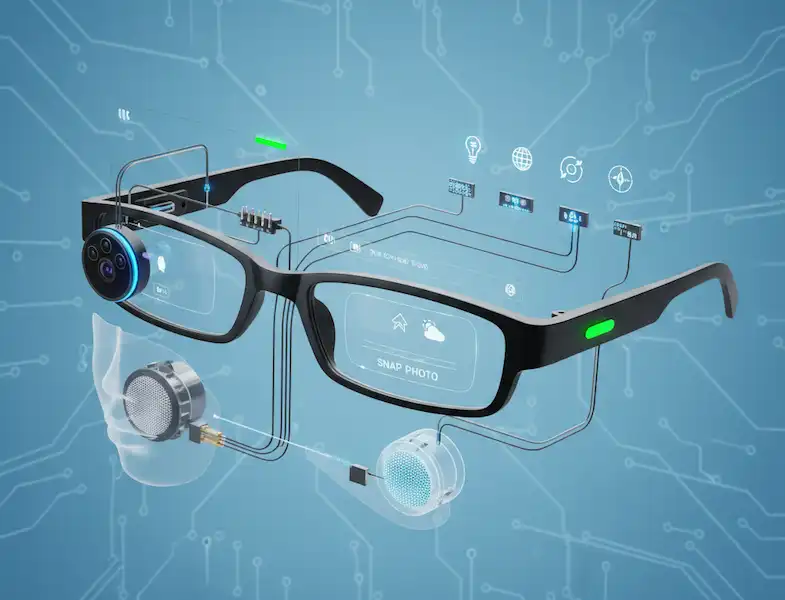
Your glasses are packed with more Smart Glasses Technology sensors than the original Apollo moon lander.
- Accelerometers and Gyroscopes: These track your head movement so the digital images stay “pinned” to the real world.
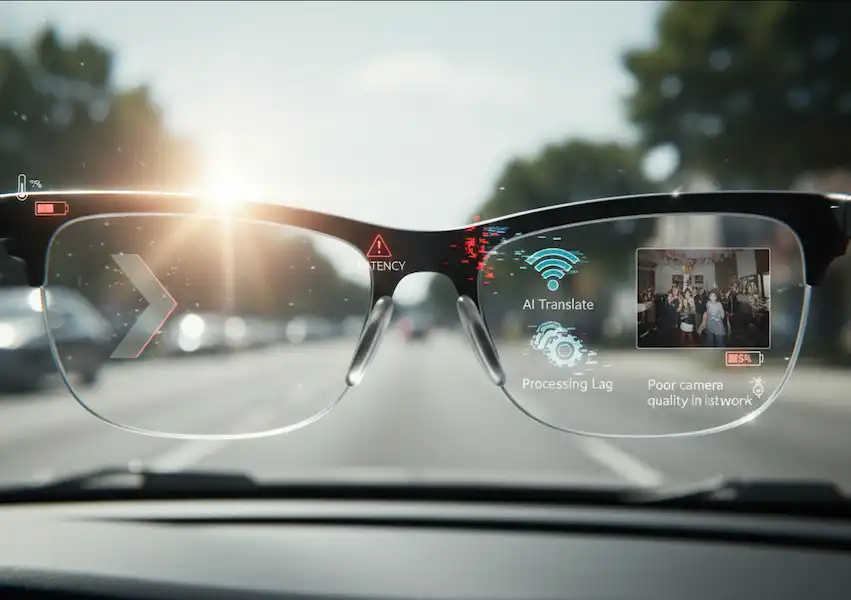
- Ambient Light Sensors: These ensure that if you walk from a dark room into bright sunlight, the display brightness adjusts so you don’t go blind (or lose your data).
My Personal Take: Is It Worth It Yet?
I get asked this at coffee shops constantly. “Are you wearing those glasses?”
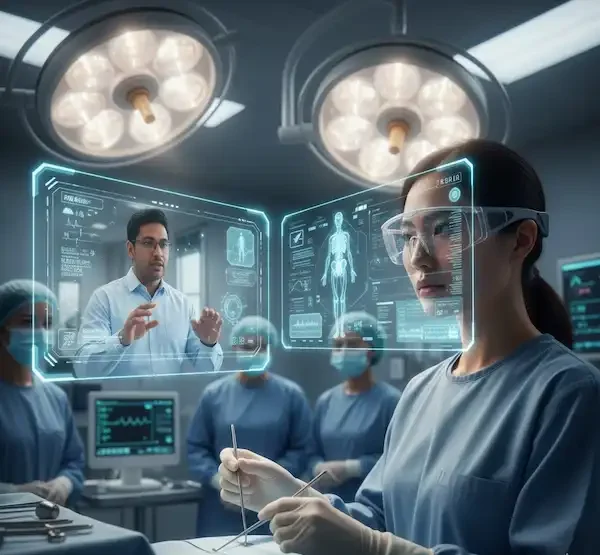
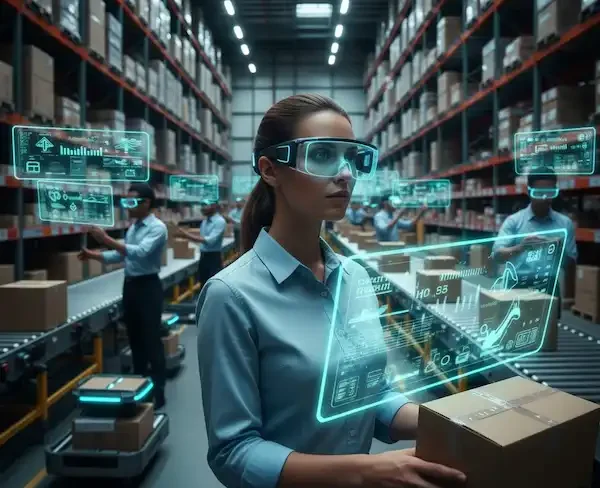
The truth is, we are in the “Blackberry phase” of smart glasses. They are incredibly useful for productivity and early adopters, but they haven’t quite hit the “iPhone moment” where everyone has them. However, for fitness junkies who want their stats in their eyes, or for professionals who need hands-free blueprints on a job site, the tech is already there.
According to research from Statista, the market is expected to explode over the next three years. We’re moving away from bulky headsets and toward frames that look like your standard Wayfarers.
Practical Use Cases:
Let’s look at how I actually use this Smart Glasses Technology in a 24-hour cycle:
- 08:00 AM: I head out for a run. My glasses track my pace and distance via GPS. I don’t need to look at my watch; I just see a small green text at the bottom of my vision: 7:45 min/mile.
- 11:00 AM: I’m in a meeting. Instead of looking at my phone and appearing rude, I get a discrete notification that my 12:30 lunch has been moved to 1:00.
- 03:00 PM: I’m trying to fix a leaky sink. I pull up a YouTube tutorial that plays in a small window in the corner of my glasses while I have both hands under the pipes.
- 07:00 PM: I’m at a party. I take a quick POV (Point of View) photo of my friends laughing. No one feels “posed” because I didn’t have to hold up a giant phone.
The Road Ahead: What to Expect
In the next 18 months, we are going to see a massive leap in spatial computing. This is the idea that your glasses won’t just show you “flat” data, but will understand the 3D space around you. Imagine virtual “Post-it” notes that you can stick to your real-world fridge, and they stay there even after you leave the room and come back.
For more technical breakdowns of the hardware, I always recommend checking out IEEE Spectrum for the latest in micro-LED and waveguide breakthroughs.
Frequently Asked Questions (FAQ)
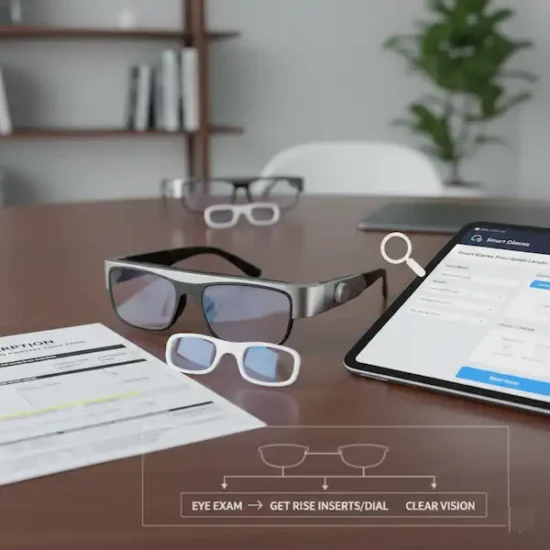
Q: Do smart glasses work with prescription lenses? Absolutely. Most major manufacturers like Meta and XREAL offer prescription inserts or have partnerships with optical labs. I personally had my prescription fitted into my frames, and it’s a seamless experience.
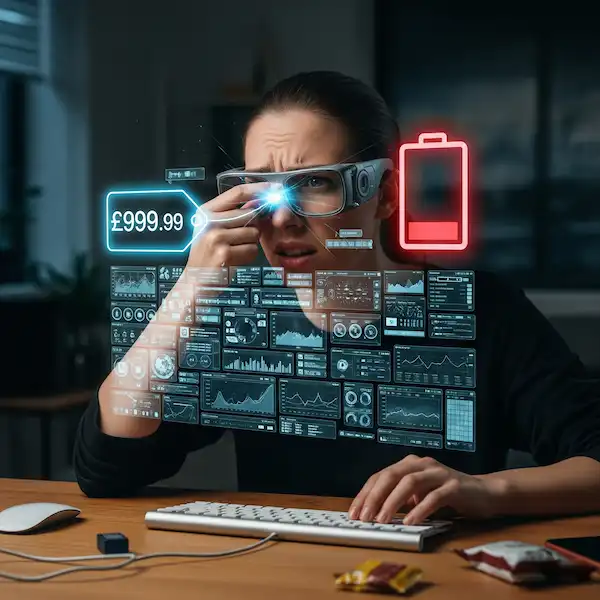
Q: Is the battery life actually good? It’s getting better. Most “display” glasses will last about 3–5 hours of heavy use, while “audio-only” glasses can go all day. Most come with a charging case (similar to AirPods) that tops them up on the go.
Q: What about privacy? Are people uncomfortable with the camera? This is a valid concern. Most modern smart glasses have a bright LED light that turns on whenever the camera is active. It’s a “privacy tax” we pay to ensure people know they are being recorded. Always be respectful of your environment. You can check out Electronic Frontier Foundation (EFF) for more on wearable privacy.
Q: Will they replace my phone? Not yet. Think of them as a “satellite” for your phone. They handle the quick interactions so you can keep your phone in your pocket. Eventually? Yes, that’s the goal.
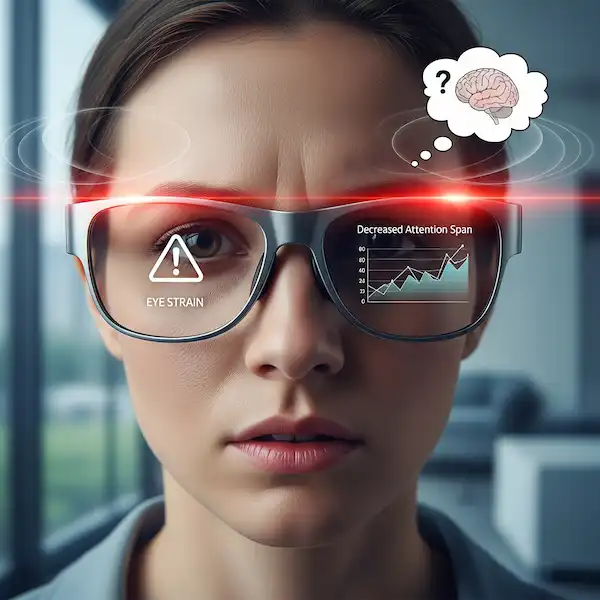
Q: Do they get hot? If you are streaming 4K video for an hour, yes, they can get a bit warm near the temples. But for standard notifications and AI tasks, you won’t even notice the heat.
Additional helpful information:
- More about the future of smart glasses – The Future of Smart Glasses – What is coming?
- Smart Glasses Accessibility emerging technologies – Smart Glasses Accessibility Tech & AR/VR
- Some of the benefits of smart glasses – Benefits of Wearing Smart Glasses
- You can use smart glasses for navigation using GPS – Smart Glasses With GPS and Navigation Services