The Interesting Relationship with Wearable Tech
Ever since I first strapped on a pair of smart glasses, I’ve been convinced they are the future. But let’s be real: the future is sometimes incredibly finicky. I remember the first time I took my XREALs on a cross-country flight, ready to watch movies on a giant virtual screen, only to have them refuse to connect the moment I hit cruising altitude. I spent forty minutes “unplugging and replugging” like a madman while the person in 14C stared at me. Discover more about smart glasses troubleshooting.
Whether you’re rocking the sleek Ray-Ban Metas, the productivity-beast Viture Pros, or the minimalist Echo Frames, these devices all share one trait: they eventually glitch. After years of testing and troubleshooting almost every major brand, I’ve realized that most “broken” glasses are actually just “confused.”
This guide is the culmination of my own trial-and-error, combined with the best fixes for the most popular hardware on the market today. If your tech is acting up, don’t return it just yet. Let’s get it working – Smart Glasses Troubleshooting.
Common Fixes for All Brands
Before we dive into brand-specific headaches, there are a few universal truths about smart glasses. Most Smart Glasses Troubleshooting issues stem from three things: Power, Pairing, or Port debris.
- The “Turn It Off and On Again” Rule: It sounds like a cliché, but for smart glasses, it’s a necessity. These aren’t just glasses; they are tiny computers on your face. A simple reboot clears the cache and resets the Bluetooth handshake.
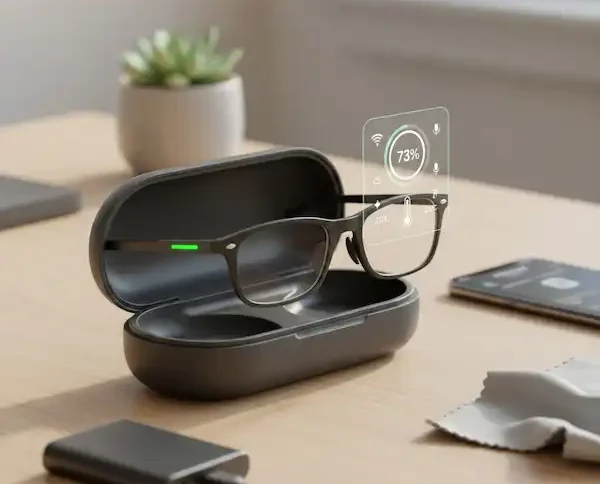
- Clean Your Pins: If your glasses aren’t charging, 90% of the time it’s because a tiny speck of skin oil or pocket lint is sitting on the copper charging contacts. Use a dry cotton swab or a microfiber cloth. Avoid water at all costs unless you want a very expensive paperweight.
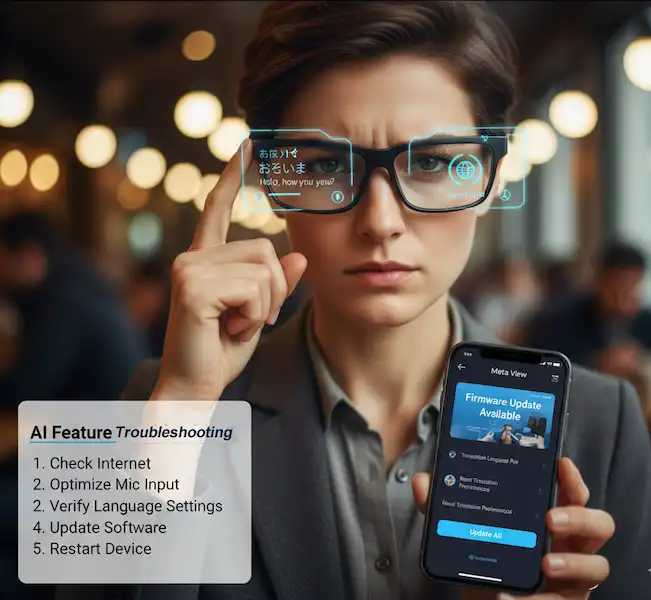
- Firmware is King: Manufacturers like Meta and XREAL push updates constantly. If your glasses worked yesterday but won’t connect today, check the app. Often, the hardware refuses to “handshake” with the phone until the software versions match.
XREAL Troubleshooting: Solving the “No Signal” Mystery
XREAL (formerly Nreal) makes some of the best AR displays, but they are notoriously picky about cables.
The Personal Fix: I once spent an hour trying to figure out why my XREAL Airs wouldn’t show a screen when connected to my MacBook. The culprit? I was using a standard USB-C charging cable. XREALs require a cable that supports DisplayPort Alt Mode.
- The Black Screen Issue: If you plug them in and see nothing, first check the proximity sensor between the lenses. I’ve found that if my forehead isn’t close enough, the screens won’t trigger. Sometimes a thicker nose pad is all you need to bring the sensor into contact.
- Nebula App Crashes: On Android, the Nebula app can be “buggy.” If it freezes, go into your phone settings and Clear Cache for the app. Better yet, if you’re on a Samsung, try using DeX Mode instead of Nebula—it’s often more stable for pure media consumption.
- Audio but No Video: This usually means the device you’re connecting to doesn’t support video out via USB-C. Not all USB-C ports are created equal. You can verify your device’s compatibility on sites like DisplayPort.org.
Ray-Ban Meta: The Connectivity Struggle
The Ray-Ban Meta (and the older Stories) are fantastic for capturing POV video, but the Bluetooth connection can be a nightmare.
My Experience: I’ve noticed that if I’m wearing a smartwatch and have Bluetooth headphones connected at the same time, the glasses struggle to “talk” to the Meta View app. It’s a classic case of signal interference.
- The Red Blinking Light of Doom: If you see three red blinks when you put them in the case, it means the case isn’t recognizing the glasses. The “angle trick” works wonders here: instead of just dropping them in, tilt the right arm slightly as you seat them. This ensures the pins make a solid connection.
- Audio Routing Issues: Ever take a call and realize the audio is coming out of your phone instead of your glasses? On iPhone, go to Settings > Accessibility > Touch > Call Audio Routing and set it to “Bluetooth Headset.” This forces the phone to prioritize the glasses.
- Importing Fails: If your videos won’t sync, toggle Airplane Mode on your phone. It forces a refresh of the Wi-Fi bridge used to transfer high-res files.
Viture Pro: The Power and Heat Troubleshooting Challenge
Viture glasses are built for gamers, which means they pull a lot of juice and generate a lot of heat. Consider these Smart Glasses Troubleshooting suggestions.
- Overheating: If the “temples” (the arms) of your Viture Pros get hot, the glasses might throttle the brightness or shut down. I’ve found that lowering the refresh rate from 120Hz to 60Hz in the settings significantly reduces the temperature during long gaming sessions.
- No Sound on Steam Deck: This is a common one. If you’re plugged into a Steam Deck and hear nothing, you have to manually go into the Deck’s Audio Settings and switch the output to “External Device.” It doesn’t always auto-switch.
- Blurry Edges: Since Viture uses diopter adjustment dials, you don’t need a prescription. However, if the edges look fuzzy, it’s usually because the glasses are sitting too high or low. Play with the four different nose pad sizes included—it makes a massive difference in “sweet spot” alignment.
Amazon Echo Frames: “Alexa, Are You Listening?”
Echo Frames are meant to be your all-day assistant, but if the microphones get clogged, they become useless. Here are some Smart Glasses Troubleshooting possible solutions.
- Microphone Mute: Double-check that you haven’t accidentally double-pressed the action button. This mutes the mics, and you’ll see a solid red light on the inside of the frame.
- Bluetooth Disconnects: Amazon’s connection relies heavily on the Alexa app running in the background. If you have an aggressive “Battery Saver” mode on your phone, it will kill the Alexa app, and your glasses will lose their “smart” features. Whitelist the Alexa app from battery optimization.
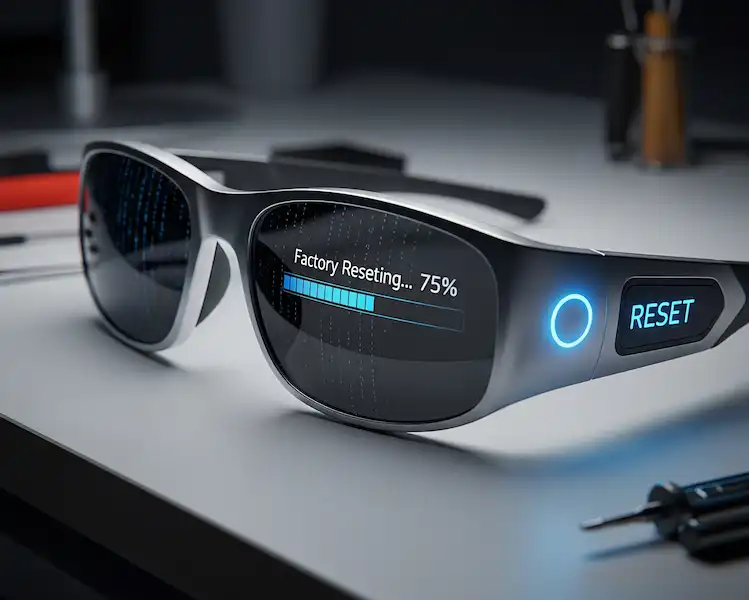
- The Factory Reset: If all else fails, hold the volume up and volume down buttons simultaneously for 60 seconds. It’s a long time, but it’s the only way to “hard” reset the Frames.
Solos Air & Vuzix: Setup and Niche Issues
Solos and Vuzix are more specialized, but they have their own quirks, especially during the first-time setup. These Smart Glasses Troubleshooting suggestions may help:
- Solos Air Setup: One arm is often disconnected in the box. If you don’t “click” it into the hinge with enough force, the glasses won’t power on. You should hear a physical snap. If the app won’t find them, hold the virtual button on the right temple for 10 seconds until the LED flashes orange/white.
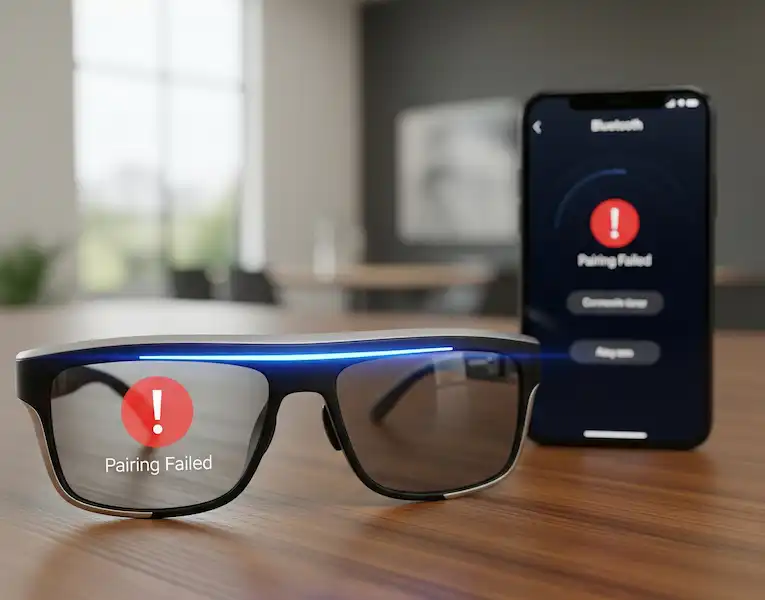
- Vuzix Z100 Syncing: Vuzix is great for notifications, but the “handshake” with the Vuzix Connect app can be finicky. I recommend “forgetting” the device in your phone’s Bluetooth settings and re-pairing directly through the app rather than the phone’s native Bluetooth menu.
Troubleshooting and Maintenance 101
To minimize Smart Glasses Troubleshooting issues, you have to treat them like high-end optics, not rugged plastic.
- No Chemicals: Never use Windex or alcohol-based cleaners. Most smart glasses have specialized coatings (like electrochromic dimming) that can be stripped away by harsh chemicals. Stick to a dry microfiber cloth or a dedicated lens cleaner approved for AR tech.
- The Case is Your Friend: Don’t throw these in a backpack. The hinges on smart glasses are packed with delicate ribbon cables. One bad bend and your “display” is gone forever.
- Battery Health: Try not to let the battery hit 0%. These tiny lithium-ion cells hate being completely drained. If you’re not using them for a few days, leave them at around 50% charge.
FAQs:
Q: Can I wear my smart glasses in the rain? Most smart glasses (like Ray-Ban Meta and Viture) are water-resistant (IPX4), meaning they can handle light splashes or sweat. However, they are not waterproof. Don’t wear them in a downpour, and never submerge them.
Q: Do smart glasses cause eye strain? Yes, they can. This is often due to “Vergence-Accommodation Conflict”—your eyes think they are looking at something far away, but the physical screen is an inch from your face. Follow the 20-20-20 rule: every 20 minutes, look at something 20 feet away for 20 seconds. You can read more about digital eye strain at the American Optometric Association.
Q: Why does the battery life never match what the box says? Manufacturer ratings are usually based on “standby” or light use. If you are livestreaming or using 120Hz displays, expect the battery to drop significantly faster. My Ray-Bans usually last about 4 hours of mixed use, not the “all day” promised.
Q: Can I get prescription lenses for these? Most of them, yes! For XREAL and Viture, you usually need a “lens insert.” For Ray-Ban Meta, you can often order them with prescription lenses directly or take them to a local optician. Just make sure the optician knows not to use high heat when fitting the lenses, as it can melt the internal electronics.
Additional Helpful Information
Learn more about adjustable focus smart glasses – Adjustable Focus Smart Glasses: The Ultimate Guide to Tunable Eyewear