Why I Actually Want a Pair of Smart Glasses Every Single Day
I remember standing in line at a local coffee shop a few months ago, trying to juggle a leaking paper bag, my car keys, and a toddler who was very interested in a nearby display of oversized muffins. My phone buzzed in my pocket—a text from my boss about a sudden meeting change. In that moment, reaching for my phone would have been a slapstick comedy waiting to happen. I probably would have dropped the bag, the phone, or both. Instead, I just glanced slightly to the upper right of my field of vision. A tiny, crisp notification floated there: “Meeting moved to 2 PM. You good?” I whispered, “Yeah, that works,” and went back to saving the muffins from my two-year-old.
That was the moment I stopped thinking of smart glasses as a “tech toy” and started seeing them as a survival tool for the modern world. It wasn’t about being fancy; it was about having my hands back. Yes I Want A Pair Of Smart Glasses every day.
If you’ve been scrolling through the Smart Glasses Support page, you’ve probably seen the technical specs. But specs don’t tell the story of why you’d actually want these things on your face for 12 hours a day. Whether you’re an Android die-hard or an iPhone lifer, there’s a massive gap between “reading about them” and “living with them.” After six months of wearing various pairs, here is the real-world breakdown of why this tech is finally moving from “Sci-Fi” to “My Daily Life.”
1. The “Heads-Up” Life: Ending the Smartphone Slouch
We’ve all seen it: a room full of people, everyone hunched over like they’re praying to a glowing rectangle in their palms. It’s called “tech neck,” and if you haven’t felt it yet, your chiropractor is probably just waiting for the day you do. According to the Spine Health Institute, the strain of looking down at a phone can put up to 60 pounds of pressure on your cervical spine.
When I switched to wearing smart glasses—specifically a pair of Even G2s—the first thing I noticed wasn’t the AI or the translation; it was that I was looking up. I was seeing the trees, the architecture of the buildings I passed, and the eyes of the person I was talking to. Because my notifications, my navigation, and even my grocery list were projected onto my lenses, I didn’t have to break my physical connection with the world to stay digitally connected. It’s a subtle psychological shift, but it makes you feel more “present” in your own life.
2. The Android vs. iPhone Reality Check
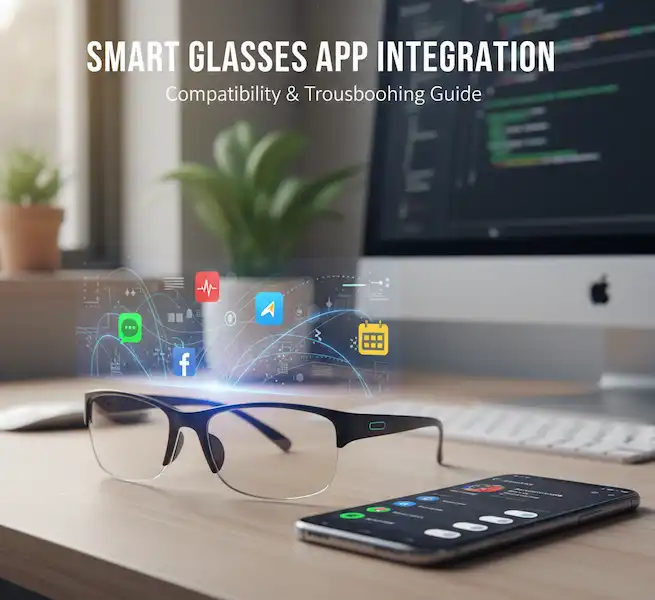
One of the biggest hurdles used to be compatibility. Early on, if you weren’t on the “right” team, half the features didn’t work. Thankfully, the landscape has changed, though the “vibes” of each platform are still very different.
The Android Experience: Freedom and Floating Screens
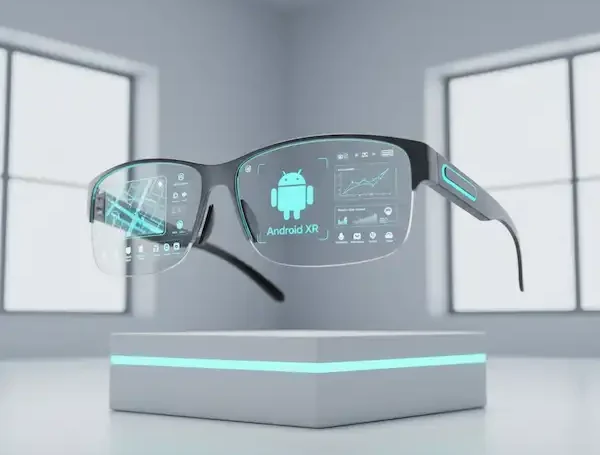
For my friends on Android, the experience is incredibly open. If you have a flagship Samsung, Pixel, or Motorola, you’re in for a treat. Most glasses, like the XREAL Air series, play beautifully with Android’s “Nebula” app.
I’ve had moments where I’m sitting on a cramped airplane, stuck in a middle seat. Instead of trying to balance a laptop on a tray table that’s being crushed by the person in front of me reclining, I just plug my glasses into my phone. Suddenly, I have a 100-inch floating desktop. Because I’m on Android, I can run three apps at once—Slack, a Chrome window, and a YouTube video—all hovering in space. It feels like I’m living in a movie, but I’m actually just finishing a report while my seatmate squints at a tiny seatback screen. Another reason why I Want A Pair Of Smart Glasses.
The integration with Google Assistant is also a game-changer. Since Google is so good at parsing natural language, I can ask my glasses to “Remind me to take the chicken out when I get home,” and it just happens. No fumbling with a lock screen.
The iPhone Experience: The Walled Garden Gets a Window
Apple users often worry about being left out until the mythical “Apple Glass” arrives. While the Apple Vision Pro exists, it’s a headset, not glasses. You aren’t wearing that to a PTA meeting.
However, using Ray-Ban Meta glasses with an iPhone feels surprisingly native. Apple has opened up some of the Bluetooth protocols that allow these devices to work better than ever. Siri works through the frames just as well as she does through AirPods.
The real magic for iPhone users currently lies in the “Look and Ask” AI features. I was in my backyard last week and saw a strange-looking bug on a leaf. Instead of trying to snap a photo, open an app, and upload it, I just tapped the temple of my glasses and said, “Hey Meta, what am I looking at?” It identified the bug (a Spotted Lanternfly, unfortunately) and told me exactly what to do. That level of friction-free information is why I keep them on.
3. Capturing Memories Without Living Behind a Lens
I have a “First Person” video of my daughter seeing the ocean for the first time. It’s a bit shaky, it’s raw, and it’s one of my most prized possessions. Why? Because I didn’t record it by holding a phone in front of my face. I didn’t see her reaction through a 6-inch viewfinder; I saw it with my own eyes while I was holding her hand.
This is the “killer app” for smart glasses. We have become a society of spectators, viewing our most precious moments through a screen so we can “save” them for later. Smart glasses allow you to “capture the vibe” without removing yourself from the moment. Why I Want A Pair Of Smart Glasses. Whether it’s a concert where you want to actually dance, or a hiking trail where you want to keep your hands on your trekking poles, being able to say “Take a video” means you’re a participant, not a cameraman.
4. Navigation That Actually Makes Sense
Have you ever tried to find a specific shop in a crowded city like New York or London while following the “blue dot” on Google Maps? You end up walking half a block in the wrong direction, spinning around, and looking like a lost tourist who’s about to be pickpocketed.
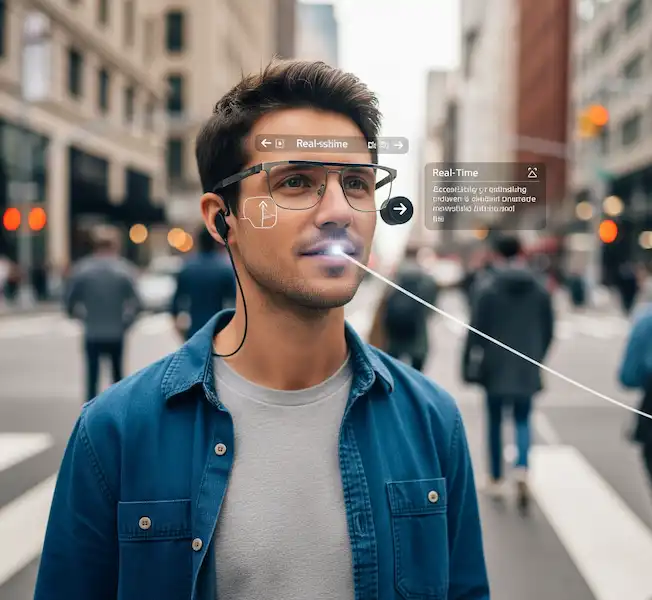
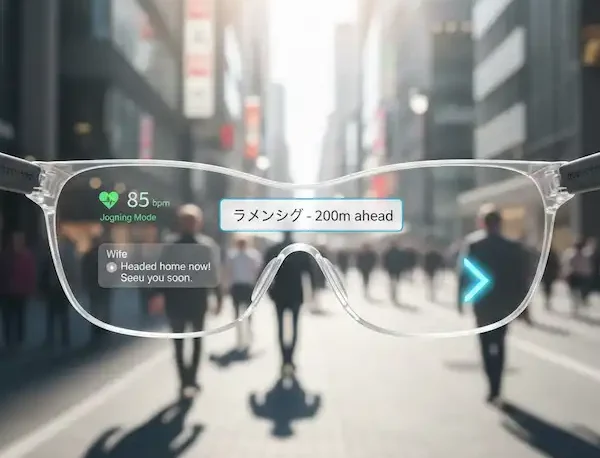
With smart glasses, navigation is “ambient.” Using an app like Luma or integrated Google Maps, you see a subtle arrow on the ground or a small notification telling you to “Turn Left in 50 Feet.” It’s far safer than looking down at a phone while crossing busy streets. I’ve found that I’m much more confident in new cities now. I don’t look lost; I look like I know exactly where I’m going, which is a massive safety boost when you’re traveling solo.
5. The “Invisible” Assistant: Social and Professional Superpowers
The real magic happens when the technology helps you with things you didn’t even know you needed. I’m historically terrible with names. I once worked in an office for three years and still called a guy “Dave” when his name was “Dan.”
Last month, I was at a networking event. Using a contextual AI feature on my Solos AirGo glasses, I had a quick “Dashboard” widget of the people I was scheduled to meet. It wasn’t facial recognition (which is a bit of a legal minefield), but rather a calendar sync that reminded me, “Your 10:15 is with Sarah, she just won an award for her marketing campaign.” It felt like having a personal assistant whispering in my ear.
In a professional setting, being able to see my speaking notes while looking directly at my audience during a presentation is a superpower. I’m not glancing down at a podium or a laptop; the text is just there, floating in the air, invisible to everyone else.
6. What No One Tells You Why You Want A Pair Of Smart Glasses
I’m not here to sell you a dream. There are things about smart glasses that are annoying, and you should know them before you drop $300 to $600.
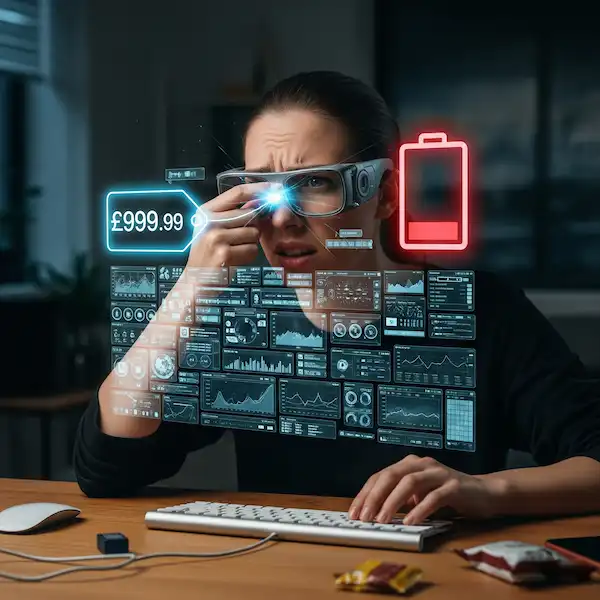
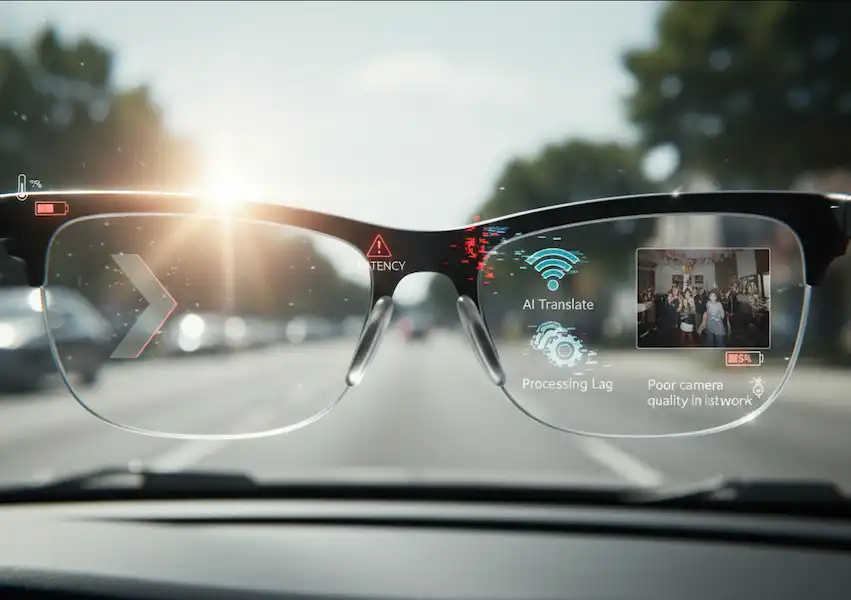
- The Battery Struggle: If you are a power user who records 3K video and streams music all day, you will be hunting for a charger by 2 PM. Most “all-day” glasses are really “all-day notification” glasses. If you use them sparingly, they’ll last. If you use them like a GoPro, they won’t.
- The Heat Factor: Some of the more powerful AR glasses, like the Viture Pro, can get a bit warm near the temples after an hour of heavy use. It’s not “burning” hot, but you definitely feel the electronics working.
- The “Creeper” Stigma: Even though smart glasses have been around for a decade, people are still wary of cameras on faces. I make it a rule: if I’m in a bathroom, a locker room, or a private conversation, the glasses come off or go in my pocket. Modern frames like the Ray-Bans have a very bright LED that turns on when recording, but you still have to be socially aware. Don’t be “that person.”
- Audio Leakage: These don’t use traditional earbuds; they use “open-ear” speakers that aim sound at your ears. In a quiet library, the person sitting next to you will hear your podcast if the volume is up past 50%.
7. A Day in the Life: From Morning Coffee to Evening Relaxing
To give you an idea of how these actually fit into a routine, here’s how a typical Tuesday looks for me, an example of why I Want A Pair Of Smart Glasses.
08:00 AM: I’m making breakfast. My hands are covered in pancake batter. I remember I need to add “eggs” to the list. I just say it out loud. My glasses add it to my synced grocery list. No washing hands just to touch a screen.
10:00 AM: I’m on a Zoom call at my desk. I’m wearing my XREALs. Instead of one small laptop screen, I have three virtual monitors stretched across my home office wall. I can see my colleagues on one, my research on another, and my email on the third.
01:00 PM: I’m walking the dog. I get a phone call. I don’t have to fish my phone out of my pocket while holding a leash and a poop bag. I just double-tap my temple and start talking. The noise-canceling microphones are so good the person on the other end doesn’t even know I’m outside in the wind.
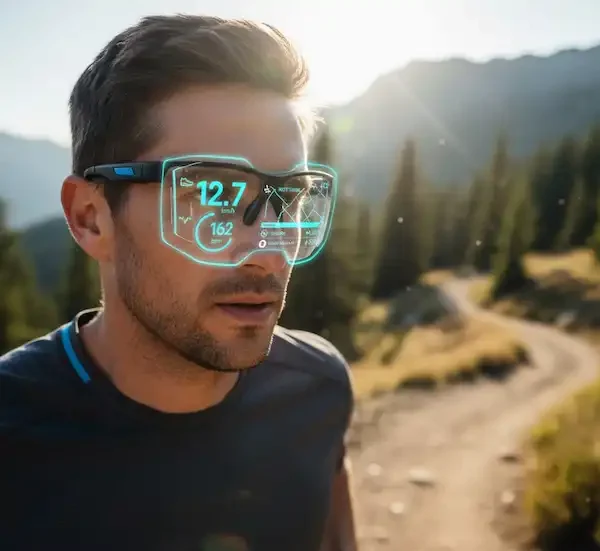
06:00 PM: I’m at the gym. I’m following a workout routine on a virtual overlay. It shows me the timer and the next set right in my field of vision so I don’t have to keep walking back to my phone on the floor.
09:00 PM: The kids are asleep. My spouse wants to sleep, but I want to watch a movie. I put on the glasses, plug them into my phone, and watch Dune on a “cinema-sized” screen while lying flat on my back. The audio is directed at my ears, so it doesn’t wake anyone up.
The “Small Moments” That Matter
I didn’t think about the “little” things until I’d worn these for a month. Like cooking. I love to cook, but I’m a mess. My hands are always covered in flour or oil. Following a recipe on a tablet usually involves me “knuckle-tapping” the screen to keep it from going to sleep. Now? I just have the recipe open in my glasses. I can scroll through the steps with a simple head nod or a voice command. It keeps my kitchen cleaner and my stress levels lower.
Or think about the “DIY” moments. I was under my sink last week trying to fix a leak. I had a YouTube tutorial playing in the corner of my glasses. I didn’t have to crawl out from under the pipes every thirty seconds to see what the guy on the screen was doing. I could watch him and copy the motion in real-time. That’s not just “cool tech”—that’s a practical evolution of how we learn and why I Want A Pair Of Smart Glasses.
It’s these tiny efficiencies that add up over a day. You save ten seconds here, a minute there. By the end of the day, you’ve saved twenty minutes of “fiddling” and spent that time actually doing the things you enjoy. That’s the real reason you Want A Pair Of Smart Glasses.
8. Why Now? The Convergence of Tech and Style
For years, smart glasses looked like something out of a bad 80s movie—clunky, plastic, and screaming “I am a nerd!” But we’ve hit a tipping point. Companies are finally hiring actual eyewear designers.
If you look at the Lucyd Lyte or the Ray-Ban Meta frames, you genuinely cannot tell they are smart glasses until you look closely at the hinges. This is crucial. We wear glasses as a fashion statement as much as a functional tool. By making them look like standard Wayfarers or Round frames, the “barrier to entry” has dropped. I can wear them to a wedding or a funeral without feeling like a tech-dork.
9. Choosing the Right Pair: My “Cheatsheet”
I get emails all the time asking “Which one should I buy?” It really depends on your “Main Goal.” Why you might Want A Pair Of Smart Glasses:
- For the “Content Creator”: If you want the best camera and the best social media integration, get the Ray-Ban Meta. Nothing else comes close to the ease of posting to Instagram or TikTok.
- For the “Digital Nomad”: If you want to work from a coffee shop without carrying a second monitor, the XREAL Air 2 Pro is the winner. The “electromagnetic dimming” (which turns the lenses dark at the touch of a button) is essential for seeing your virtual screen in bright light.
- For the “Health Nut”: Some glasses, like the Solos AirGo 3, have built-in posture sensors. They’ll actually beep at you if you start slouching. It sounds annoying, but it’s helped my back pain more than any chair I’ve bought.
- For the “Minimalist”: If you hate the idea of a camera but want the audio and the AI, look at the Amazon Echo Frames. They are lightweight and the “VIP filter” ensures you only hear notifications from the people you actually care about.
10. The Future: Where Is This Going?
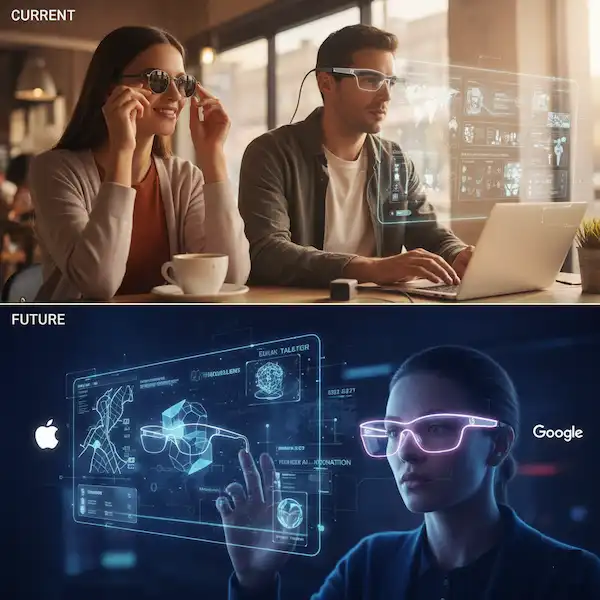
We are currently in the “Black and White TV” era of smart glasses. Within the next five years, we’ll likely see “True AR”—where the glasses can overlay digital objects onto the physical world with perfect stability. Imagine looking at your broken dishwasher and seeing a 3D arrow pointing to the exact screw you need to loosen.
But even without the future tech, the current “Smart Audio and Notifications” phase is a massive quality-of-life upgrade. We spent the last twenty years looking down at our palms. The next twenty are going to be about looking back up.
Frequently Asked Questions (FAQ)
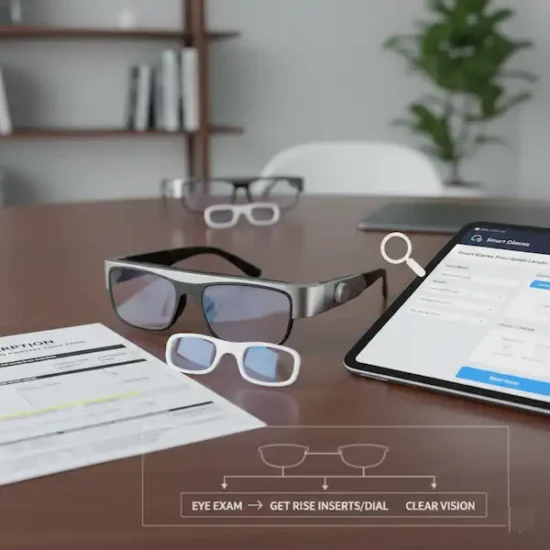
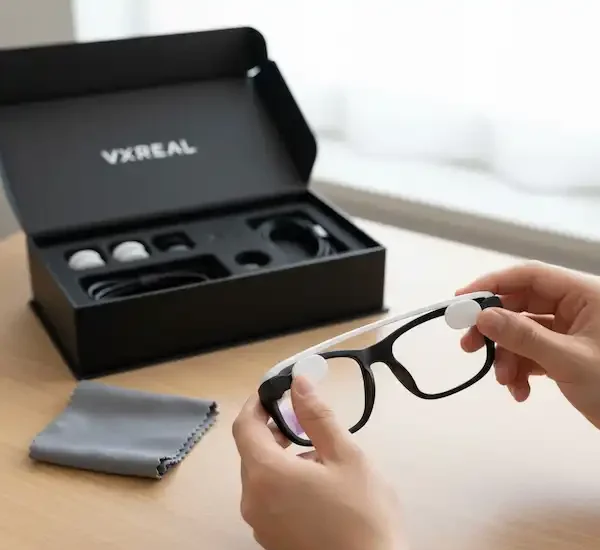
Q: Do I need a prescription to wear these? A: Not at all. Most brands come with “plano” (clear, non-prescription) lenses. However, if you do wear prescription glasses, you have options. Most brands offer prescription lens inserts, or you can take them to a specialist like Lensabl who can cut custom lenses for the frames.
Q: Will they make me dizzy? A: If you’re using “Display” glasses (like XREAL), there can be a slight learning curve as your brain adjusts to a floating screen. If you’re using “Audio/Notification” glasses (like Ray-Ban Meta), there is zero dizziness because there’s nothing blocking your vision.
Q: Can I use them with any phone? A: Mostly yes, but check the connector. Most AR glasses require a USB-C port that supports “DisplayPort Alt Mode.” Most modern Android flagships and the iPhone 15/16 series have this. Older iPhones will need a specialized adapter.
Q: Is the AI always listening? A: Most glasses use a “wake word” system (like “Hey Meta” or “Hey Siri”). The microphones are technically active to listen for that specific phrase, but the audio isn’t sent to the cloud until the wake word is triggered. If you’re worried, most have a physical privacy switch to cut the power to the mics.
Q: Are they waterproof? A: Think of them like your phone. They can handle a light rain or some sweat at the gym (usually IPX4 rated), but if you drop them in a pool or take them in the shower, they’re toasted.
Q: How do they handle phone calls? A: Surprisingly well. They use “beamforming” microphones that isolate your voice from the background noise. I’ve taken calls while walking down a busy street, and the person on the other end said I sounded like I was in a quiet office.
The Bottom Line
Smart glasses aren’t trying to replace your phone; they’re trying to get your phone out of your way so you can actually live your life. I didn’t realize how much of my day was spent “managing” my device—pulling it out, unlocking it, checking a notification, getting distracted by Instagram, and then forgetting what I was doing.
With smart glasses, that friction disappears. I get the info I need, and I stay in the moment. I’m never going back to a “dumb” pair of frames. Life is just too interesting to see it without a little bit of extra help.
Additional Helpful Content
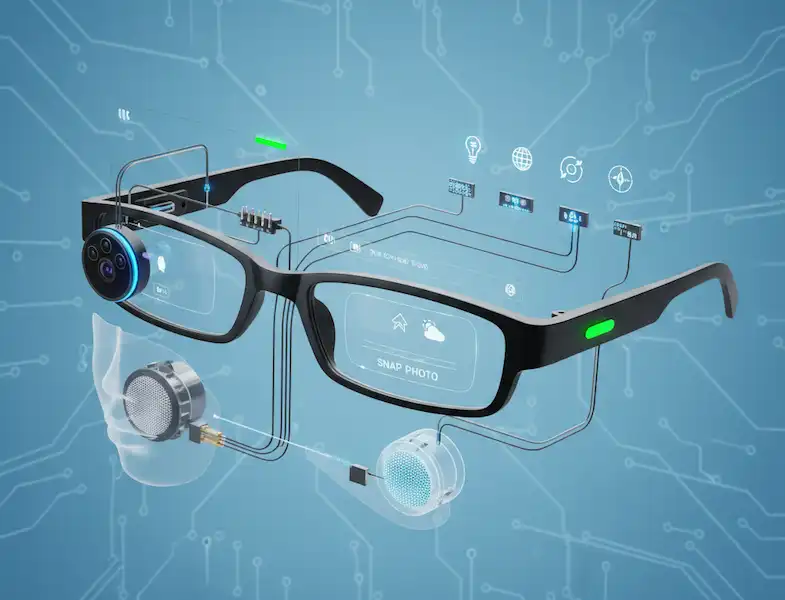
- More details about the technology used by smart glasses – Smart Glasses Technology – Key Technologies in Smart Glasses
External Links for Authoritative Sources
- National Library of Medicine (NIH) – PubMed Central: For peer-reviewed studies on the applications of smart glasses in fields like healthcare and emergency services, search this database. For example, a study titled “Applications and User Perceptions of Smart Glasses in Emergency Medical Services” provides a detailed look at real-world use cases and user feedback. https://www.ncbi.nlm.nih.go
- MDPI (Multidisciplinary Digital Publishing Institute): A publisher of open-access scientific journals. You can find systematic reviews and research papers on smart glasses, such as “Applications of Smart Glasses in Applied Sciences: A Systematic Review.” https://www.mdpi.com